Features

Jukebox, Party Mode and phone remote

The features that work across all of Digital Center: a locked party jukebox, guests adding songs from their own phones, pay to play, skins, home screen effects and extra screens.

Jukebox

Let the guests pick the music

Lock the screen, open it to phones, or charge per song.

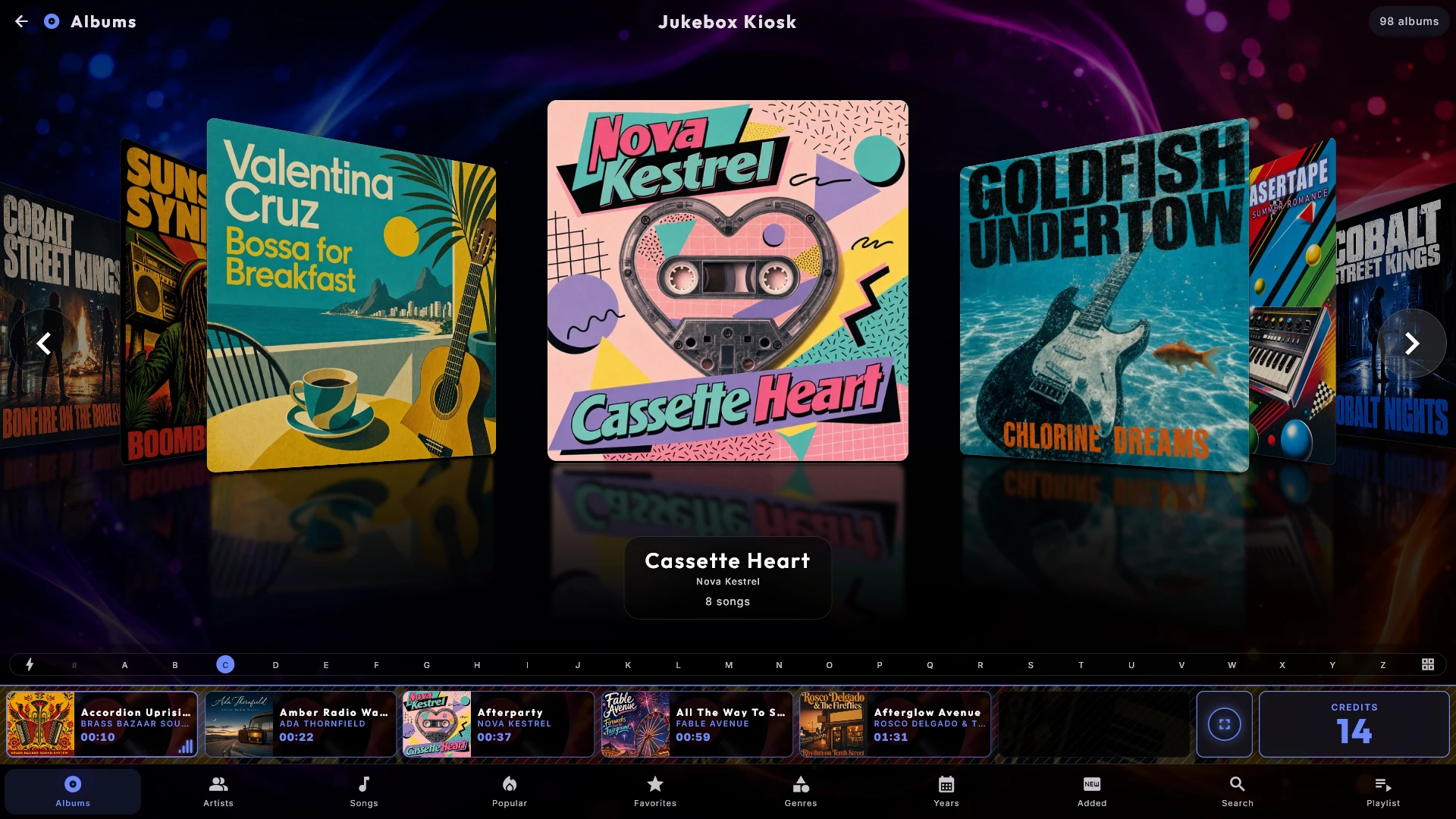
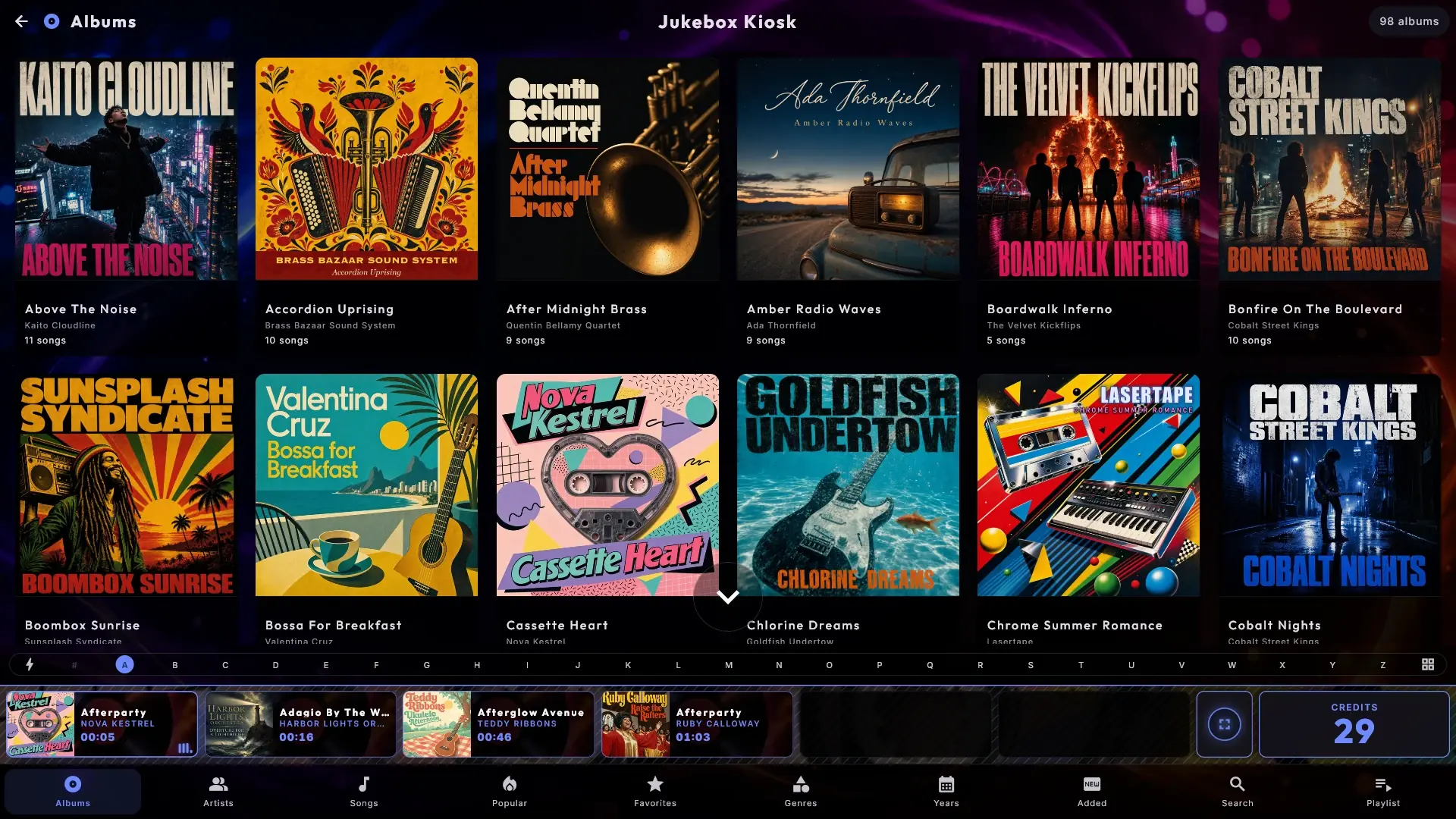
The album wall in Party Mode, with a credit counter in the cornerHome and Professional

Party Mode - locked jukebox

A locked jukebox with passwords and rules per playlist.

Read more

Turn the system into a locked jukebox with party and admin passwords, three access levels, automatic logout and rules per playlist. Included in Home and Professional.
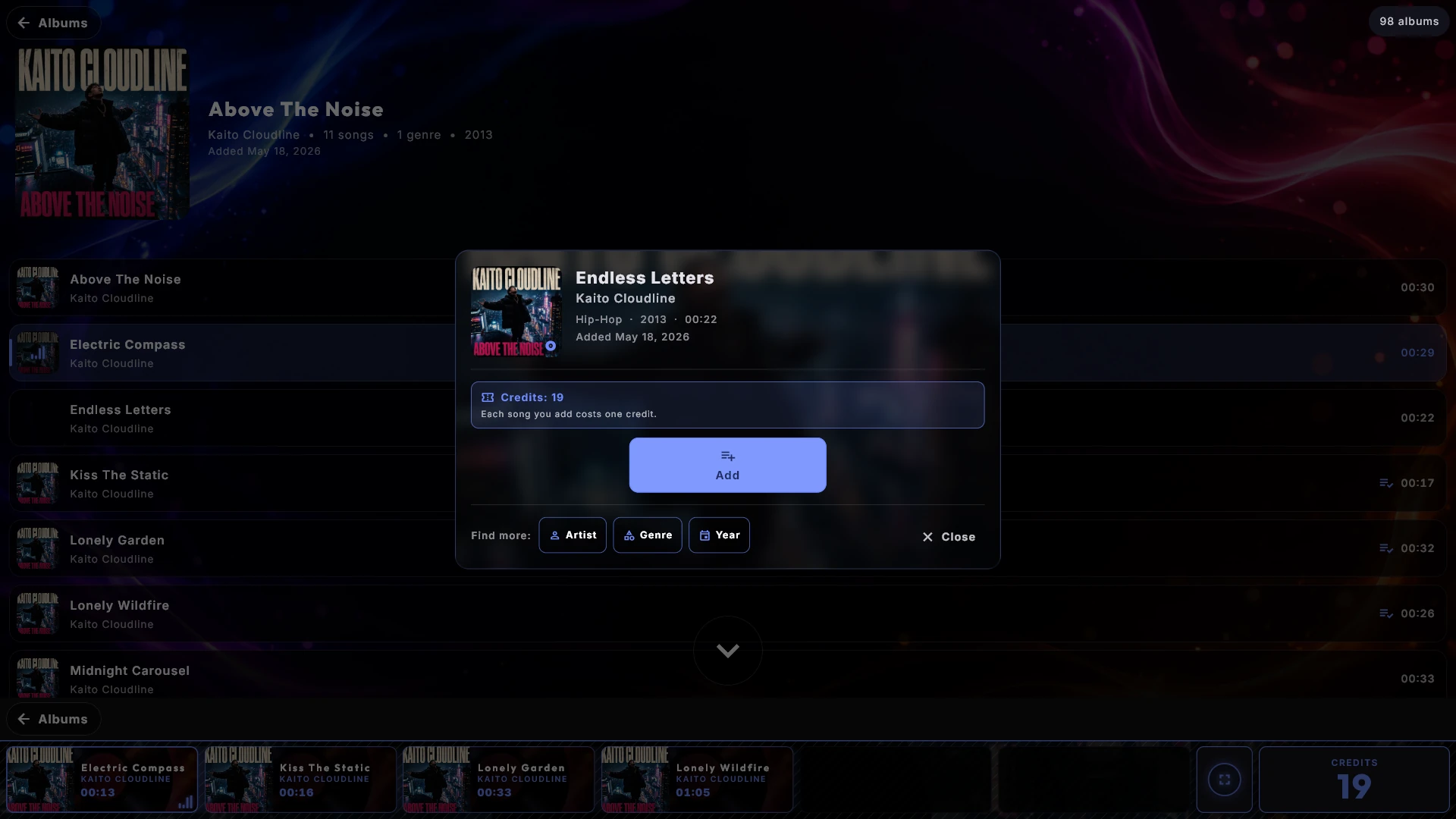
Adding a song in Credit Mode: a dialog says each song costs one credit, with 19 credits leftProfessional

Credit Mode - pay to play

Pay to play with a coin acceptor or a payment terminal.

Read more

Make the jukebox pay-to-play with a coin acceptor or bill validator that sends a key press, or a payment terminal that can send a simple network message. Set credits per payment and keep a shared balance, and the screen stays locked for guests. Included in Professional.

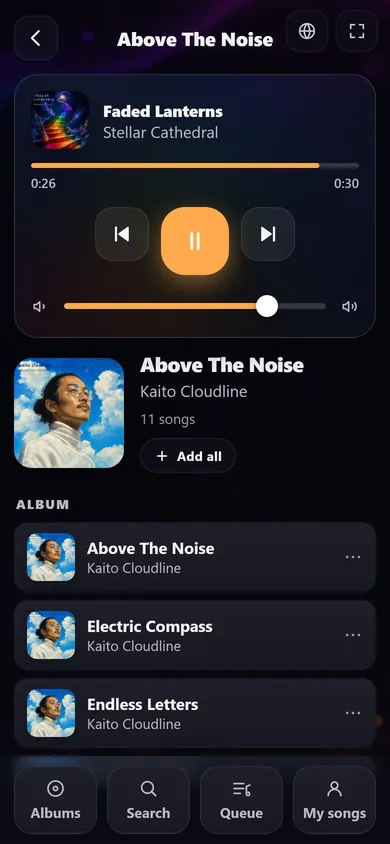
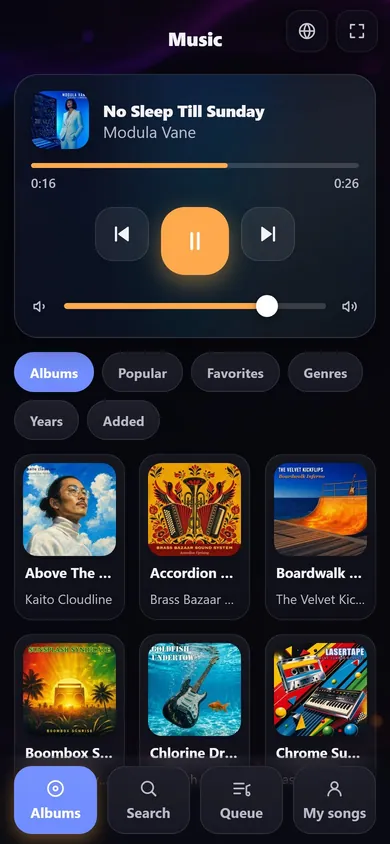
The phone remote showing an album, its songs and the now-playing controls

Phone remote control

Guests scan a QR code and add songs from their own phone.

Read more

Guests scan a QR code and control the jukebox from their own phone in the browser - nothing to install. You can reset the QR code at any time to shut out old guests.

Professional

Ads & idents

Ads and jingles between songs, like a music TV channel.

Read more

Play your own short clips - ads, station idents and audio jingles - between the songs and music videos, like a radio or music TV channel. Several ads play together as an ad block, each ad can have start and end dates, times of day and weekdays, and you can see how many times each one has been shown. An extra screen can show your ads on a loop. Included in Professional.

Playback

One player that never stops

A shared queue, smooth crossfades and a screensaver that shows what is playing.

The home screen with the now-playing bar along the bottom, so the music keeps going while you browse

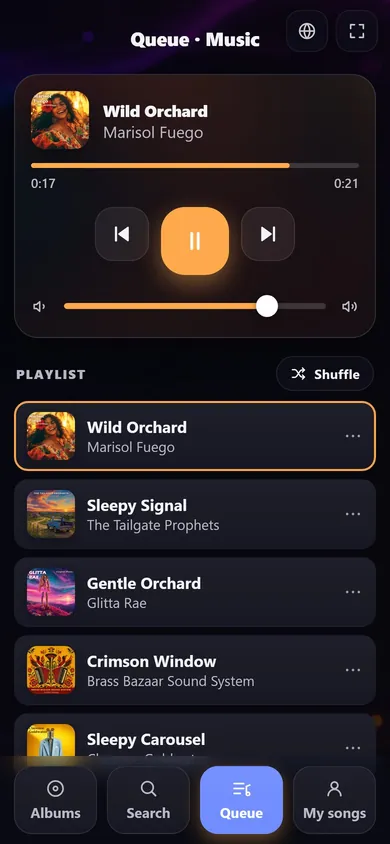
Shared player with queue and crossfade

One queue for every center, with crossfade and a player dock.

Read more

One player across all centers with a queue, crossfade, auto-advance and an always-playing fallback. A player dock slides up on the home screen when something is playing.

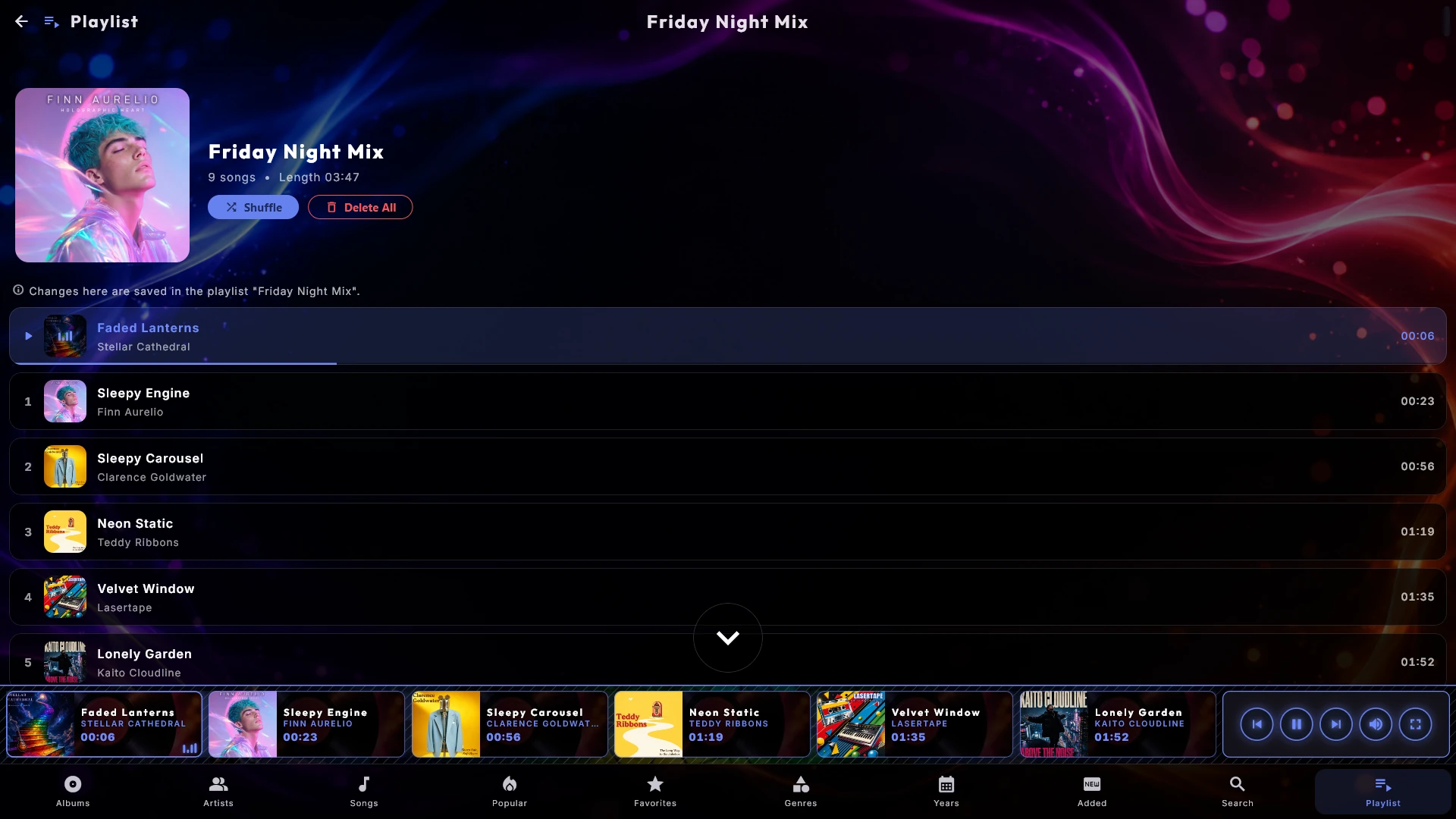
A playlist open in Digital Center, with its songs listed and the queue along the bottom

Playlists per media type

Separate playlists for music, video, karaoke, films and YouTube.

Read more

Separate playlists for music, video, karaoke, movies and YouTube. Shuffle, repeat, default list and filtering by themes.

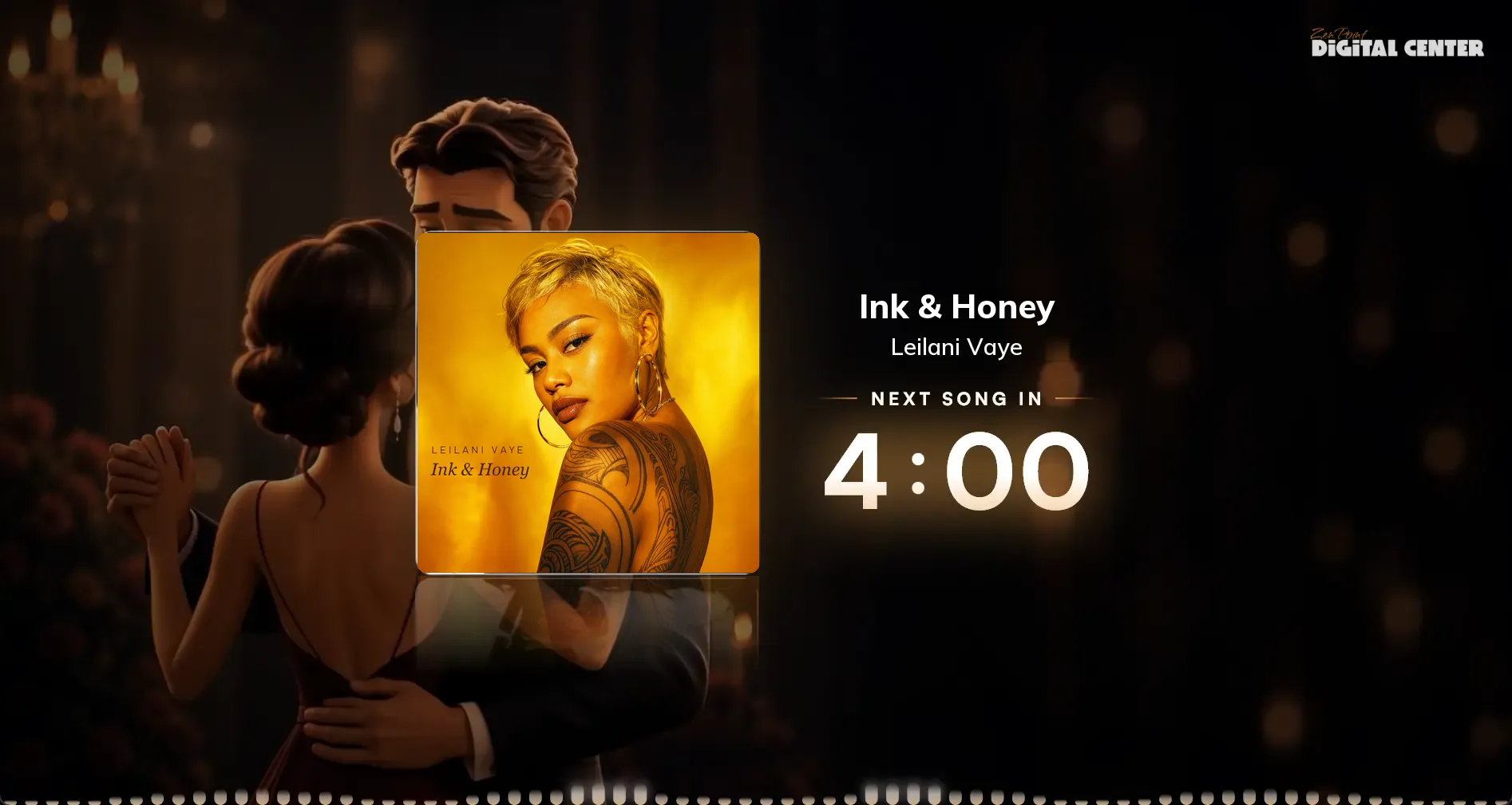
The screensaver showing an album cover and a countdown to the next song

Screensaver with now-playing

Shows the cover, the next song and the time left.

Read more

A screensaver that shows what is now playing (cover, spectrum, movie or karaoke lyrics) or your logo and a clock - with support for multiple screens.

Professional

Volume and music by time of day

Quieter at lunch, louder at night, all by itself.

Read more

Let the day run by itself: the volume follows a schedule, for example quieter at lunch and louder in the evening, and the music theme changes on its own, for example calm music in the afternoon and party music at night. Staff can still turn it up or down until the next change. Included in Professional.

Look and feel

Make it look like your place

Skins, home screen effects and 16 languages, on a wide or a tall screen.

Skins: one screen, any look

Free skins from the catalog, or design your own.

Read more

The Default skin comes with the app, and more skins are free to download from the catalog inside it. Or make your own in the built-in skin editor: background (image or video), colors, fonts, tiles, covers and intro music. A new look applies live, with no restart. Your own logo and full white-label branding: Professional.

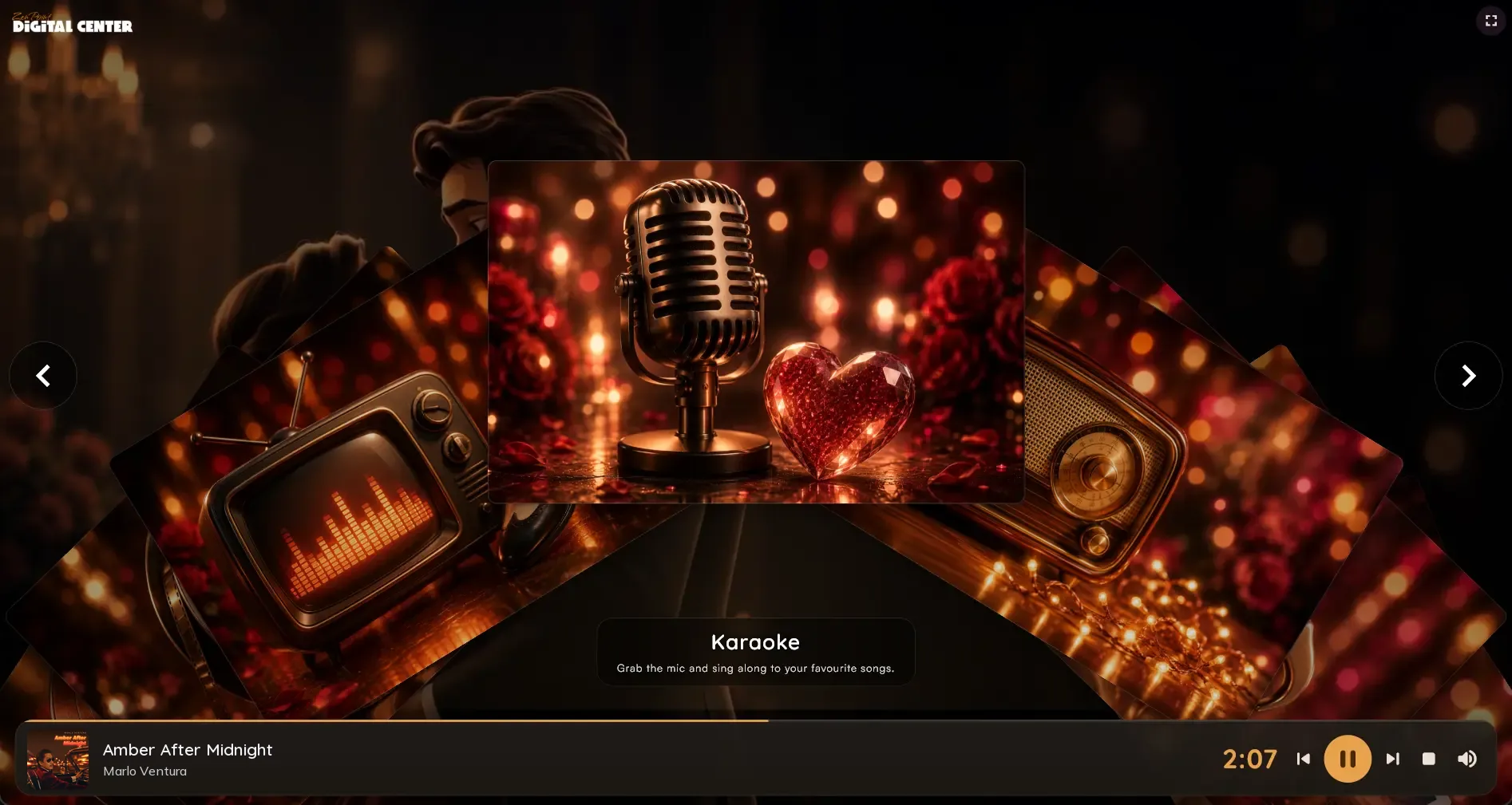
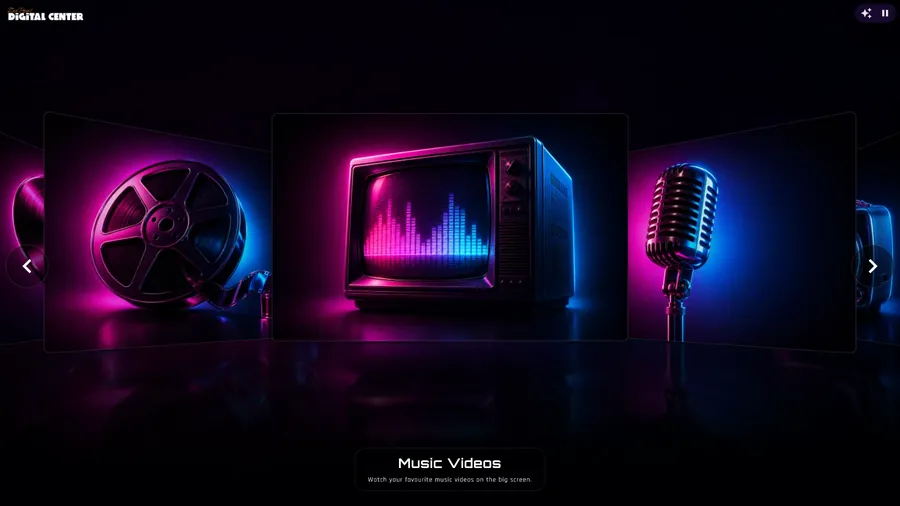
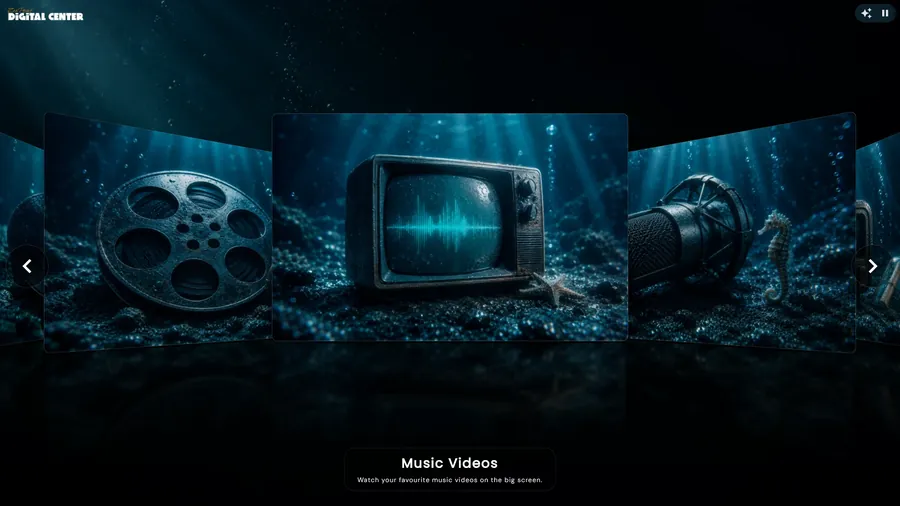
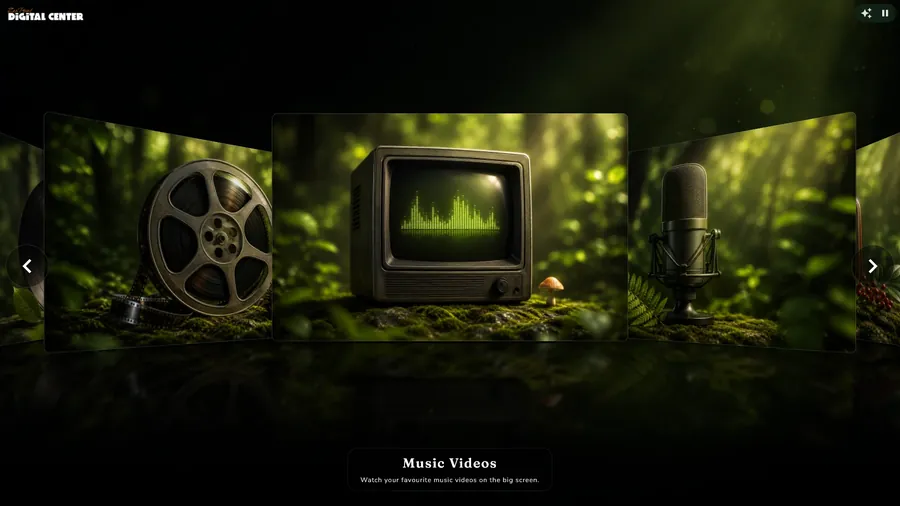
The home screen's center tiles arranged in a 3D carousel

20 home screen effects

Carousel, cover flow, cube, flip and more ways to browse.

Read more

Choose between grid, 3D carousel, cover flow, slider, a vertical and a horizontal wheel, stack, mosaic, fan, spotlight, list and fill screen, plus eight page-turning effects such as flip, cube, push and swing. The effect adapts automatically to portrait and landscape.

16 languages

Danish, English, German, Spanish and twelve more.

Read more

Digital Center speaks 16 languages - including Danish, English, German, Swedish, Norwegian, Finnish, Spanish, Italian, French, Czech and more. Choose directly in the settings.

Digital Center in landscape on a wide screenDigital Center in portrait on an upright screen

Portrait and landscape

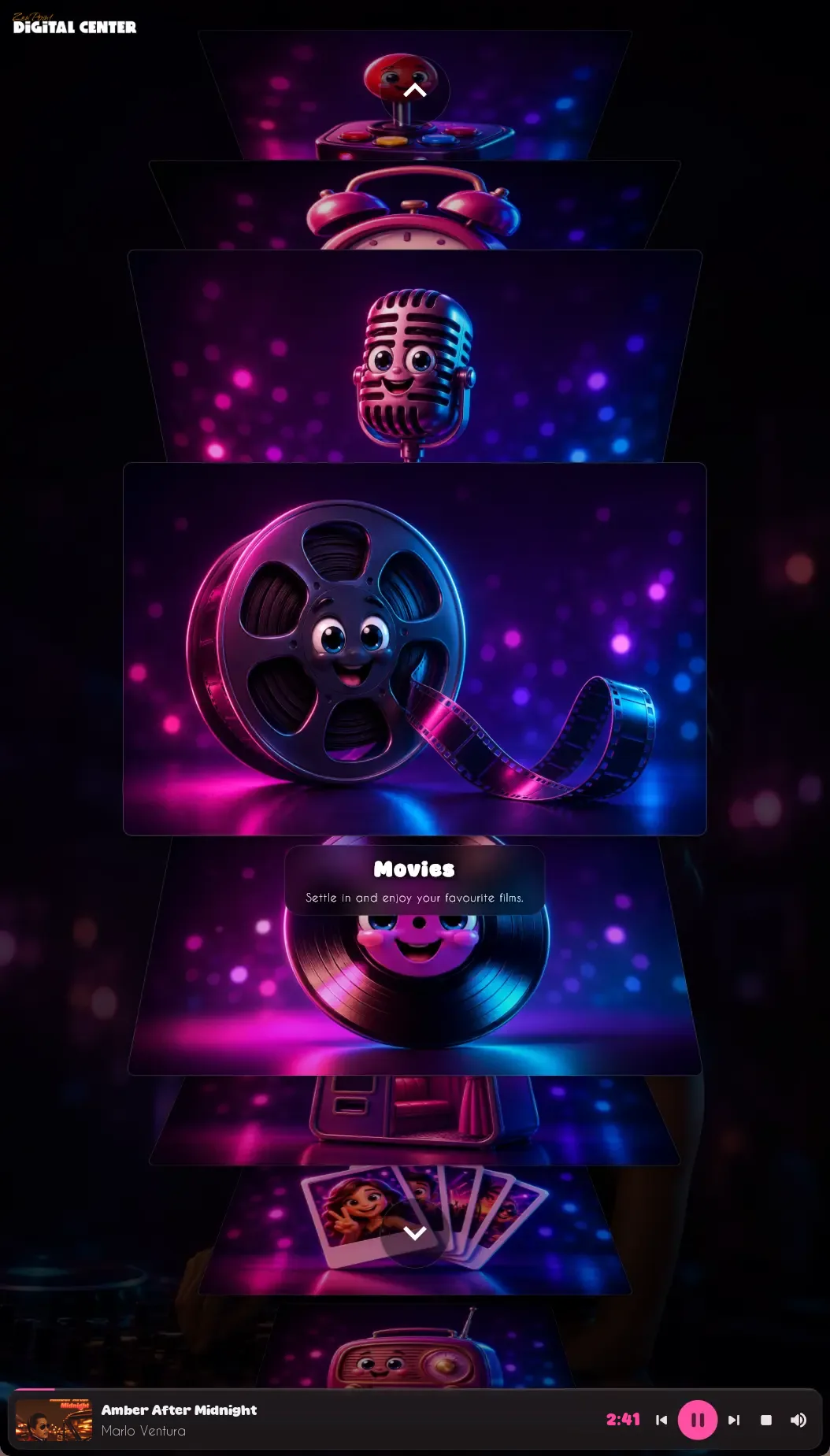
Made for a wide TV and for a tall screen.

Read more

Run Digital Center on a horizontal or a vertical screen. The home screen, effects and skin backgrounds adapt automatically to the orientation - ideal for both a wide TV and a tall screen at the venue.

Running it

Built to run all night

Extra screens, any controller, play statistics and a locked full screen.

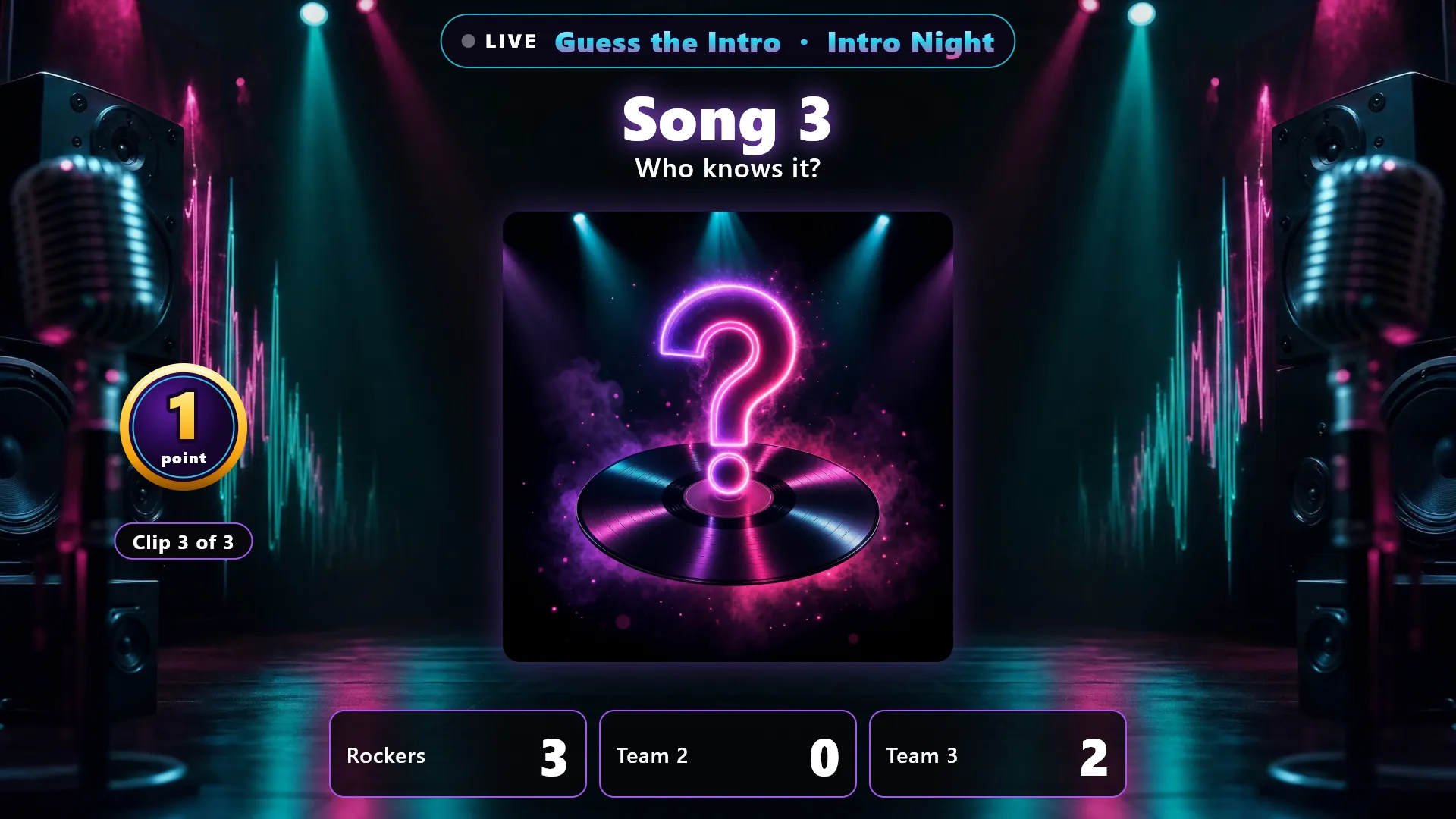
A second screen showing a Guess the Intro round with the teams' scores

Multi-monitor

Give each extra screen its own job.

Read more

Choose a main screen and additional display screens, and decide what each extra screen shows: follow playback, a photo slideshow, photo booth pictures, a world clock, the weather or a music visualizer with 8 styles.

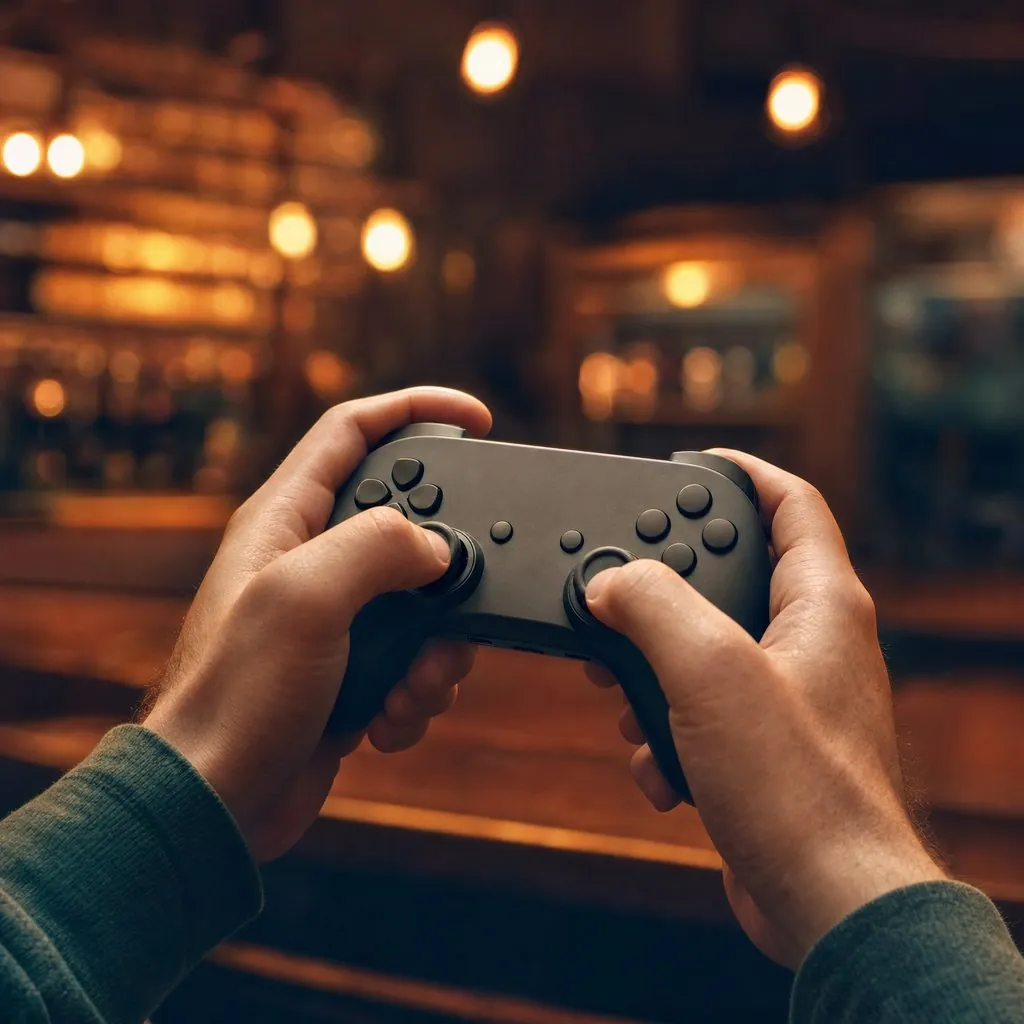
Hands holding a game controller

Control with mouse, touch, keyboard and controller

Mouse, touch, keyboard or a game controller.

Read more

Control everything with mouse, touch, keyboard or gamepad. Extensive keyboard navigation and shortcuts make operation lightning fast.

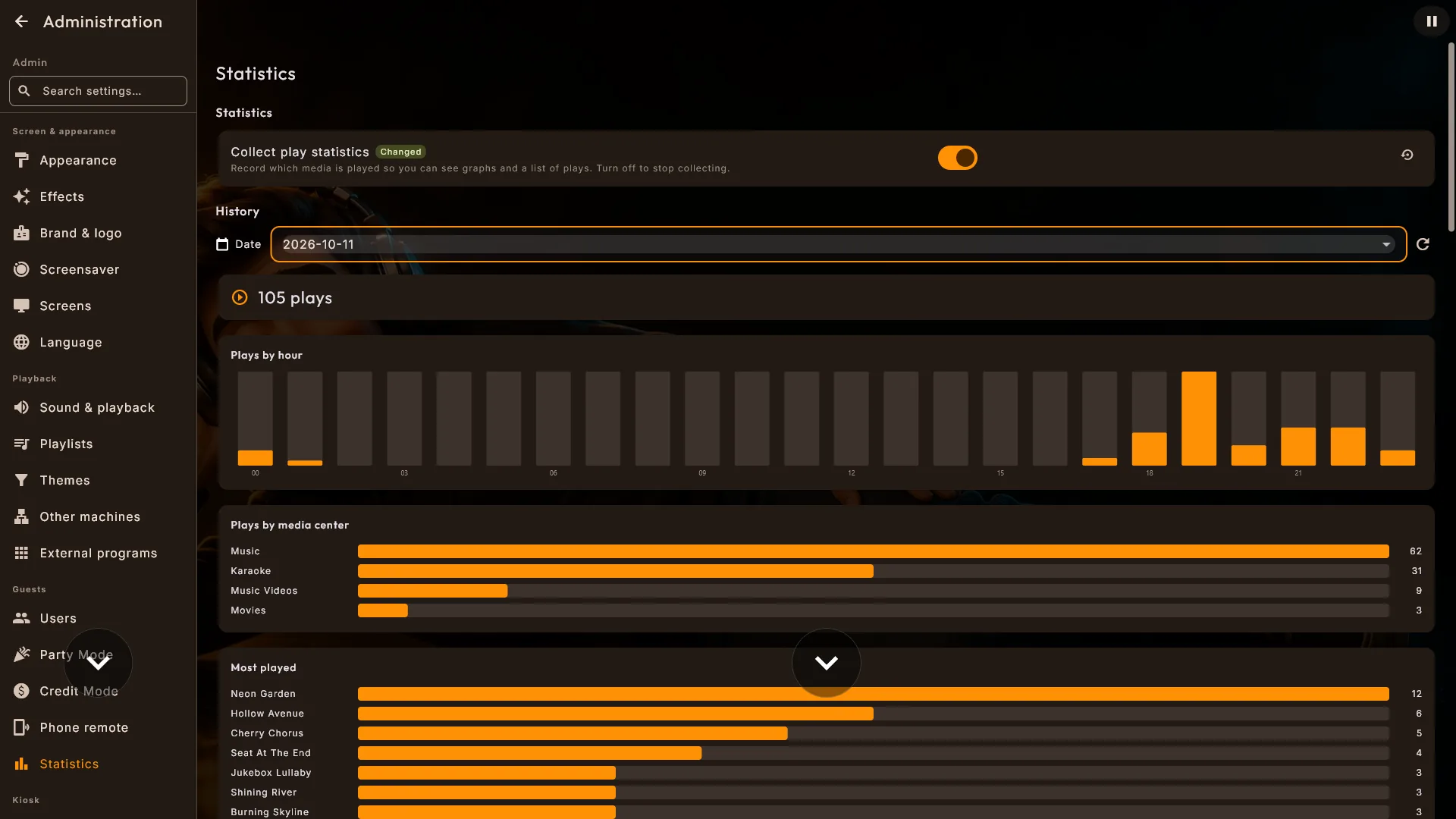
The statistics page in Administration, with bar charts of plays by hour, by center and most played songsProfessional

Statistics and overview

See what was played, hour by hour.

Read more

Track play history, view graphs per hour and per center, and find the most played tracks - useful for venues and for documenting rental. Included in Professional.

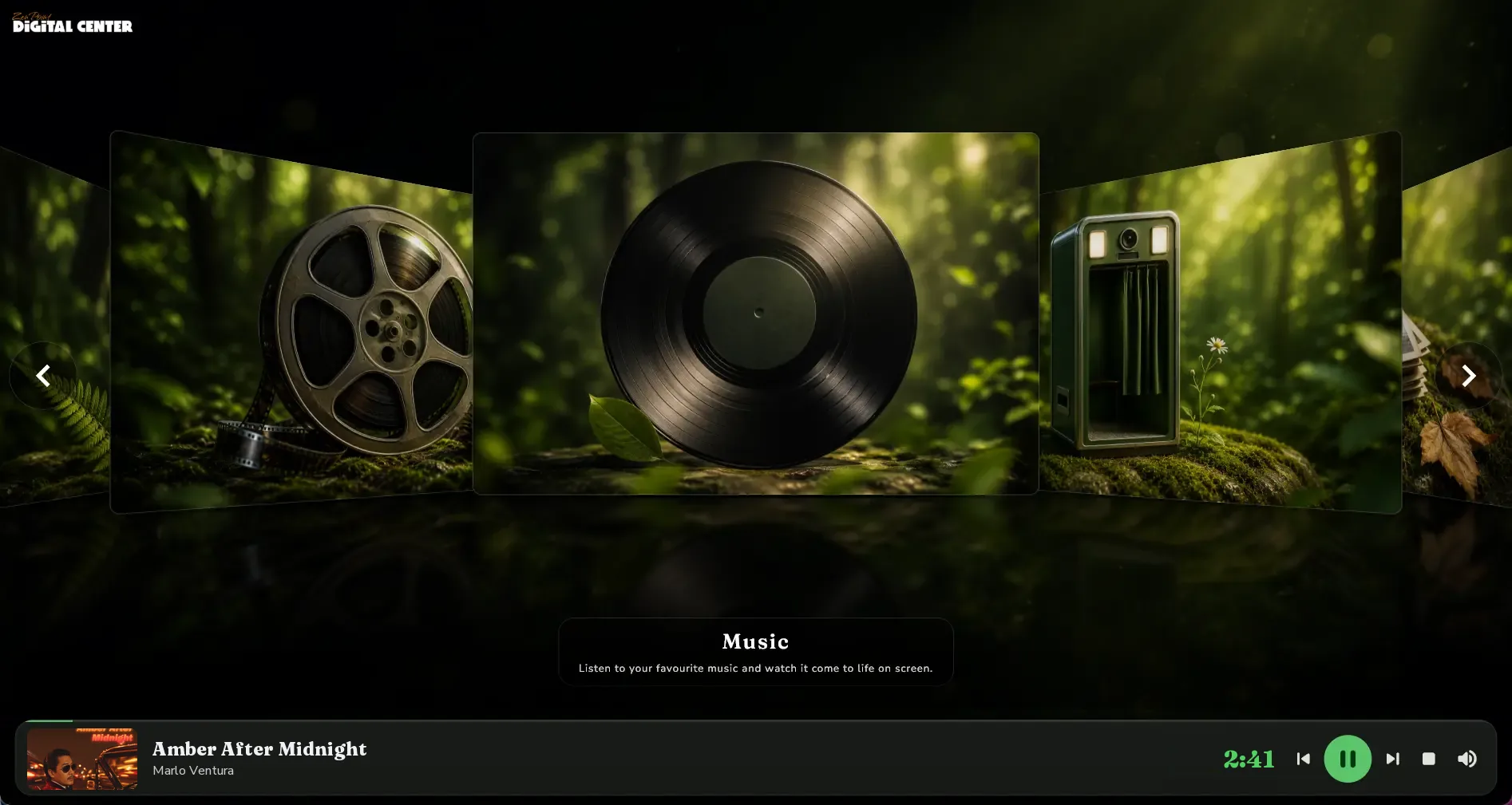
Digital Center's home screen: a 3D carousel of center tiles with Music in front

Full-screen kiosk mode

Borderless, always on top and locked down.

Read more

Runs borderless and always on top in a locked full screen - perfect for the living room, the party venue or the exhibition.

Free 7-day trial and a license that works offline

Try every feature free for 7 days. After you buy, Digital Center works offline, and the license renews itself in the background whenever the computer is online.

Try it free

Thirteen centers on one home screen

Music, karaoke, films, music videos, arcade, party games, photo booth, radio, YouTube and more - each with its own page, screenshots and details.

Visualizer

Music you can see.

When the room is listening, the screen moves with the music. On the screensaver or on an extra screen, pick one of 8 styles.

RaysBeams of light pulse with the beat.
Circle equalizerThe sound rings around the center.
Morphing blobA soft shape that breathes with the music.
RipplesWaves spread out with every beat.

Real recordings from Digital Center, shown without sound.