

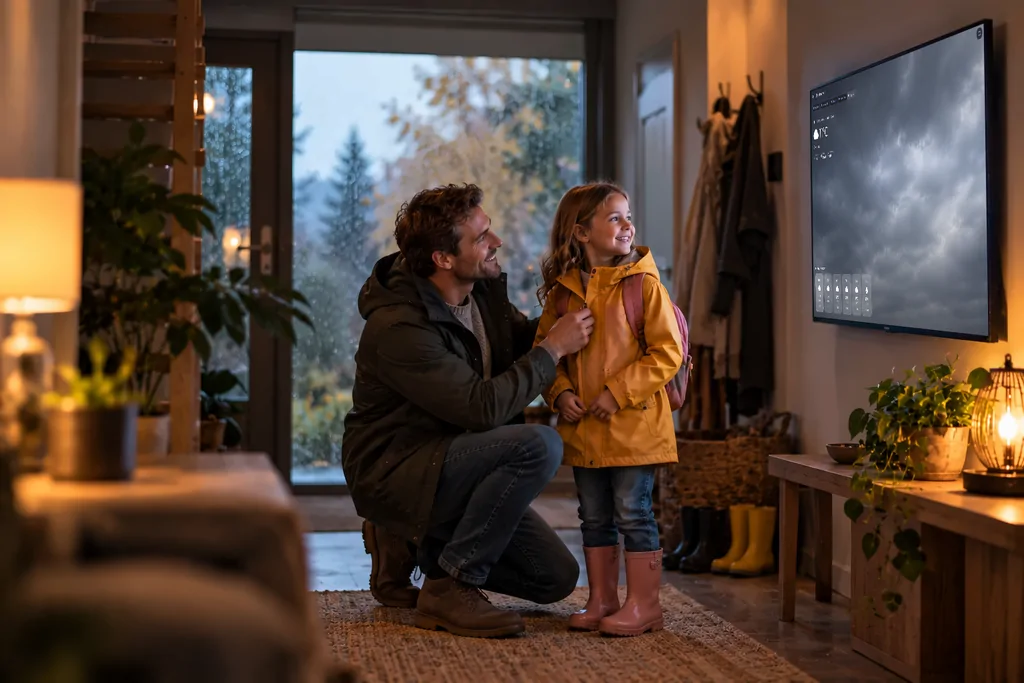
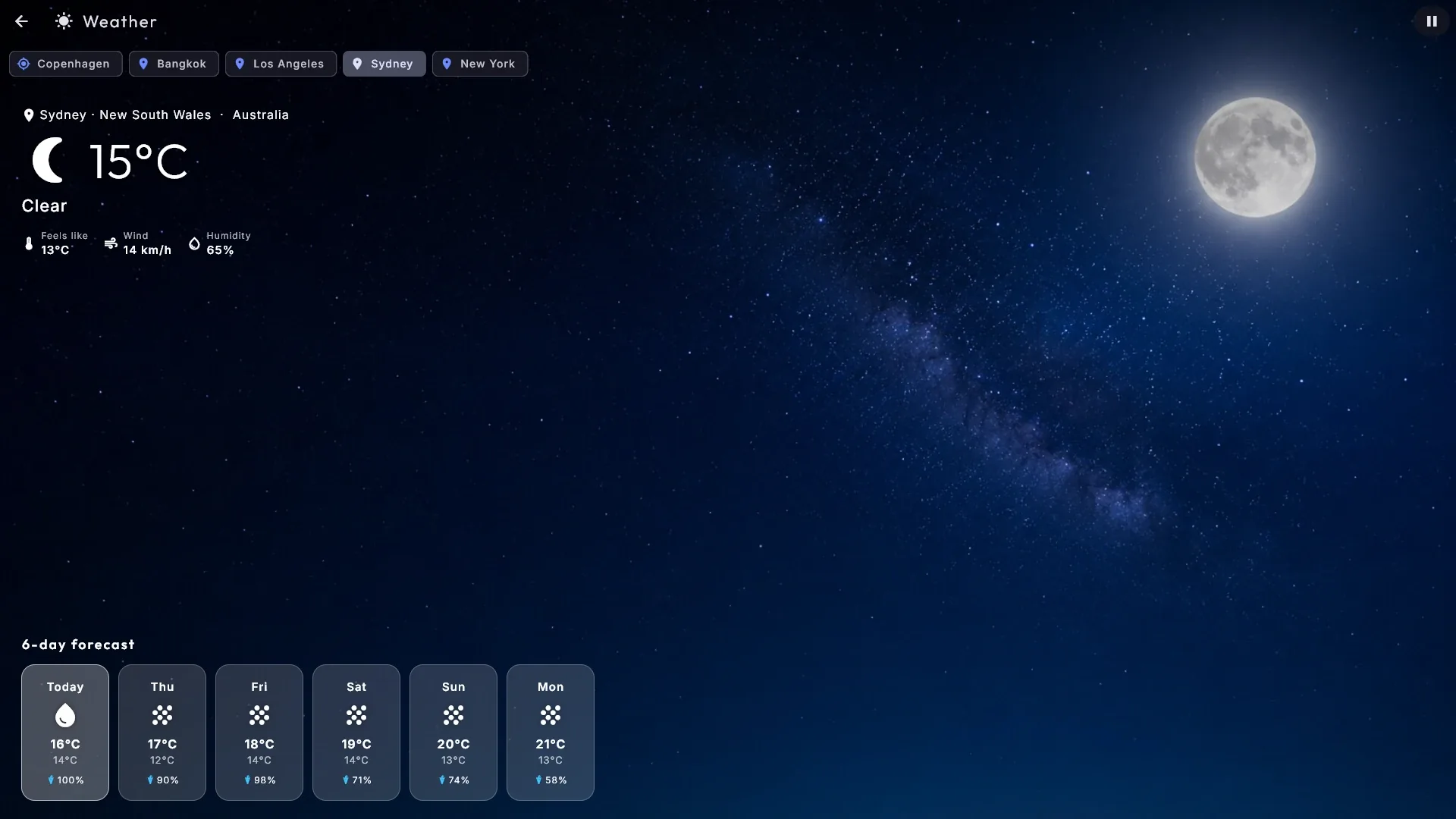
The Weather center shows an animated weather view. It is free and needs no account or sign-up. Save your favorite locations and get a quick overview of the weather when Digital Center is used as an info screen.
Included in: Both editions - Professional and Room.
A closer look
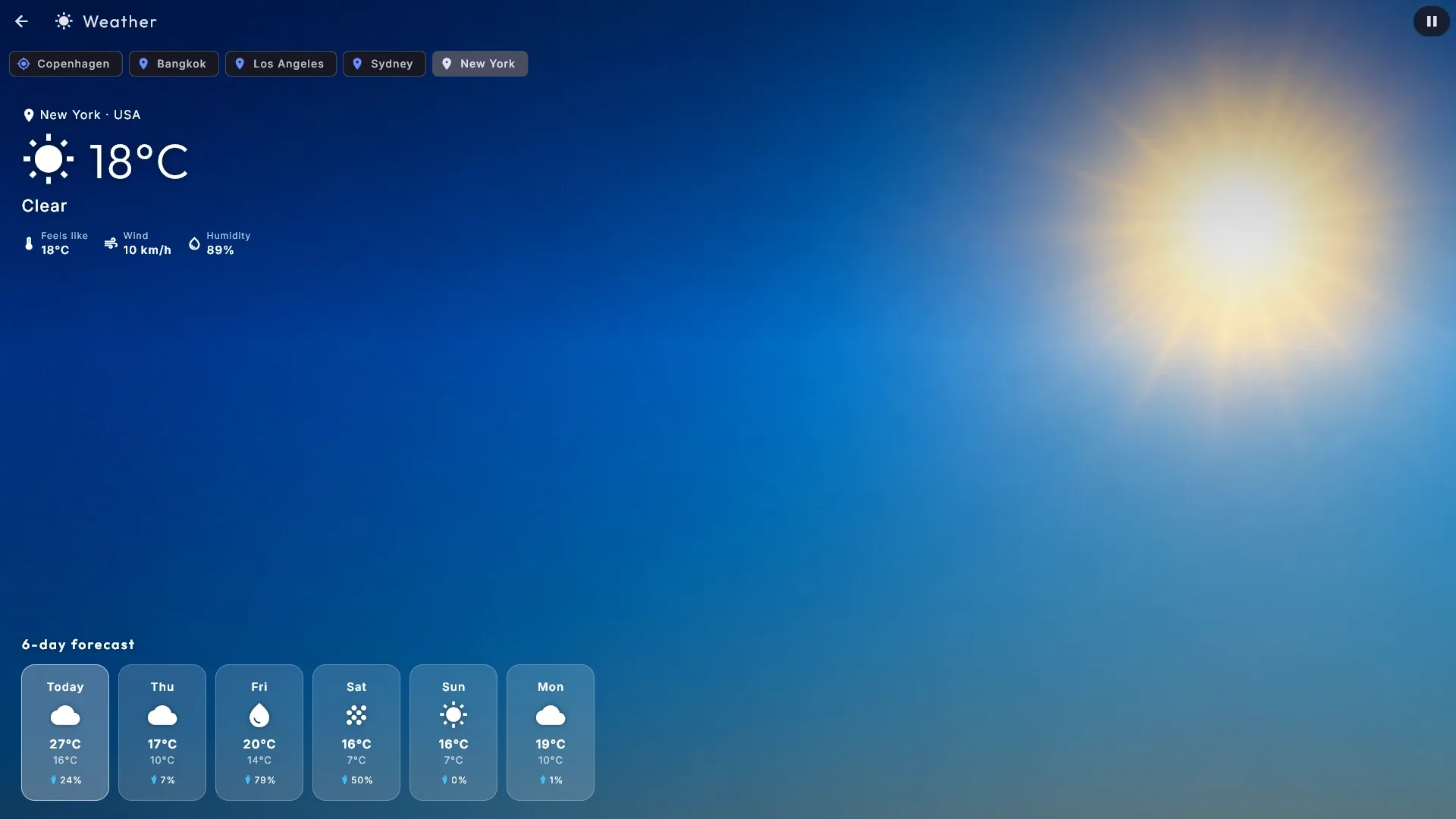
Today and the days ahead
The Weather center shows the weather for today and the coming days with lively animations - rain that falls, clouds that drift, a sun that actually shines. Alongside the temperature you get "feels like", wind and humidity, so it is a real forecast and not just a pretty picture.
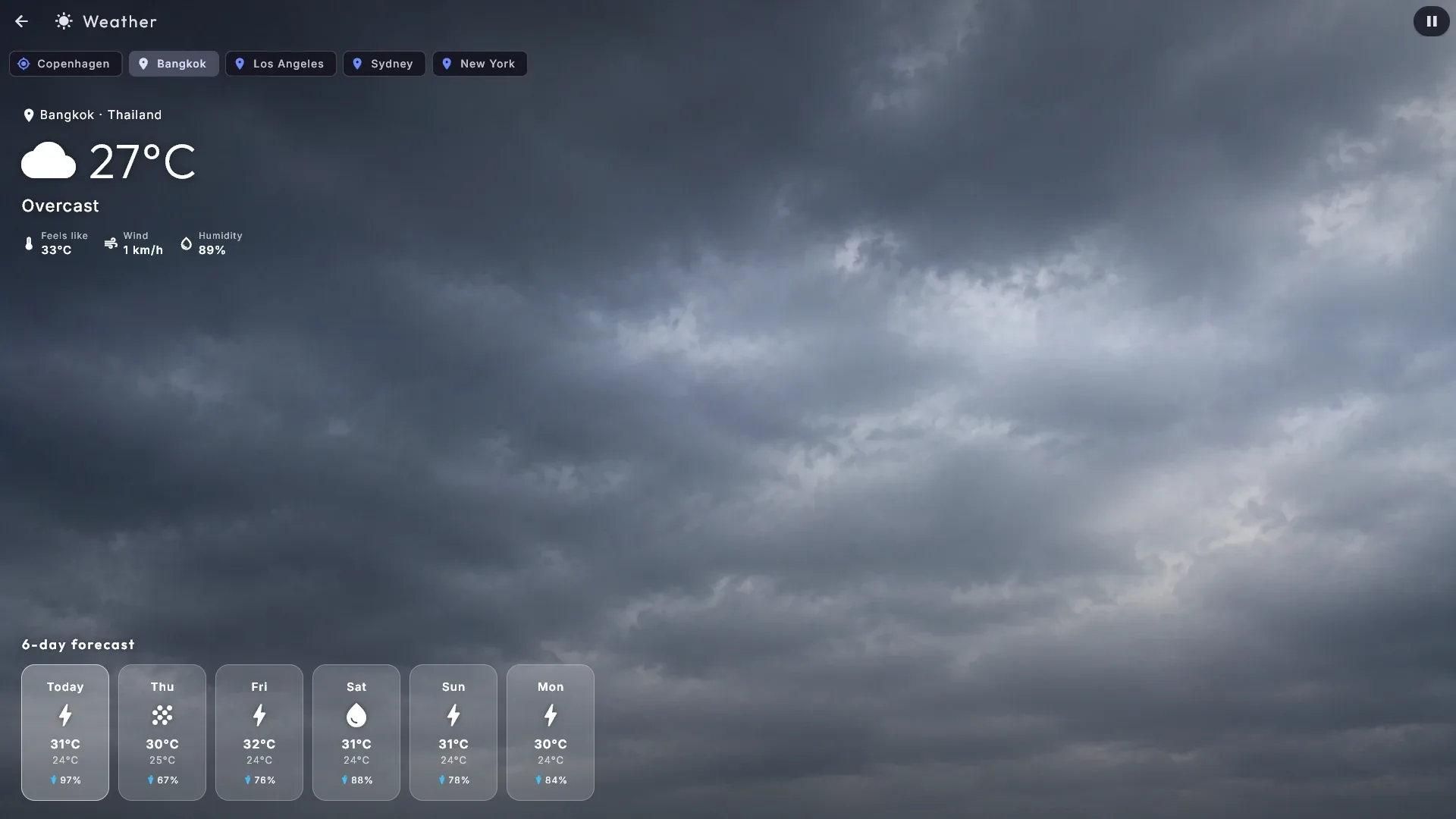
Your locations, free and without signing up
Switch between the locations the administrator has saved under Settings, and the weather follows. The weather data is free and needs no account and no sign-up - so a Digital Center used as an info screen in a shop, a bar or a hallway just works, with nothing to sign up for and nothing to renew.
Highlights
- A lively animated forecast - falling rain, drifting clouds, shining sun
- Today and the days ahead at a glance
- Temperature, feels-like, wind and humidity
- A real forecast, not just a pretty picture
- Save several locations and switch between them
- Free to use - no account and no sign-up
- Nothing to sign up for and nothing to renew
- Perfect as an info screen in a shop, bar or hallway
- Runs on its own once the locations are set
- Only an internet connection needed
Frequently asked questions
Do I need a weather account or subscription?
No. The weather data is free and needs neither an account nor a sign-up. You only need an internet connection.
Can I follow more than one place?
Yes. An administrator saves the locations under Settings, and you switch between them on the screen to see the weather for each.
What does the forecast show?
The weather for today and the coming days, with the temperature plus feels-like, wind and humidity - and lively animations of the conditions, so it reads at a glance from across the room.
Can I use it as an info screen?
Yes. Once the locations are saved it runs on its own, so a Digital Center used as an info screen in a shop, a bar or a hallway just shows the weather with nothing to tend.
Do I need an internet connection?
Yes. The forecast is fetched online, so a connection is required - but there is no account and no key to set up, and nothing to renew.
Other centers

Audio
Music
Play your whole music collection - MP3, FLAC and more - with a living audio visualizer and album art.
See details
Audio
Karaoke
Full-screen karaoke with a bouncing ball and word-by-word coloring.
See details
Video
Movies
Movie library as a cover wall with posters and details filled in automatically.
See details
Video
Music Video
Your music videos as a cover gallery, with living thumbnails.
See details