

Info
Clock
A large animated analog world clock with every time zone.
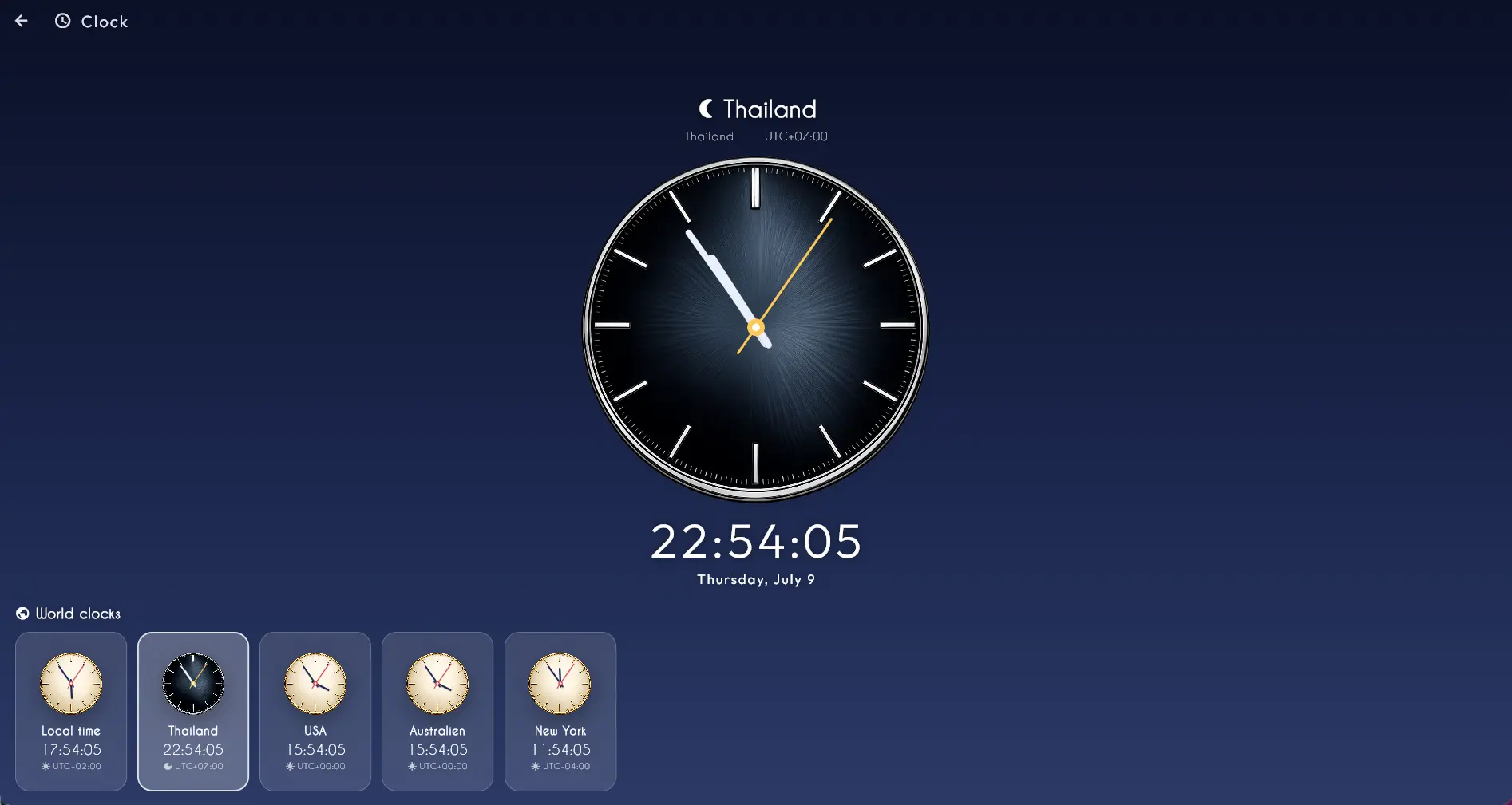
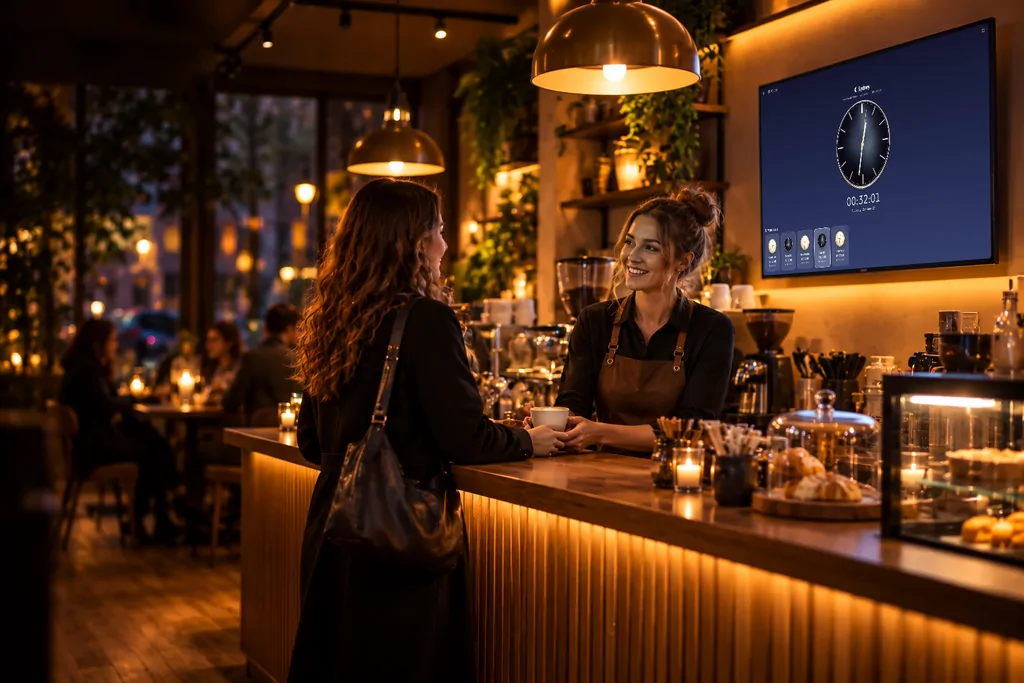
The Clock center shows a large, animated analog world clock. Choose from all the time zones of the world and keep track of the time in multiple countries - ideal as an elegant background or info display.
Included in: Both editions - Professional and Room.
A closer look
A large animated analogue clock
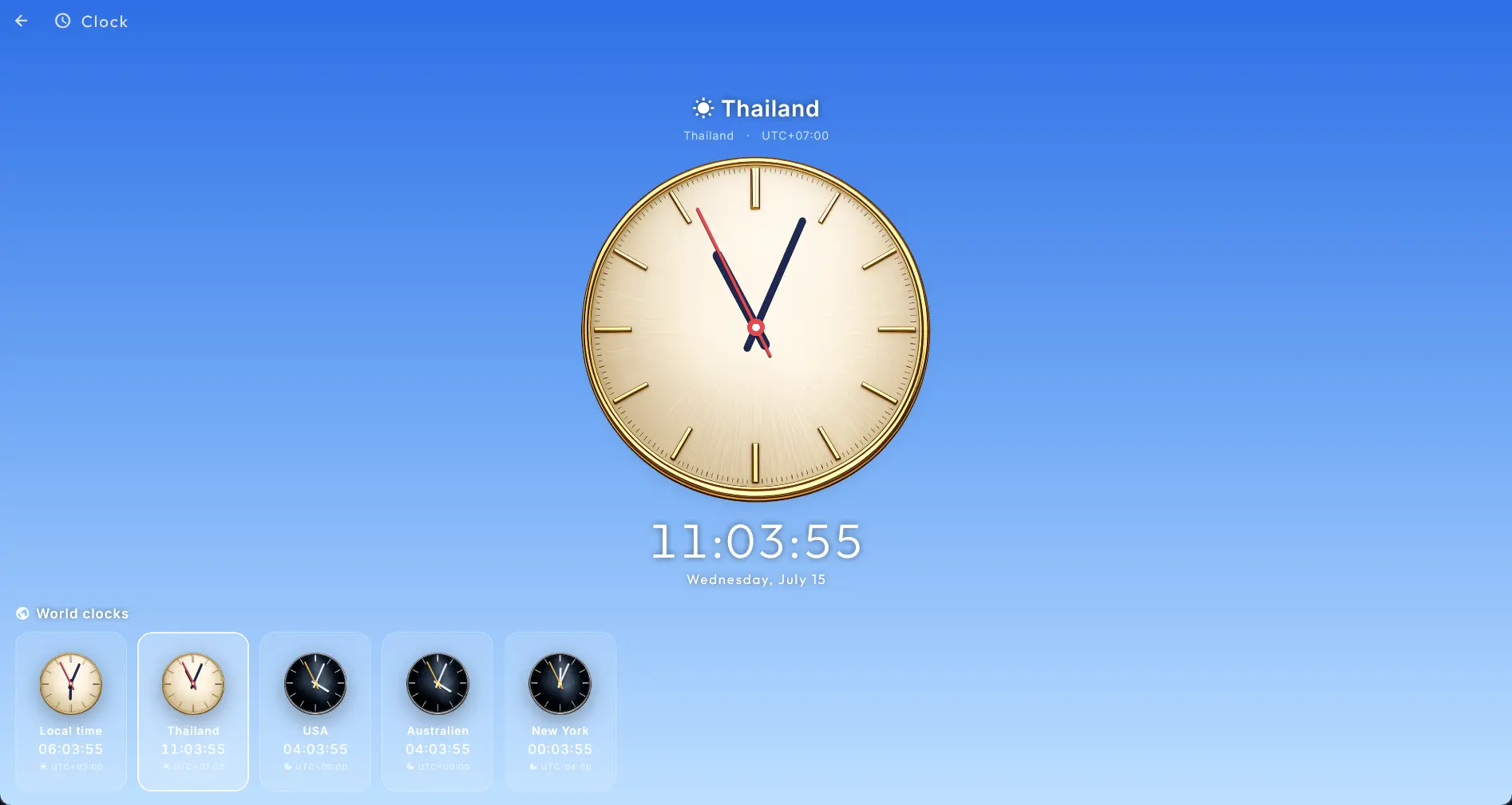
The Clock center shows the time as a big, smoothly animated analogue clock - the kind of thing you actually want to leave on the screen. An administrator picks the 12- or 24-hour display under Settings, and the clock adapts to both a wide TV and a tall, standing screen.
The time around the world
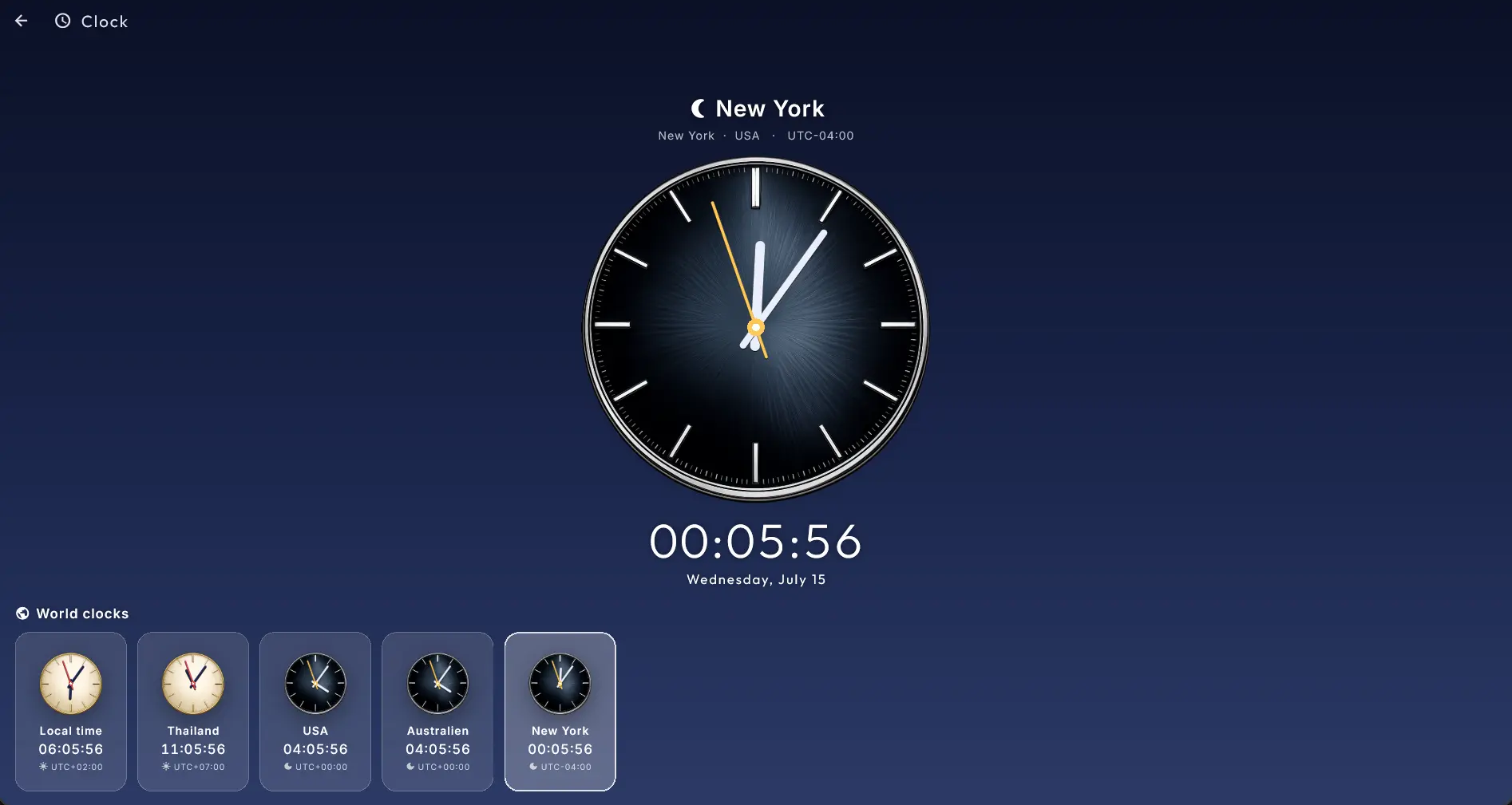
Below the big clock sit the world clocks the administrator has chosen, each on its own time zone. Tap one to make it the big clock - handy when the venue, the family or the office is spread across a few countries. As an info display it works quietly on its own: an extra screen can be set to show a world clock, and the screensaver can show a clock beside your logo.
Highlights
- A large, smoothly animated analogue clock
- Add world clocks for cities around the globe
- Tap any world clock to make it the big one
- Choose a 12- or 24-hour display
- Fits a wide TV or a tall, standing screen
- An elegant background or info display
- Show a clock on a second screen too
- The screensaver can show a clock beside your logo
- Keep an eye on the time in several countries at once
- Runs quietly on its own in full-screen kiosk mode
Frequently asked questions
Which time zones can I show?
Any time zone in the world. An administrator picks the world clocks under Settings, and you tap one on the screen to bring it up as the big clock.
Can I use it as a standing info display?
Yes. The Clock center runs happily on its own in full-screen kiosk mode, and an extra display screen or the screensaver can show a clock as well - with your own logo if you white-label it.
Can I choose a 12- or 24-hour clock?
Yes. An administrator picks the 12- or 24-hour display under Settings, and the clock adapts to both a wide TV and a tall, standing screen.
Can I follow the time in more than one country?
Yes. Add a world clock for each place you care about and tap one to bring it up as the big clock - handy when the venue, the family or the office is spread across a few countries.
Can it run on a second screen?
Yes. An extra display screen can be set to show a world clock, so a clock keeps ticking away in the background while the main screen is used for something else.
Other centers
Audio
Music
Play your whole music collection - MP3, FLAC and more - with a living audio visualizer and album art.
See details
Audio
Karaoke
Full-screen karaoke with a bouncing ball and word-by-word coloring.
See details
Video
Movies
Movie library as a cover wall with posters and details filled in automatically.
See details
Video
Music Video
Your music videos as a cover gallery, with living thumbnails.
See details