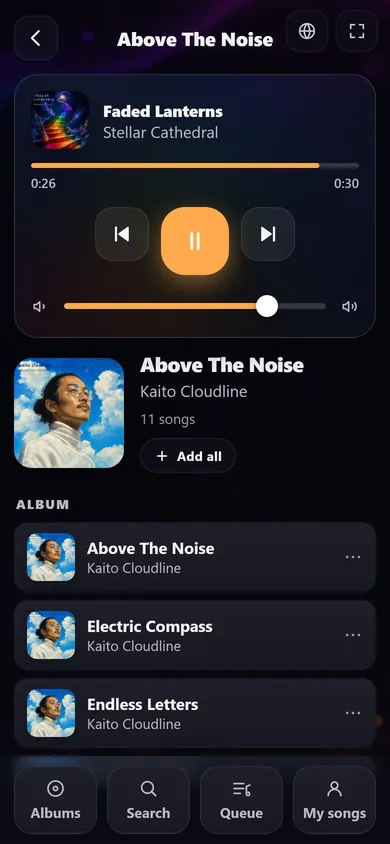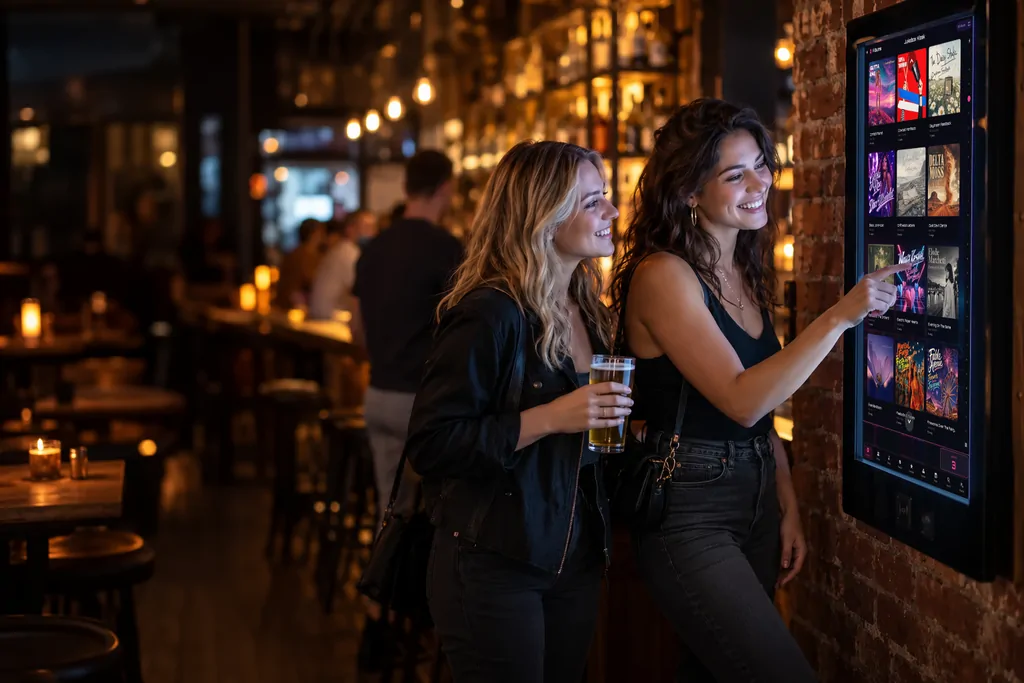
Two friends in a bar picking an album on a wall-mounted Digital Center touchscreen jukebox

Jukebox

Jukebox Software for Windows

Guests pick the music on the screen or from their own phone. You decide what they may do.

  • Free 7-day trial
  • Credit Mode and Party Mode
  • One-time purchase, no subscription

How it works

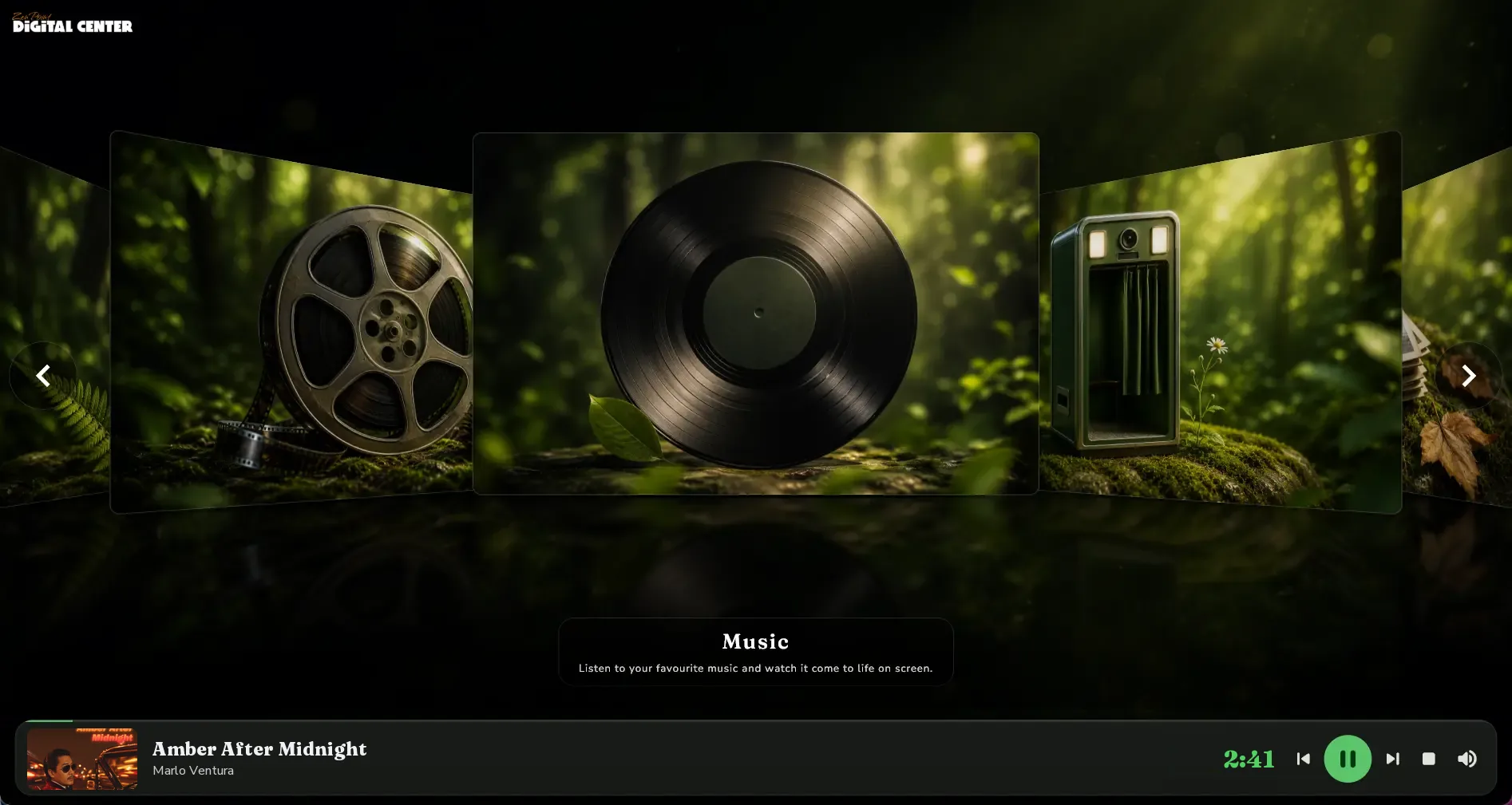
Digital Center's home screen: a 3D carousel of center tiles with Music in front, and the now-playing bar along the bottom

Turn any Windows PC into a locked party jukebox - or a coin-operated one for your bar. With Party Mode, phone song requests and, in Professional, coin or card payment, Digital Center is built for parties, bars and professional rental - not just the living room.

  • Digital Center is all-in-one jukebox software that turns a standard Windows PC and a touchscreen into a professional digital jukebox.
  • Guests browse your music, karaoke and music videos and queue tracks themselves - from the screen or from their own phone by scanning a QR code.
  • Lock it down with passwords and access levels, take payment through a coin acceptor or a payment terminal, and mount the screen in portrait or landscape.
  • Whether it is a home party, a busy bar or a fleet of rental units, the same software scales from one machine to many.
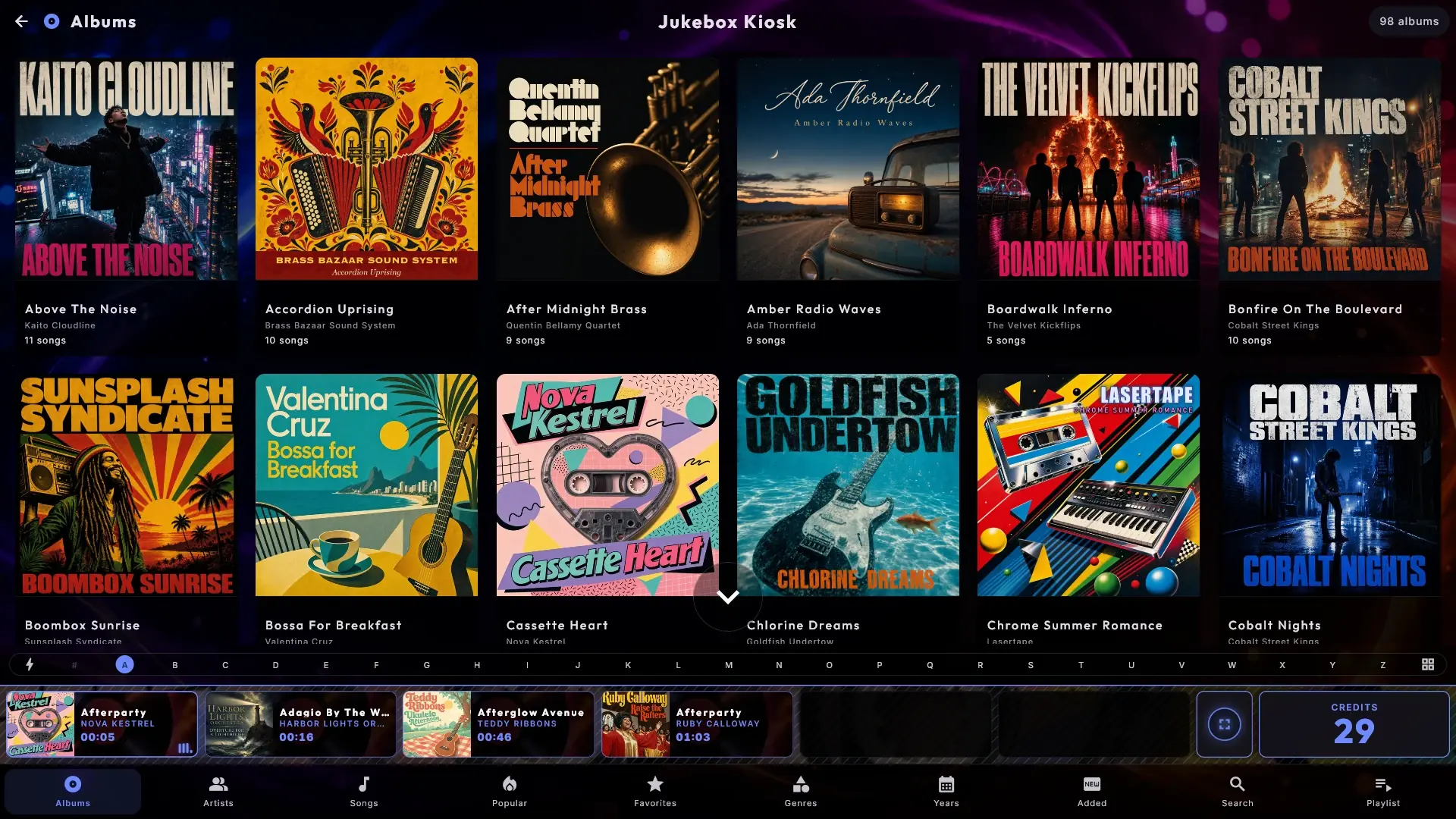
The album wall in Party Mode, with a credit counter in the corner

Party Mode - the secure, locked jukebox

Lock the system with party and admin passwords, three access levels and automatic logout, so guests can queue songs but never touch your settings or files. Set rules per playlist - pause, seek, skip and a maximum number of songs per guest - so no one hijacks the night. Party Mode comes with Home and Professional; using it in a bar or for rental needs Professional.
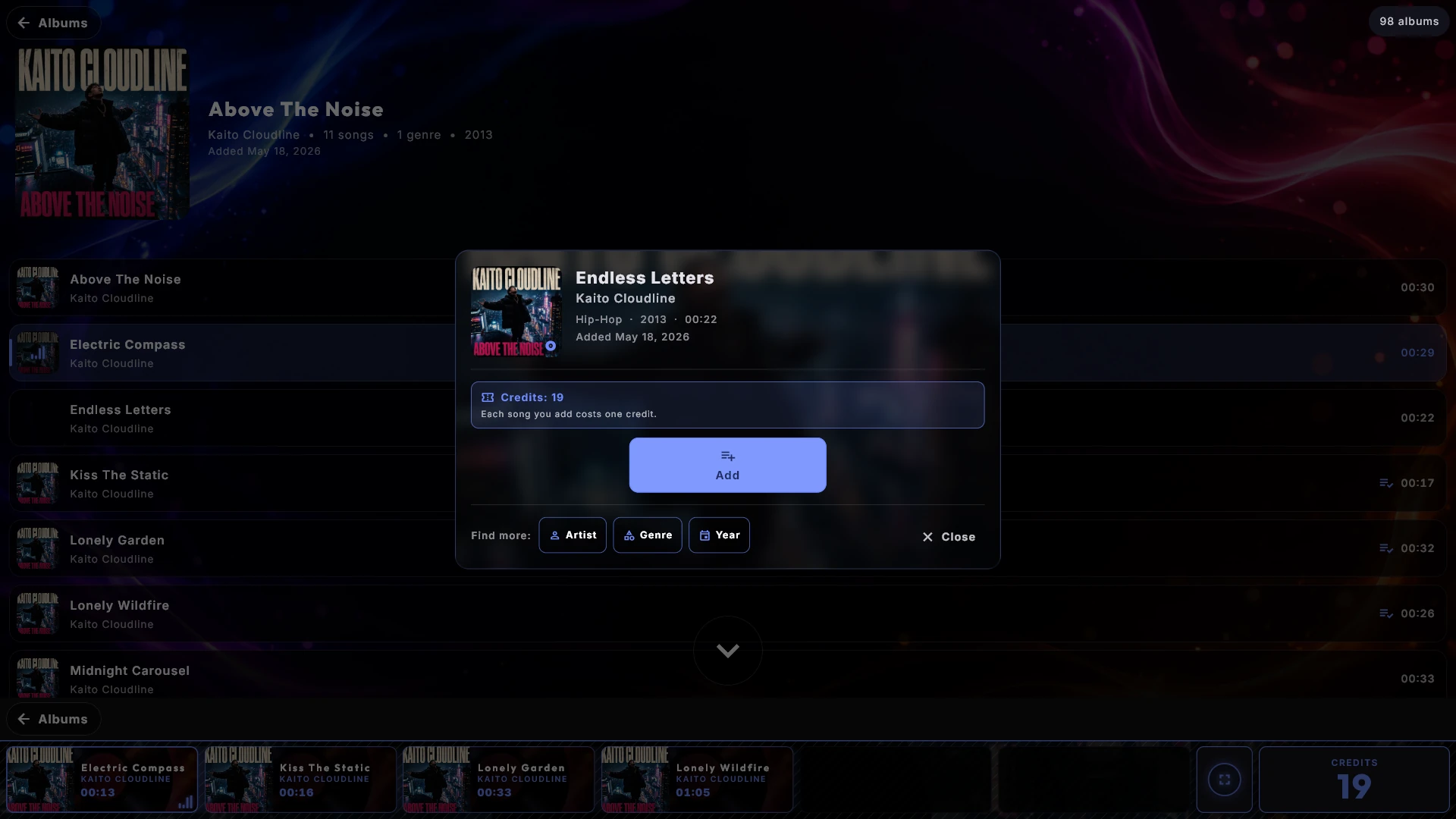
Adding a song in Credit Mode: a dialog says each song costs one credit, with 19 credits left

Credit Mode - coin or card payment (Professional)

Make the jukebox pay-to-play. Works with coin acceptors and bill validators that send a key press, and with payment terminals that can send a simple network message. Assign credits per payment, keep a shared balance, and the screen stays locked for guests. Everything you need to earn money from a jukebox in a bar, club or rental setting.

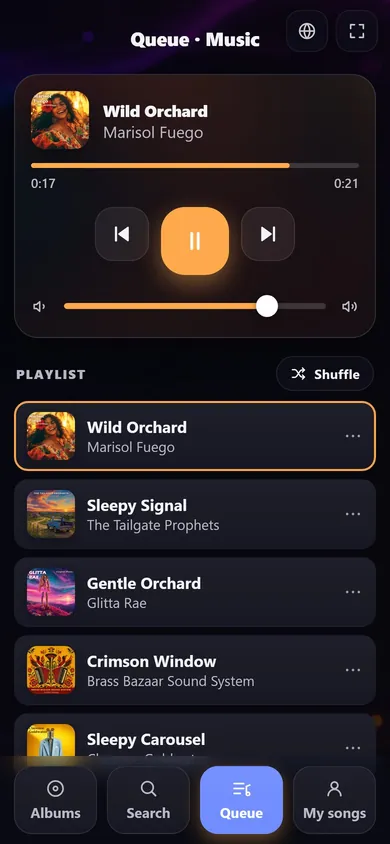
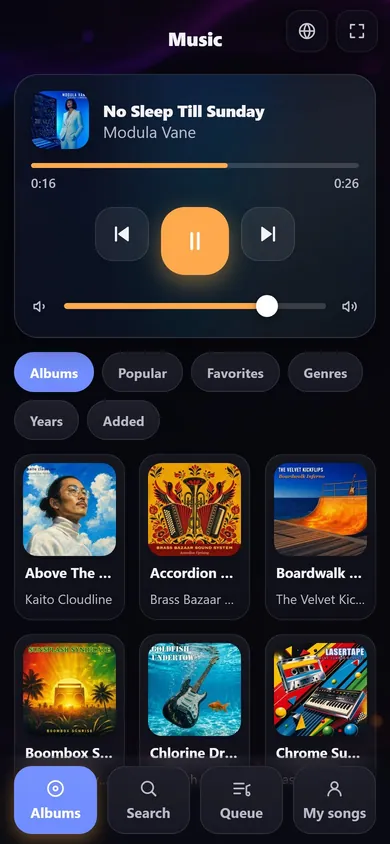
The phone remote showing an album, its songs and the now-playing controls

Phone remote control - QR song requests

Guests scan a QR code and control the jukebox from their own phone through a web app, with nothing to install. They search, queue and vote from where they are sitting, and you can reset the QR key whenever you like to cut off access after an event.

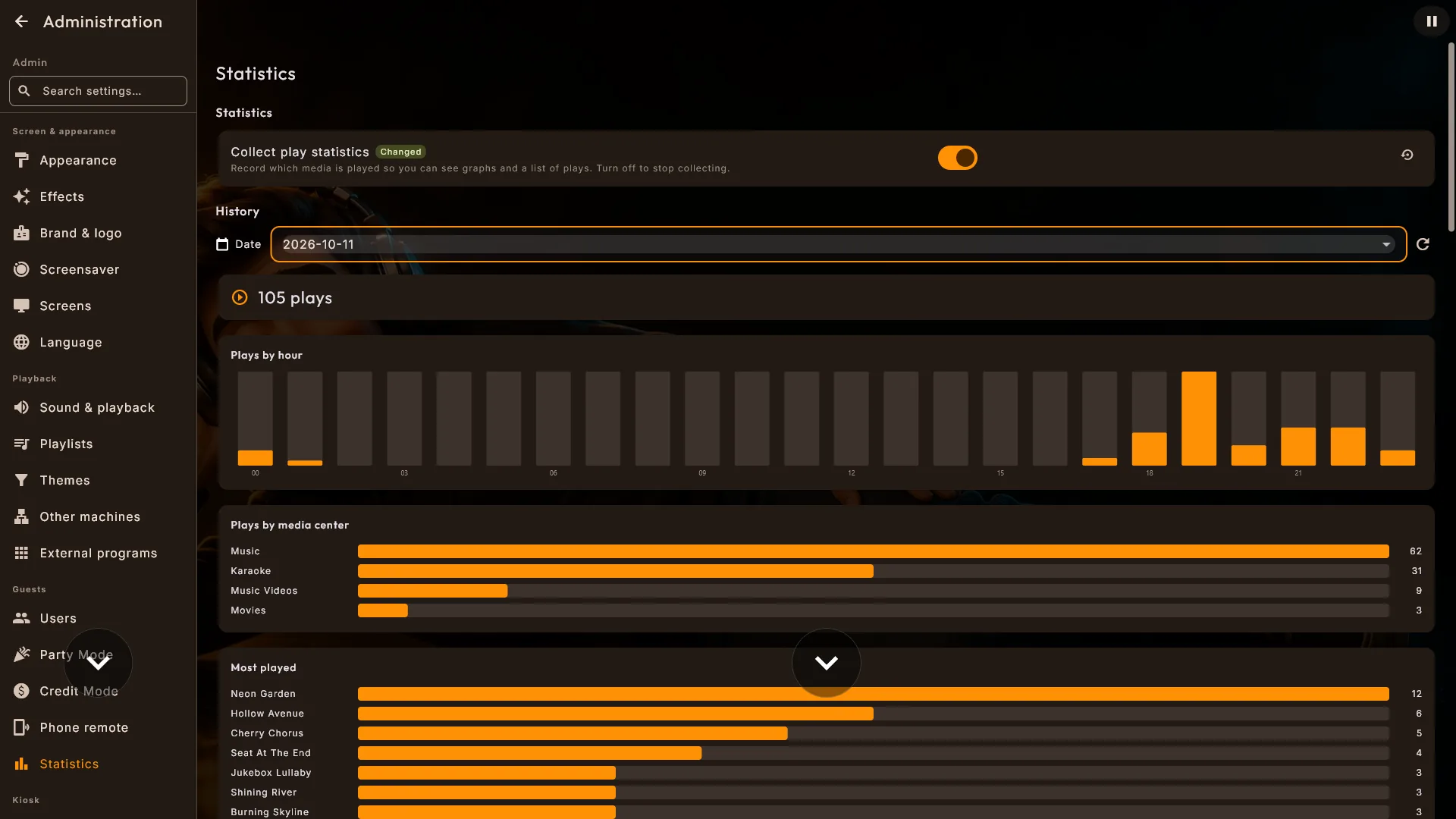
The statistics page in Administration, with bar charts of plays by hour, by center and most played songs

Statistics and play history (Professional)

Track play history, view graphs per hour and per center and find the most played tracks. Ideal for documenting usage during rental, spotting your busiest hours and proving value to venue owners.

Cover effects

Twenty ways to browse your covers.

Your albums and films, presented like they matter. Choose the movement you like, page by page.

3D CarouselCovers circle around the one in front.
Cover FlowCovers tilt past like records in a crate.
FanCovers fan out like a hand of cards.
CubeThe page turns like a cube.

Four of the 20 ways your covers can move.

Visualizer

Music you can see.

When the room is listening, the screen moves with the music. On the screensaver or on an extra screen, pick one of 8 styles.

RaysBeams of light pulse with the beat.
Circle equalizerThe sound rings around the center.
Morphing blobA soft shape that breathes with the music.
RipplesWaves spread out with every beat.

Real recordings from Digital Center, shown without sound.

Phone remote

Everyone's phone is the remote.

No app to install. Guests scan, pick and wait for their song.

The phone remote showing albums

01

Scan the code

The code on the screen opens the whole library.

An album opened on the phone remote

02

Pick a song

Open an album and add a song, or the whole album.

The queue on the phone remote

03

It's in the queue

Watch it move up while the music plays.

Perfect for

Bars & pubs

Coin-operated background jukebox with your own brand and usage statistics.

House parties & events

Locked jukebox with phone control, photo booth and karaoke for the party.

Jukebox rental businesses

Rent out complete setups with passwords, rules and credit payment.

Game rooms & man caves

A locked full-screen jukebox and arcade for the den, garage or games room.

Frequently asked questions

Can I use Digital Center as a commercial jukebox in my bar?

Yes, with a Professional license. Party Mode and Credit Mode are built for commercial use - lock the system, charge per play through a coin acceptor or payment terminal, and keep full play statistics for the venue.

Does it work with a coin acceptor or bill validator?

Yes, through Credit Mode in the Professional edition. If your coin or note reader can be set up to send a key press, that is all Digital Center needs, and a payment terminal can send a short network message instead. You decide how many credits each coin or note is worth - ask us if you are unsure about your model.

Can guests pick songs from their phone?

Yes. Guests scan a QR code and request songs from their own phone through a web app - no app install required. You can reset the QR key at any time.

What do I need to run the jukebox?

A Windows 10 or 11 PC and a screen to put in front of your guests. A touchscreen works best, because people can browse the music themselves, and it can hang in portrait or landscape. To tidy your library first, use ZenPoint Media Manager, which comes with Home and Professional.

Can I rent out or white-label the jukebox?

Yes. Every edition can change the look with skins, and with a Professional license you can add your own logo and full white-label branding, so rental operators can run a fleet of machines under their own look. Running many machines? Volume discounts apply automatically, and we are happy to help with larger fleets.

Do I need an internet connection?

No. Your music library plays locally, so the jukebox keeps working even when the venue's connection drops. Internet is only needed for online extras like radio and updates.

Ready to turn your PC into a jukebox?

Download the free 7-day trial and try Party Mode and phone control with your own music. Running a bar or a rental business? Professional is licensed for business use - contact us if you have questions.

Contact us about rental