


Video
Music Video
Your music videos as a cover gallery, with living thumbnails.
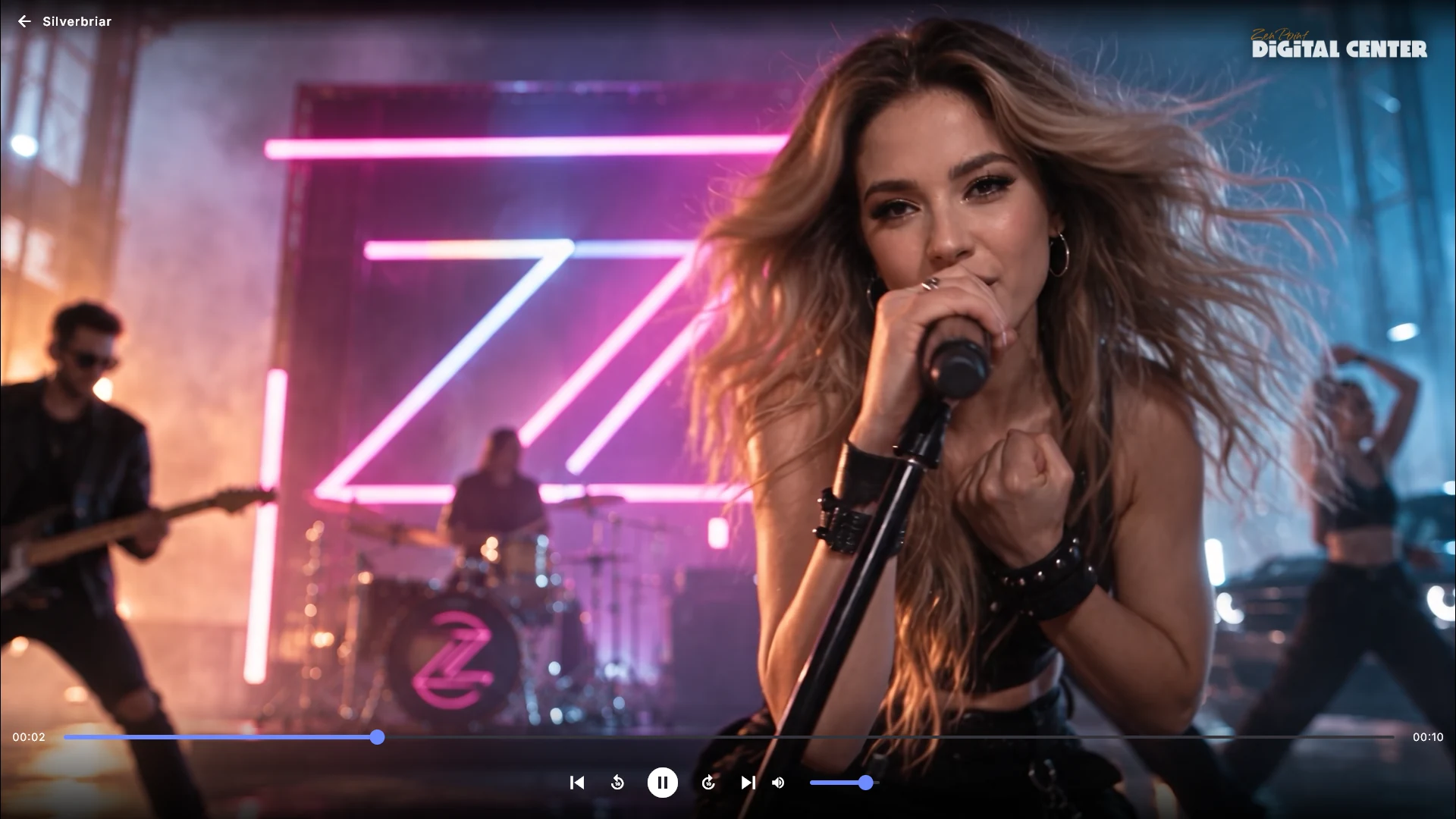
The Music Video center is built for music videos and other video collections with the same rich architecture as Movies. Details and covers can be found online, a cover is generated automatically from a video frame, and shows a living thumbnail in the playback bar so you can always see what is playing.
Included in: Home and Professional with your own library. Room plays the videos another machine shares.
A closer look
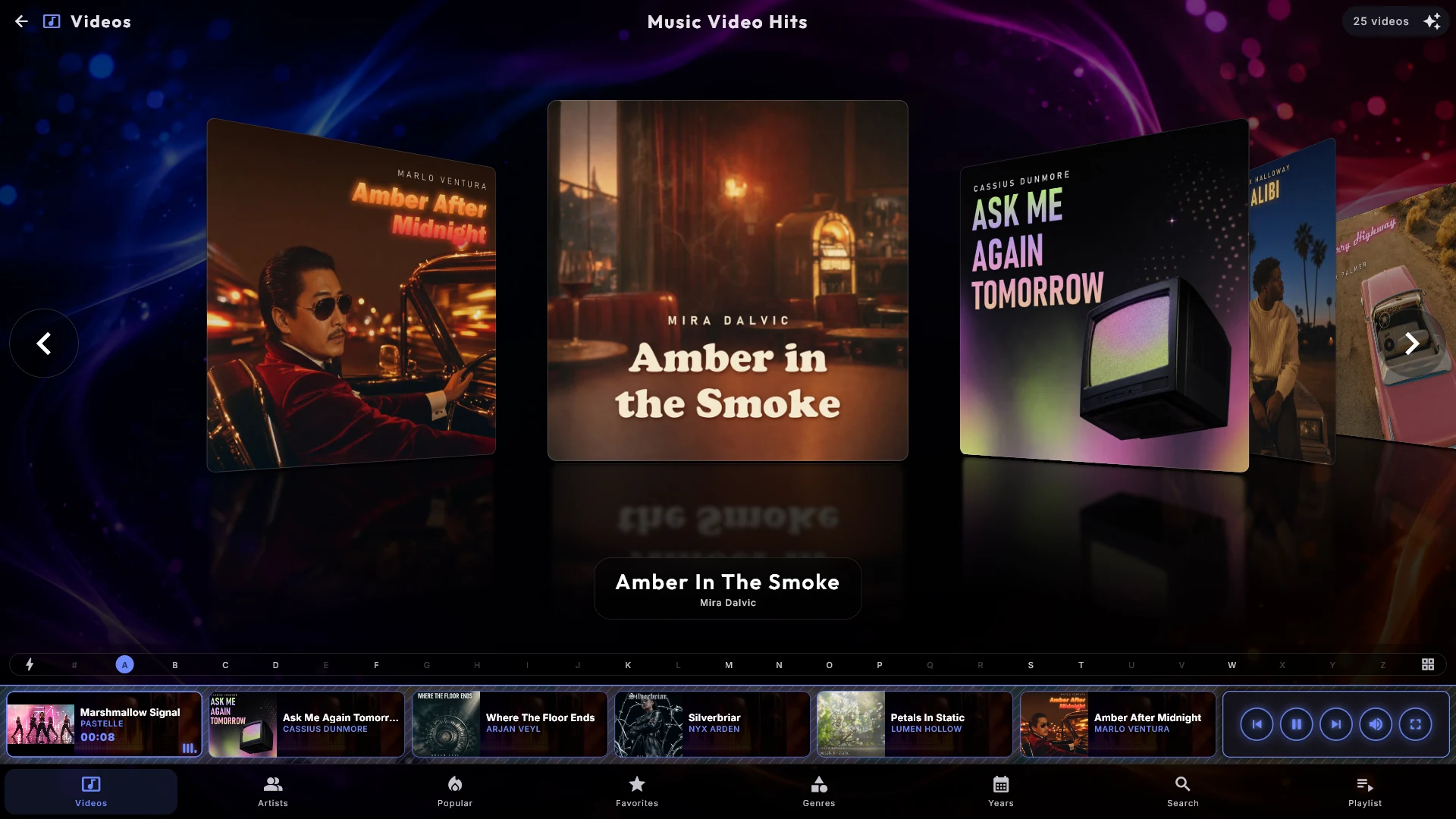
A cover gallery of your music videos
The Music Video center gives your music videos the same rich library as your music: browse via Videos, Artists, Genres, Years or Search. Videos comes first and shows every video as a cover gallery. Tap one to play it now, play it next, or add it to a video playlist - video lists are kept completely separate from the music ones.
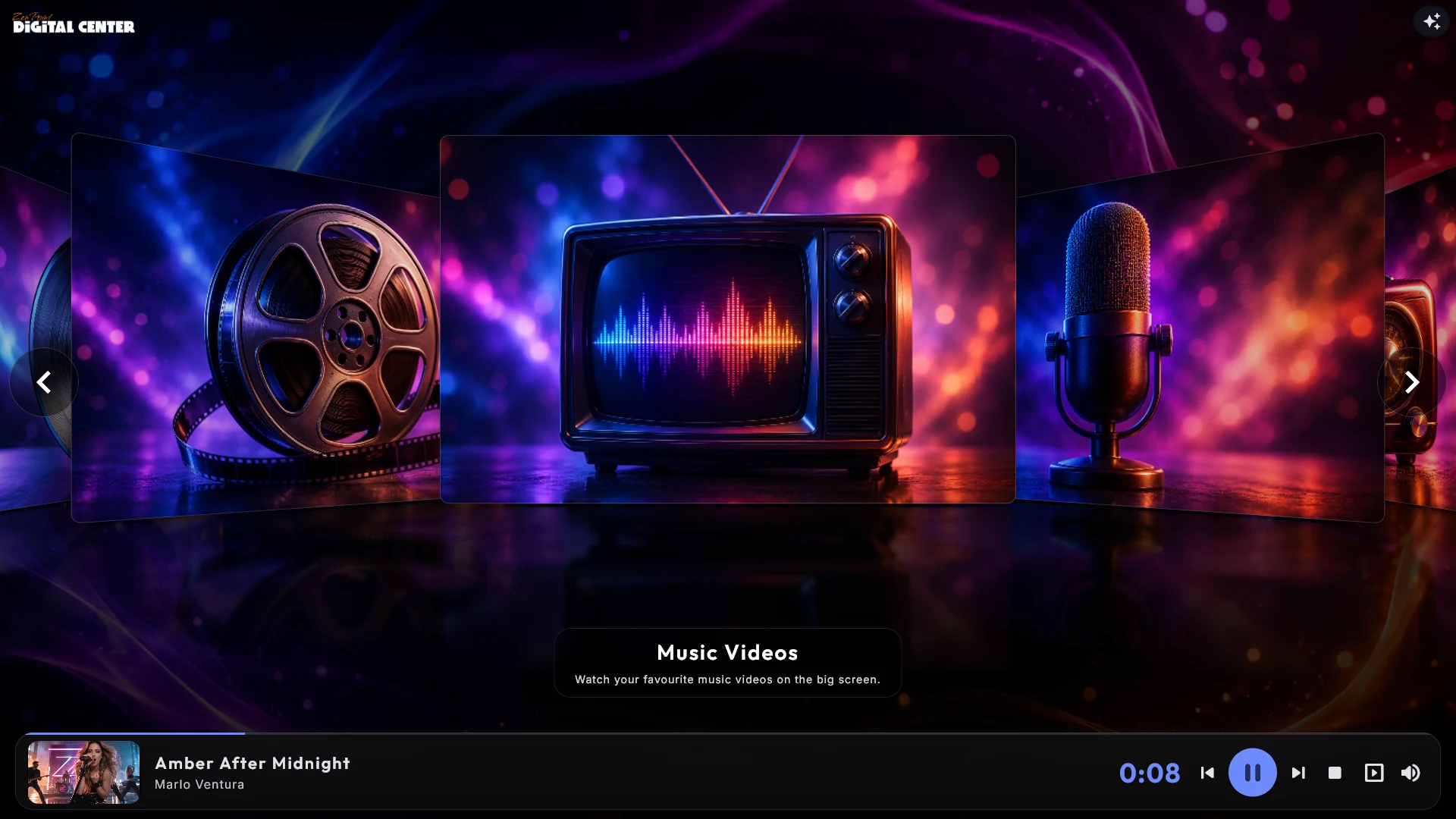
A living thumbnail in the player bar
The playing video appears as the first card in the player bar, running as a small live thumbnail, so you can always see what is on without leaving the screen you are browsing. As an administrator you can edit a video right in the app - fill in title, artist, album, genre and year, drop in a cover image, or look the details up online, and a cover can be generated automatically from a frame of the video.
Highlights
- Music video library shown as a cover gallery
- Browse by video, artist, genre, year or search
- Separate video playlists, kept apart from your music
- Play now, play next or queue to a video playlist
- A living thumbnail in the player bar shows what is on
- Look details up online, or auto-generate a cover from a frame
- Tag videos to build the themes you filter by
- Tidy up a whole selection at once in ZenPoint Media Manager
- The same rich library as the Movies center
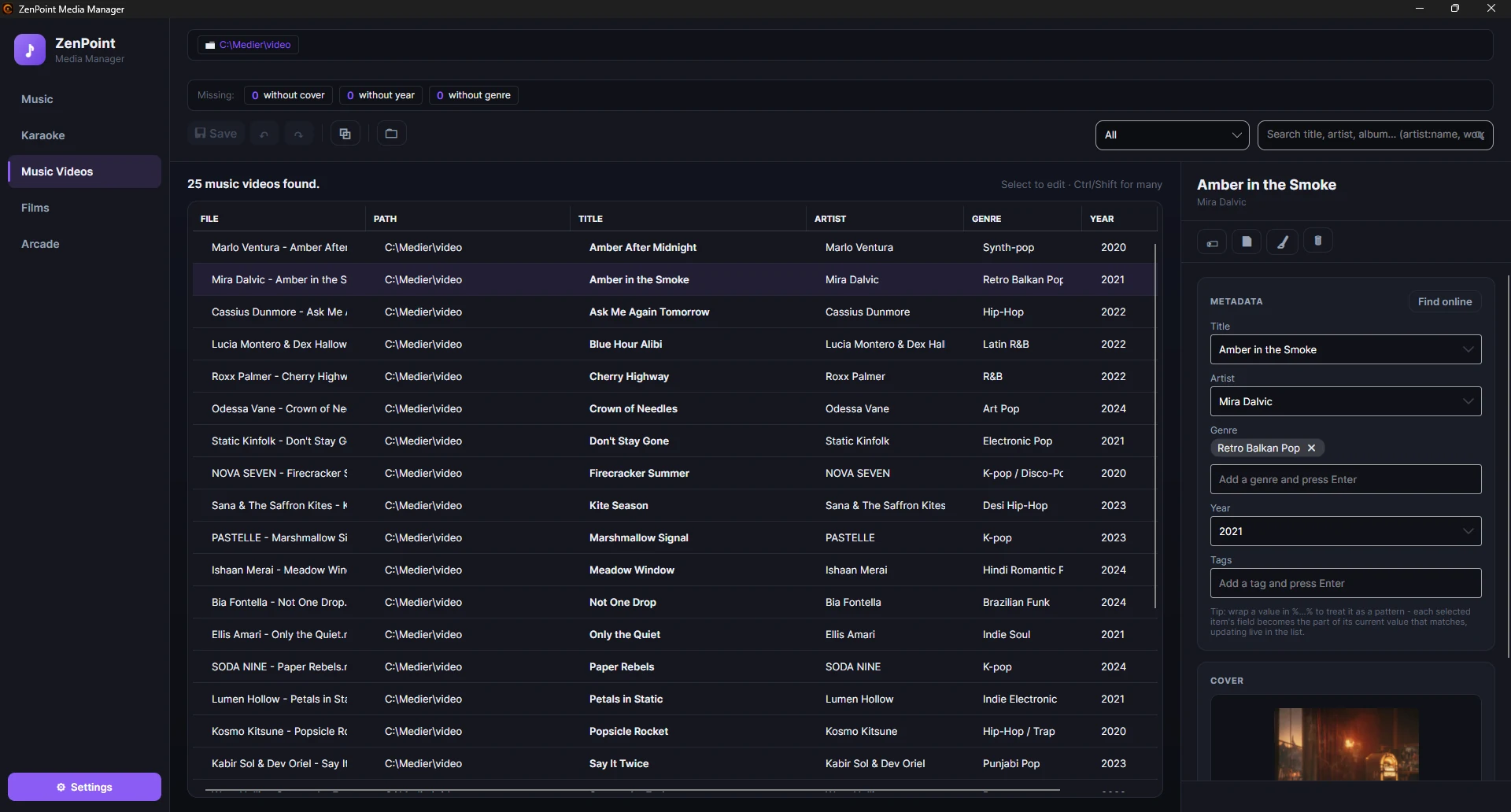
ZenPoint Media Manager
The Music Video tab in ZenPoint Media Manager
Music videos rarely arrive with tidy details. The Music Video tab of the included ZenPoint Media Manager lets you fix titles, artists, albums, genres and years, choose covers, and tag videos with your own keywords - the same keywords that build the themes you filter by on the big screen.
- Edit a whole selection at once and see the pending changes before you save
- Drag a cover straight onto the item, or look the details up online
- Give videos your own tags - the building blocks of the themes in Digital Center
- Filter the list to just the videos that are still missing a cover
Frequently asked questions
What is the difference between the Music Video and the Movies center?
Music Video is built for music videos and shorter clips, with a library organized by artist, genre and year like your music. Movies is built for films, with posters, plot, subtitles, audio tracks and resume playback. They keep separate libraries and separate playlists.
Do my videos need cover images?
No. A cover can be generated automatically from a frame of the video, and ZenPoint Media Manager can look the details up online. You can always choose a cover yourself in ZenPoint Media Manager.
Are video playlists kept apart from my music?
Yes. The Music Video center keeps its own library and its own playlists, completely separate from your music, so a video queue never mixes into the music or the other way around.
Can I group my videos into themes?
Yes. Tag your videos with your own keywords in ZenPoint Media Manager, and those keywords become the themes you filter the wall by on the big screen - for example a set for a party or a particular mood.
Can I see what is playing while I keep browsing?
Yes. The playing video runs as a small living thumbnail as the first card in the player bar, so you can always see what is on without leaving the screen you are browsing.
Which video files can the Music Video center play?
It plays MP4, MKV, AVI, MOV, WMV, WEBM, M4V, FLV, MPG and MPEG music videos and clips.
Other centers

Audio
Music
Play your whole music collection - MP3, FLAC and more - with a living audio visualizer and album art.
See details
Audio
Karaoke
Full-screen karaoke with a bouncing ball and word-by-word coloring.
See details
Video
Movies
Movie library as a cover wall with posters and details filled in automatically.
See details
Games
Arcade
Your retro arcade games, with save states and high scores.
See details