

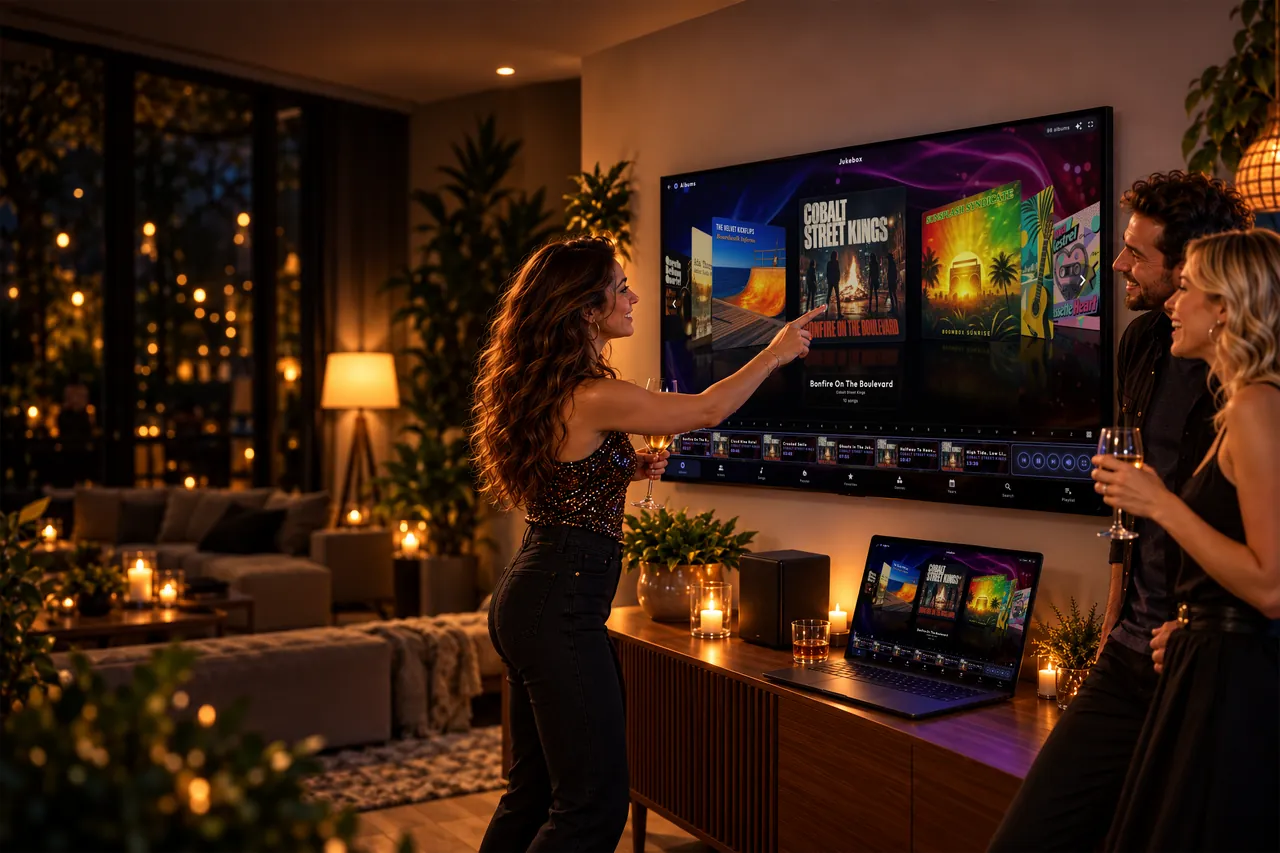
Your PC and TV. Now a party jukebox.
Music, karaoke, films, arcade and a photo booth on one Windows PC. Guests tap the screen or add songs from their phone - touchscreen, TV with a mouse, or a controller.
- Free 7-day trial
- One-time purchase, no subscription
- Software for Windows 10/11
Touch it. Tap it from your phone.
Or lean back.
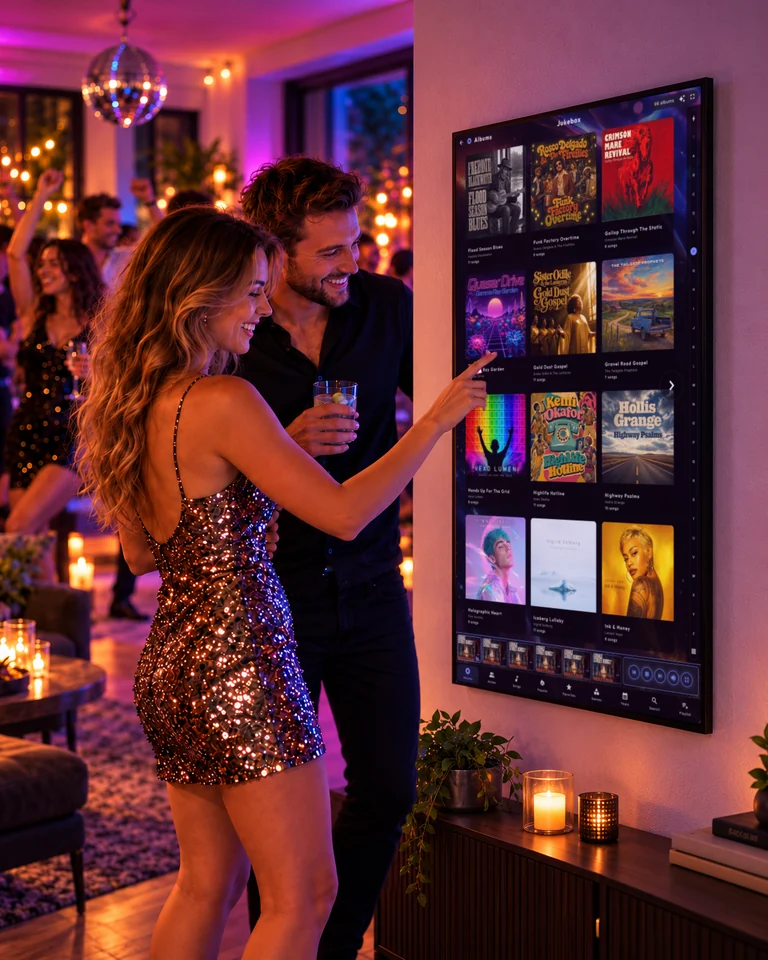
On the screen
Touch it.
Big covers made for fingers. Walk up and pick the next song.
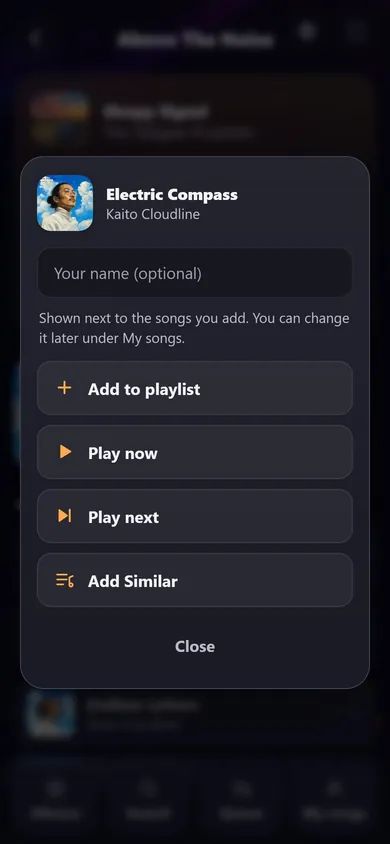
From your phone
Tap it from your phone.
Guests scan the code and add their song from the table.
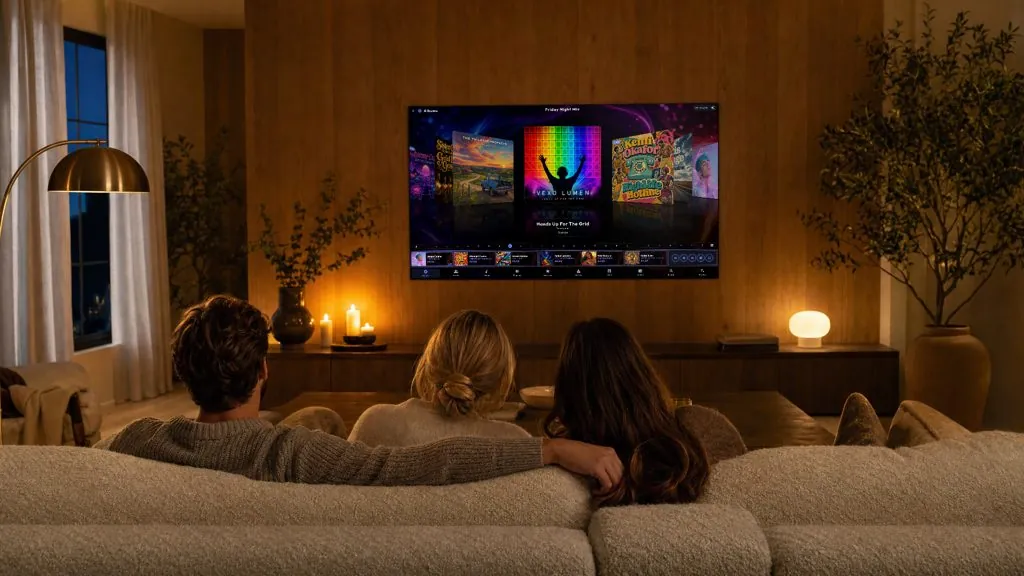
On the TV
Or lean back.
The big screen in the living room, steered from the sofa.
One screen
Upright or wide. Always at home.
Hang the screen tall like a jukebox or wide like a TV. The same home screen turns with it.
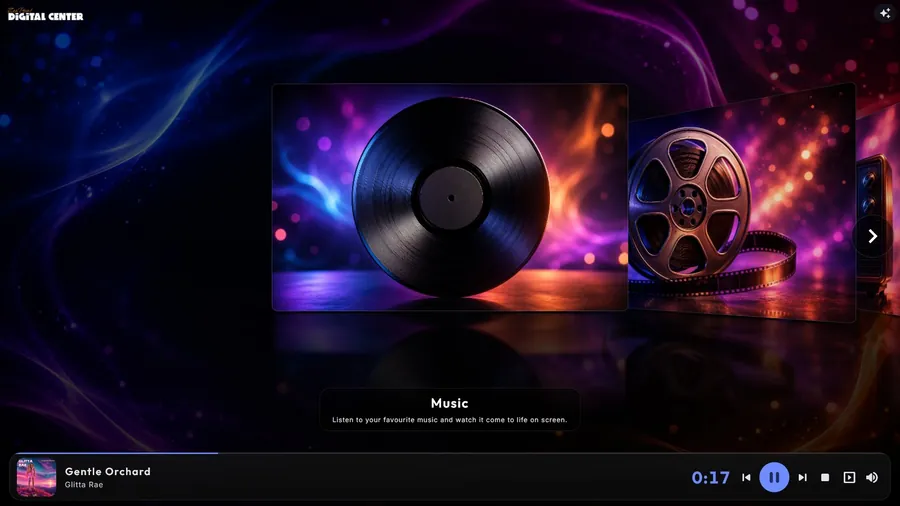
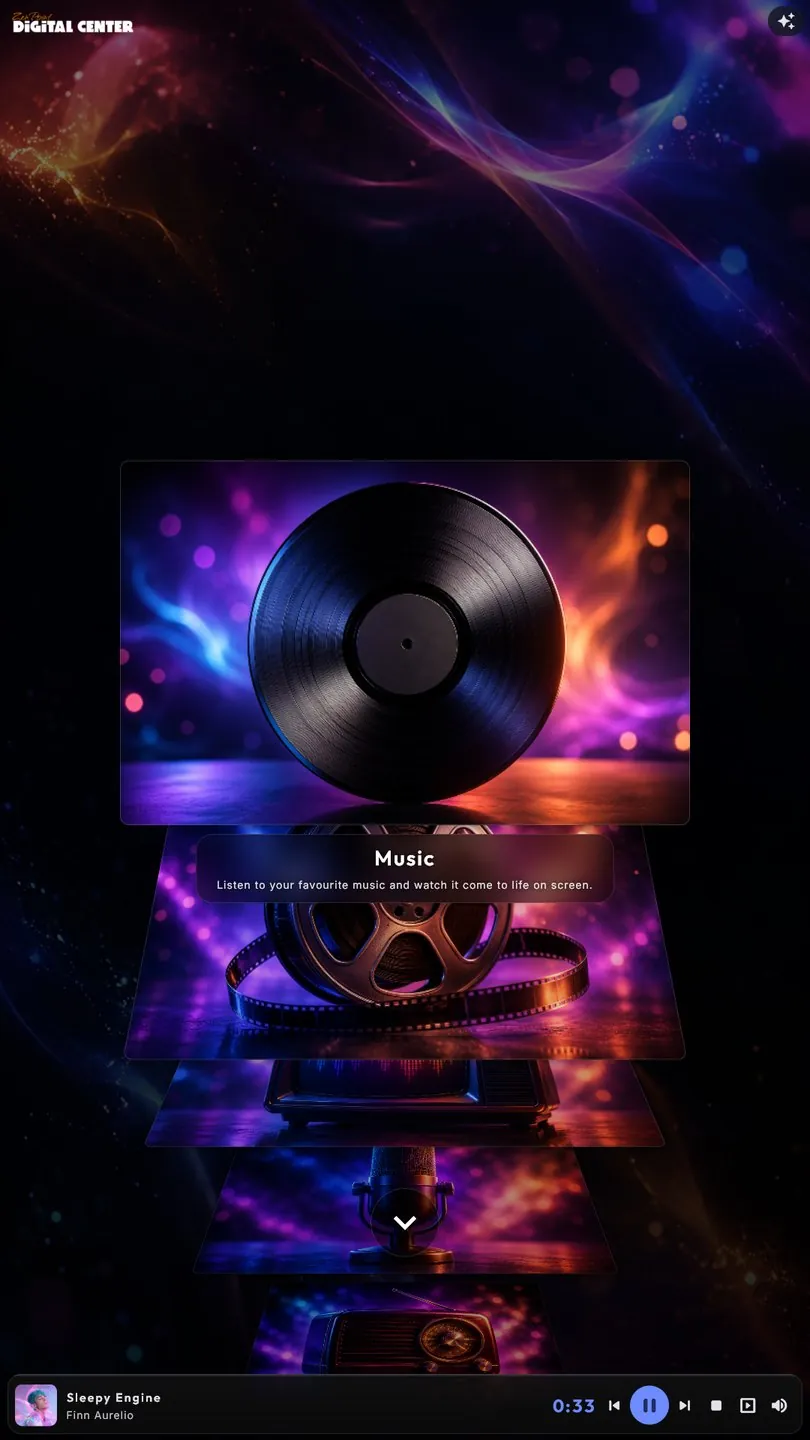
Wide, like a TV on the wall.
- Made for fingersLarge covers and a keyboard on the screen
- Any way upUpright and wide screens, the same home screen
- Your libraryMusic, films and videos from your own folders
Karaoke
Hand someone the mic.
Lyrics follow the music word by word. The screen calls up each singer by name, and the room does the rest.
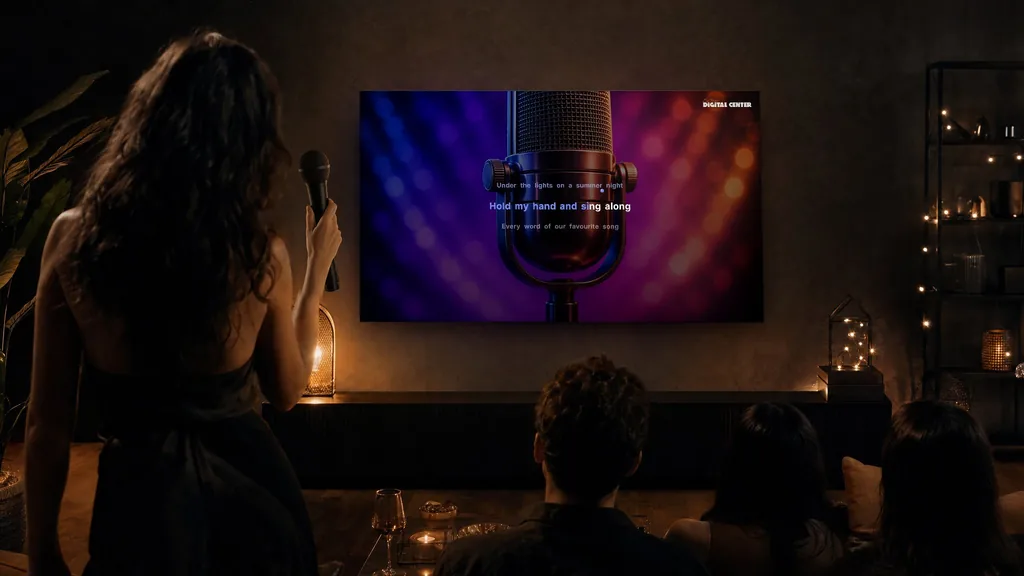
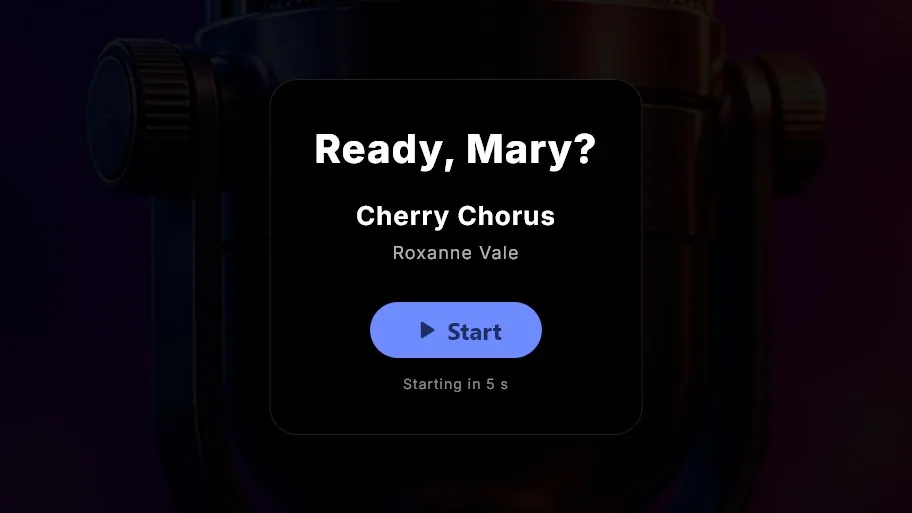
Grab the mic, it's your turn
Change the key or the tempo on the fly. Switch between the original and the backing track with one press.
Arcade
Insert coin.
The arcade is back in the room.
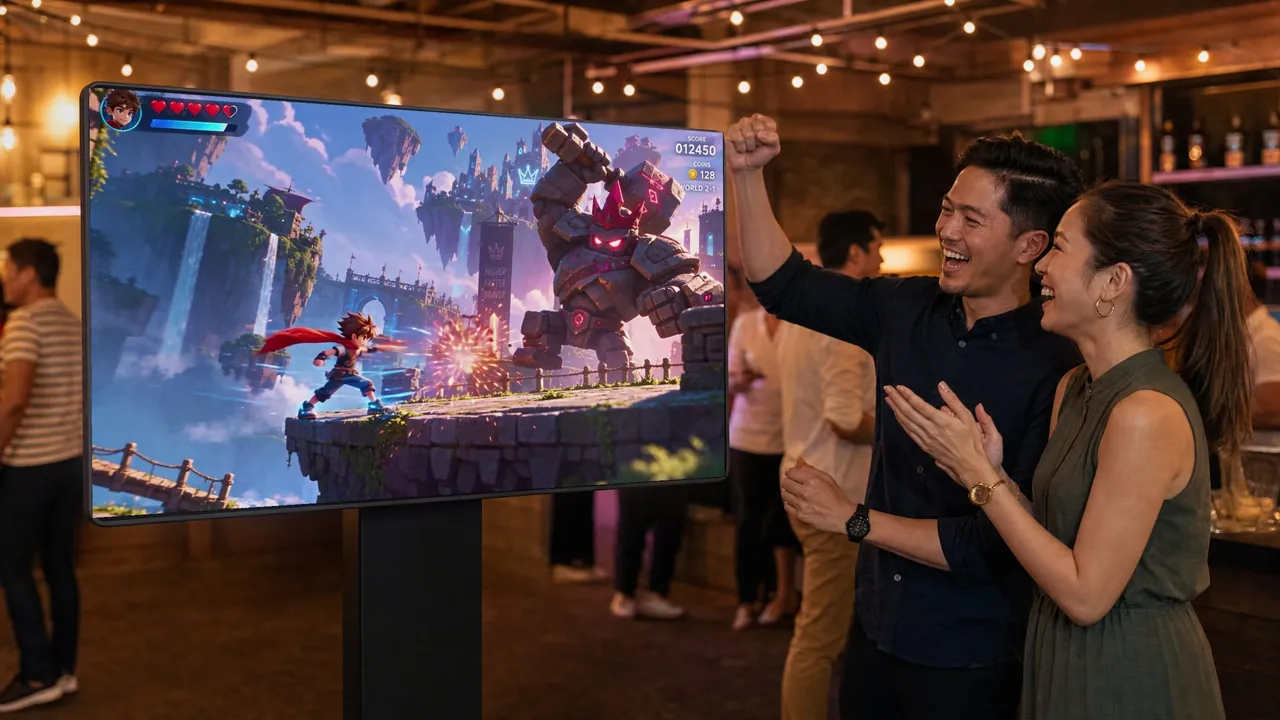
Your classic games, right next to the music. Pick one with a tap, then play with a keyboard or a controller.
The games are your own. Put them in a folder, and they line up on the screen with their covers, like your albums.
Arcade comes with Professional. A Room screen does not have it.
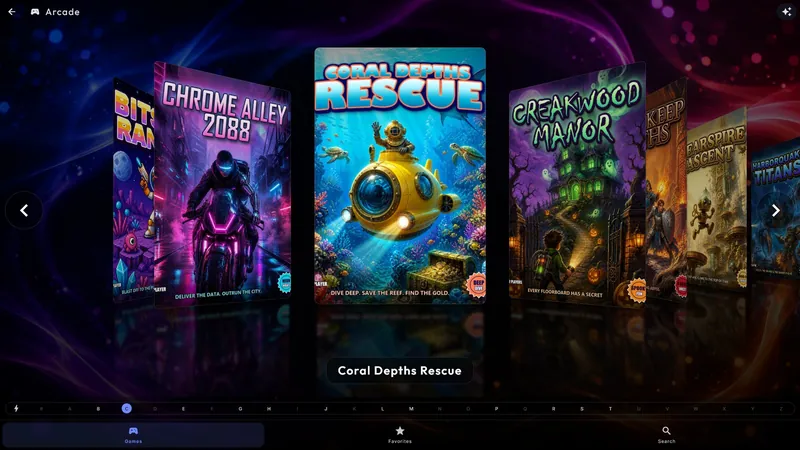
Every game has a cover.
Browse your games like your albums, with the same cover effects.
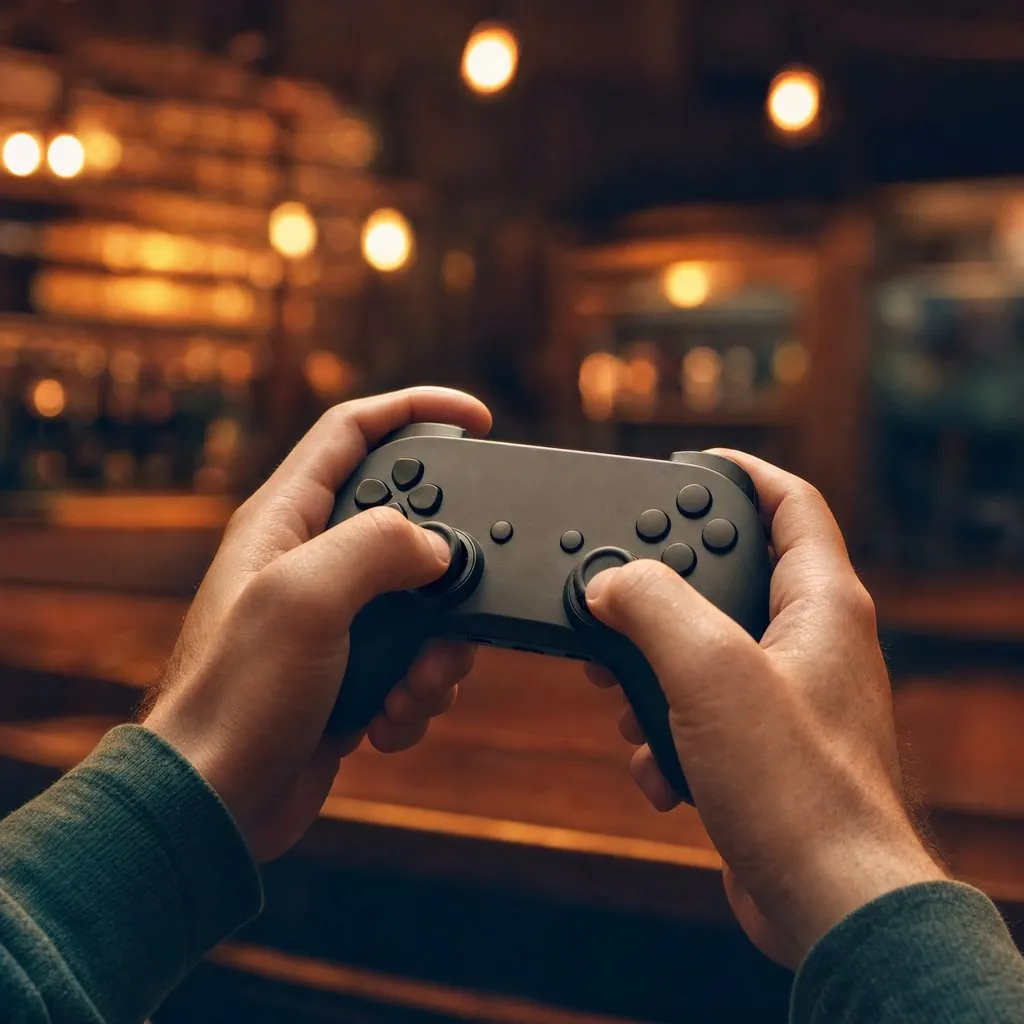
Bring a controller.
Plug one in and play. You decide which button does what.
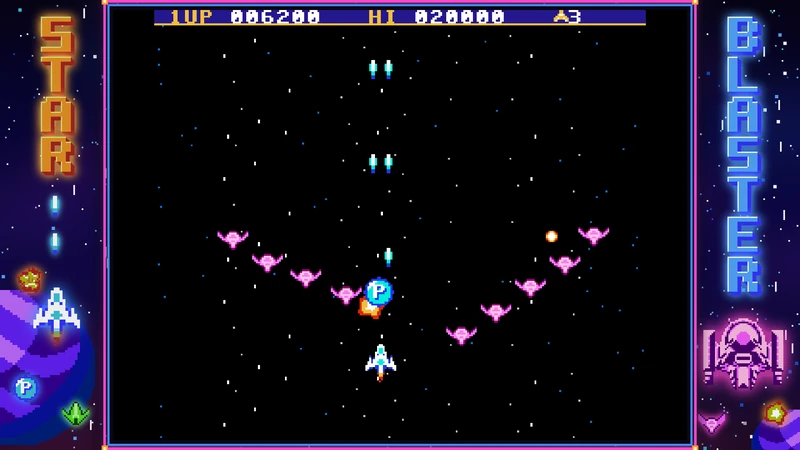
A frame for every game.
Give each game its own border around the picture.
Phone remote
Everyone's phone is the remote.
No app to install. Guests scan, pick and wait for their song.
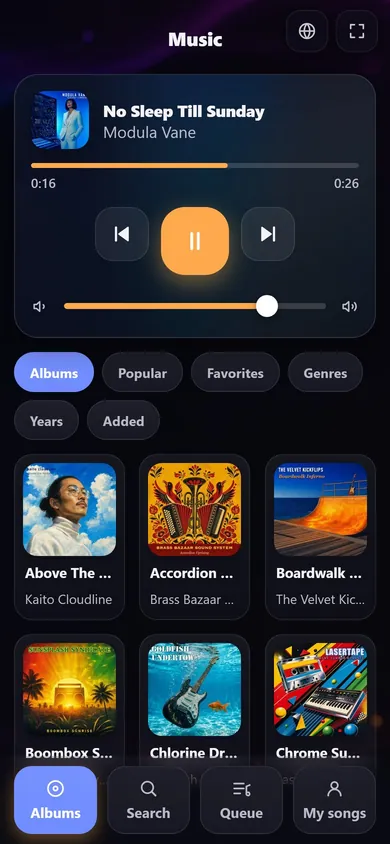
01
Scan the code
The code on the screen opens the whole library.
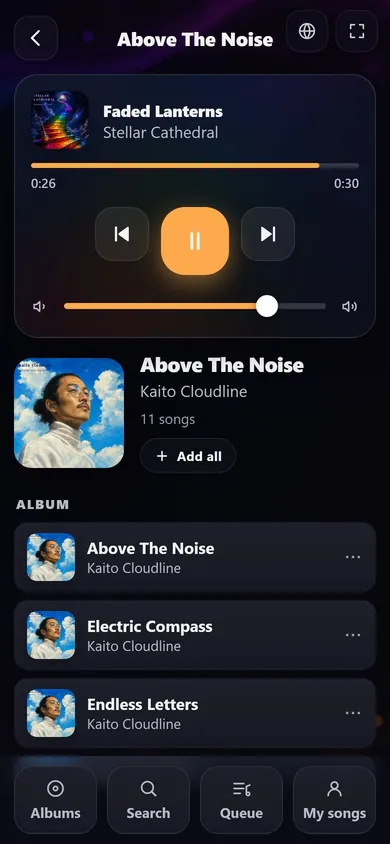
02
Pick a song
Open an album and add a song, or the whole album.
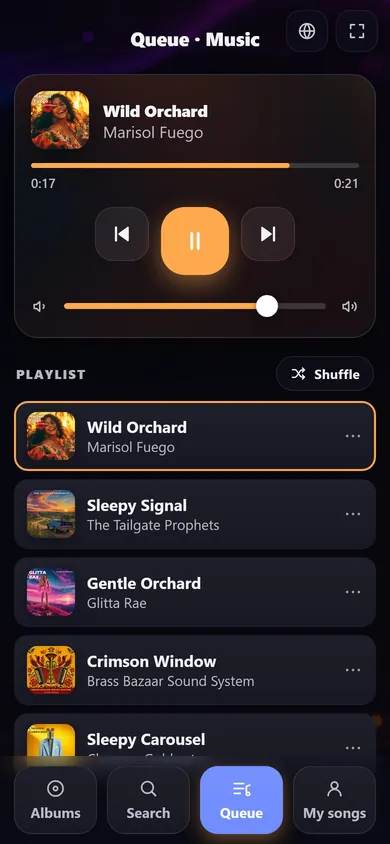
03
It's in the queue
Watch it move up while the music plays.
Cover effects
Twenty ways to browse your covers.
Your albums and films, presented like they matter. Choose the movement you like, page by page.
Four of the 20 ways your covers can move.
Make it yours
One screen.
Any look.
Change the whole feel of the room in a minute: background, colors, fonts and tiles change together, live.
- Free skins, one tap awayPick more looks from the free catalog inside the app.
- Or make your ownBackground, colors, fonts, tiles, covers and intro music, in the built-in skin editor.
- A look for the nightA theme of your own, say for Christmas, picks the songs and can switch the skin and home effect with it.
Your own logo in a skin and full white-label: Professional.
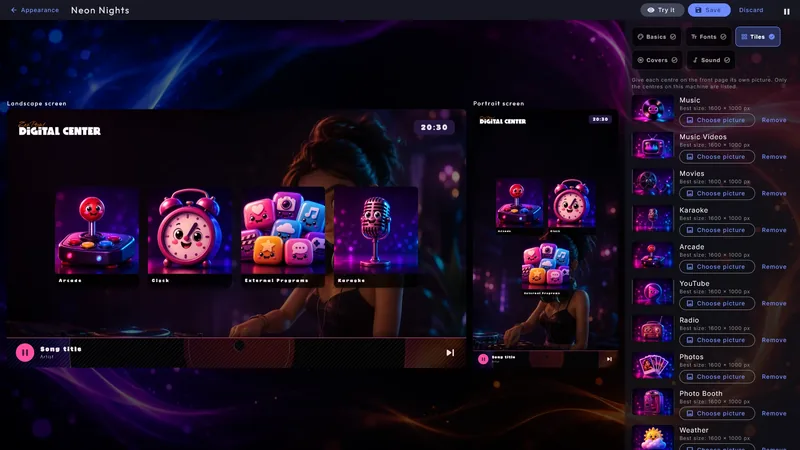
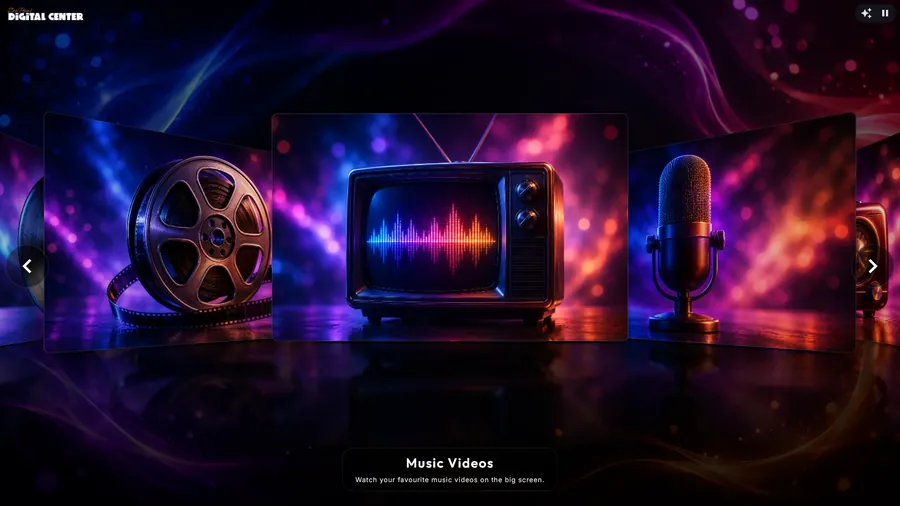
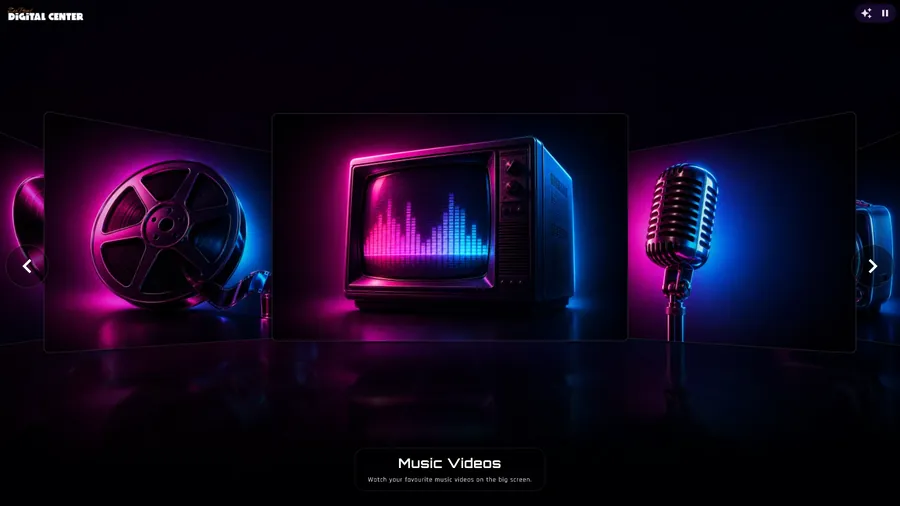
Real screenshots. The same home screen, a new look every few seconds, or tap a name.
Visualizer
Music you can see.
When the room is listening, the screen moves with the music. On the screensaver or on an extra screen, pick one of 8 styles.
Real recordings from Digital Center, shown without sound.
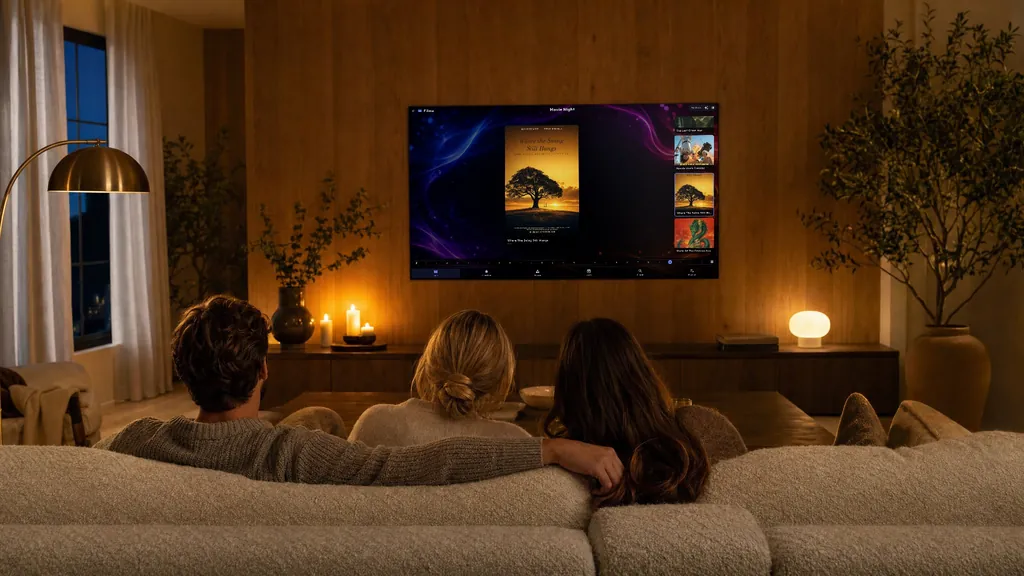
Film night
And on quiet nights, a film on the sofa.
Buy it once. No subscription.
Your films and music stay on your own machines. Nothing to renew every month.
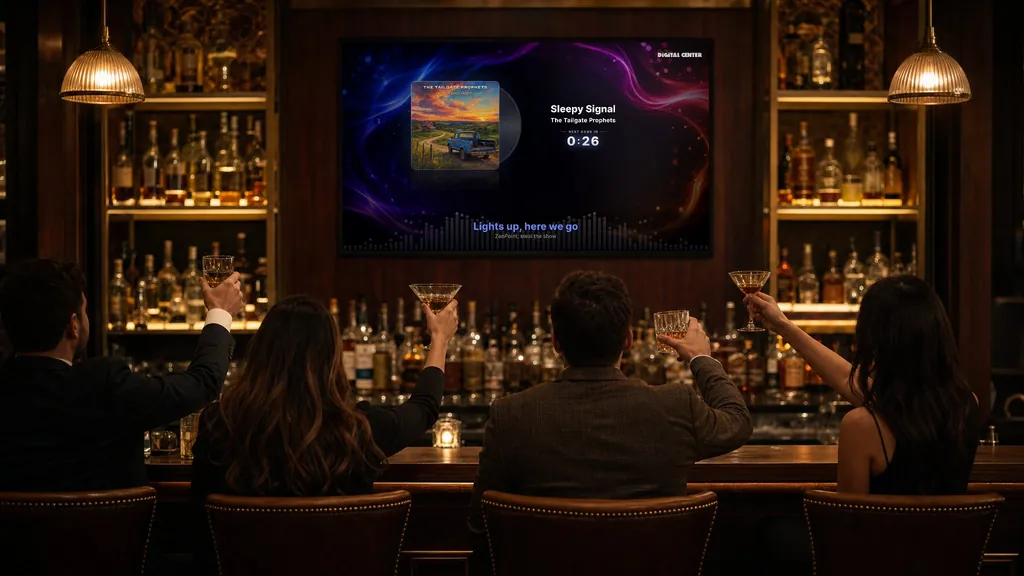
For the bar and the party rental.
Set it up, hand over the night, and let the guests choose.
Bars & rentals
- Guests choose the musicOn the screen, or from their own phones.
- You set the limitsLock the screen, and guests can only do what you allow.
- Pay per songLet guests pay for each song they add, if you like.
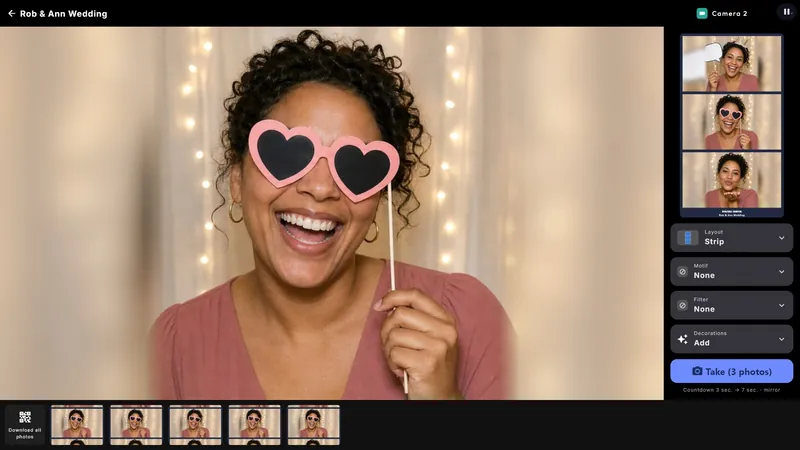
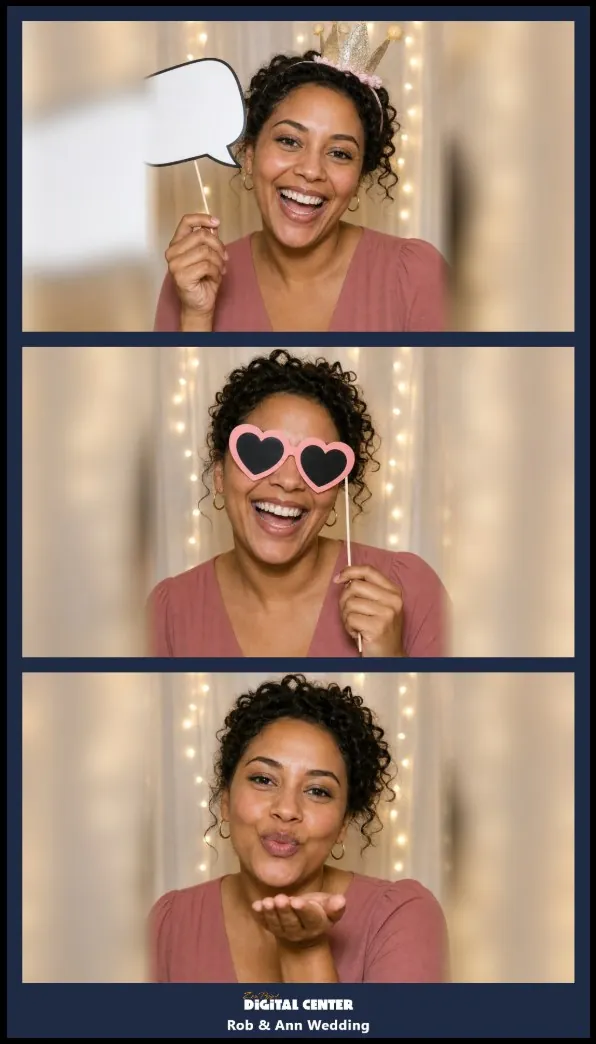
- A photo booth in the boxPhoto strips with your event's name, to print or take home on a phone.
Locking the screen, pay per song and the license for bars and rentals all come with Professional.
Editions
Choose your screen.
The full edition
Professional
Everything Digital Center can do, on the screen in your own home.
- All twelve centers with your own music, films, videos and karaoke
- Party Mode, karaoke recording and the Arcade
- ZenPoint Media Manager, to make karaoke from your own songs
- Licensed for business use too, if you need it
Extra room
Room
Already have Digital Center? Add a screen in another room.
- Music, films, videos and karaoke from your main screen
- YouTube, radio, photos and photo booth
- Phone remote, skins and cover effects
Plays from your main Digital Center on the same network.
Add a roomFAQ
Frequently asked questions
What is ZenPoint Digital Center?
Digital Center is an all-in-one media center for Windows. It brings your music, karaoke, movies, video, retro games, photo booth, radio, weather and clock together on one beautiful full-screen home screen, controlled by touch, mouse, keyboard, controller or your phone.
What can Digital Center play?
Your own music, movies, music videos, karaoke (including CDG and LRC files), retro games and photos. Movies and video are automatically enriched with covers and details from the internet.
Is there a free trial?
Yes. Digital Center is free to try for 7 days with your own media library and every Professional feature unlocked, with no payment and no commitment. You only pay once you are sure it is for you.
Does it work offline?
Yes. Your library plays locally from your own PC, so Digital Center keeps working without an internet connection. Internet is only needed for online extras like radio, updates and fetching movie details.
Can I use it as a jukebox for a party or bar?
Yes. Party Mode turns Digital Center into a locked jukebox where guests add songs from the screen or their own phone. Party Mode, Credit Mode - where guests pay per song - and any use in a bar or for rental all come with a Professional license.
What do I need to run it?
A Windows PC and a screen or TV, ideally a touchscreen. Professional also includes ZenPoint Media Manager for preparing your library.