

Games
Party Games
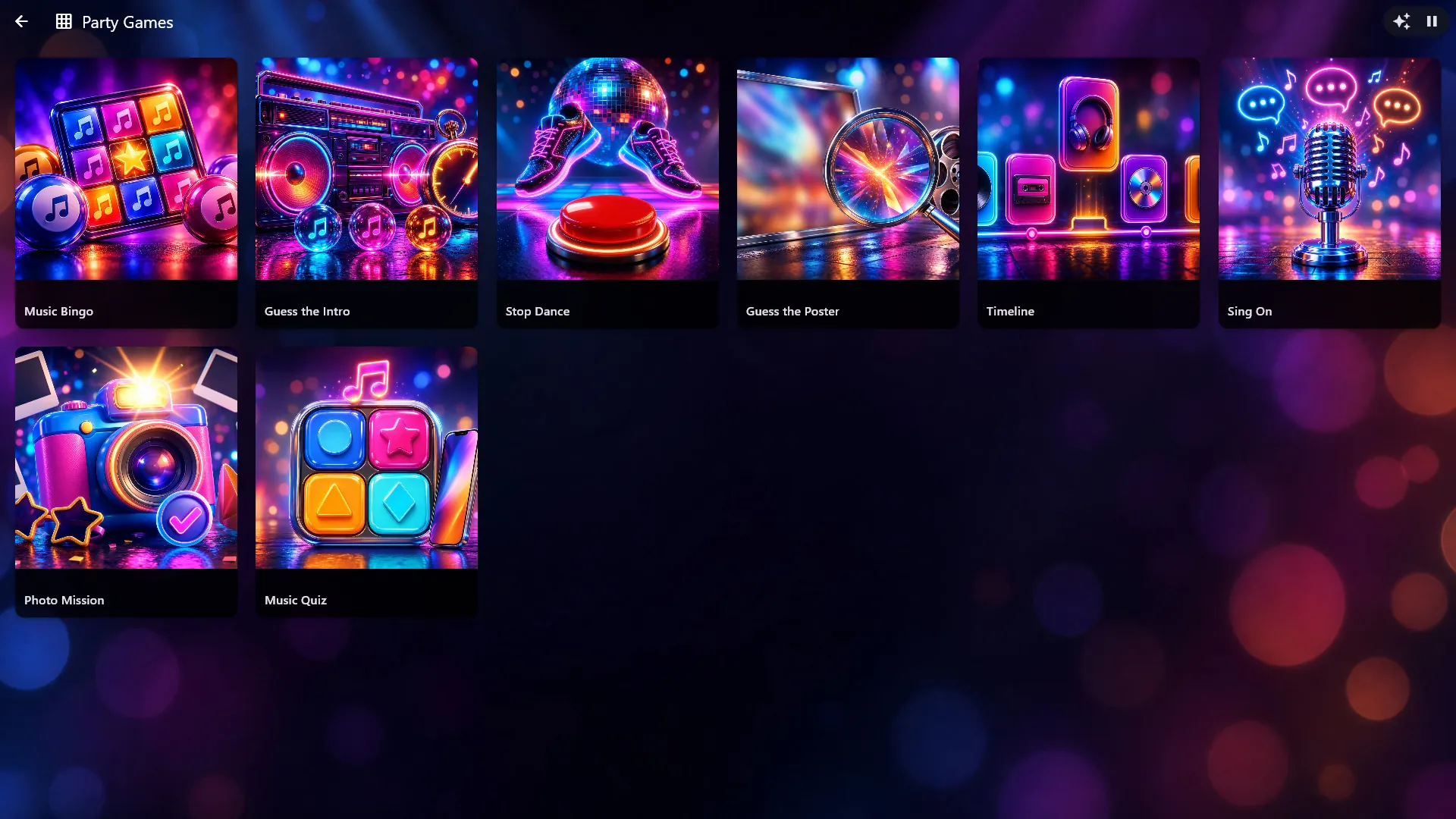
The Party Games center turns the big screen into a game show for the party, played on your own music with you as the host. There are eight games: Music Bingo with printed plates, Guess the Intro, Guess the Poster, Timeline, Music Quiz, Stop Dance, Sing On and Photo Mission. Teams play for points and end on a podium with confetti, you can run every game from your phone, and in Music Quiz and Timeline the teams answer from their own phones.
Included in: Professional.
A closer look
Music Bingo on your own songs
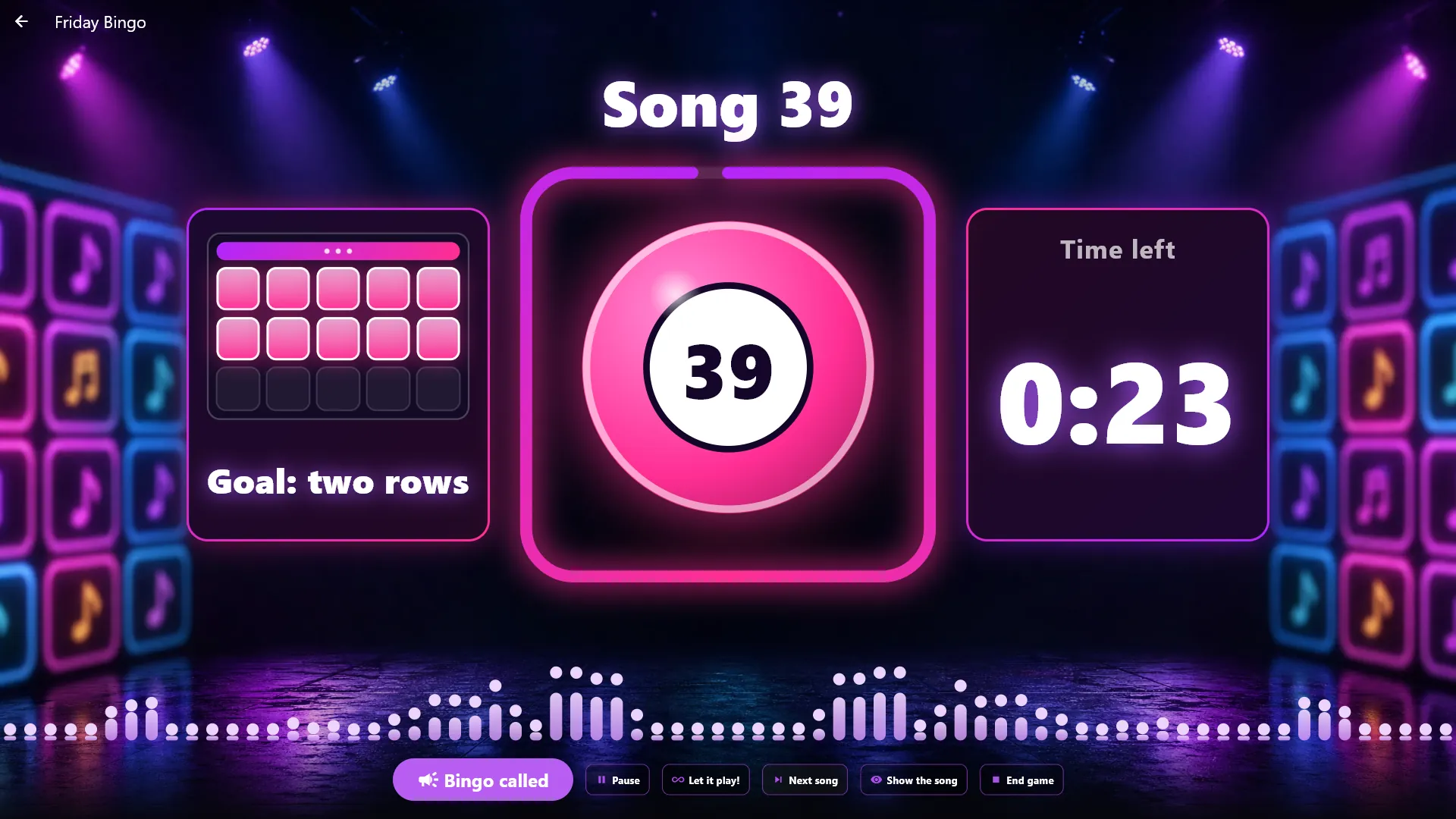
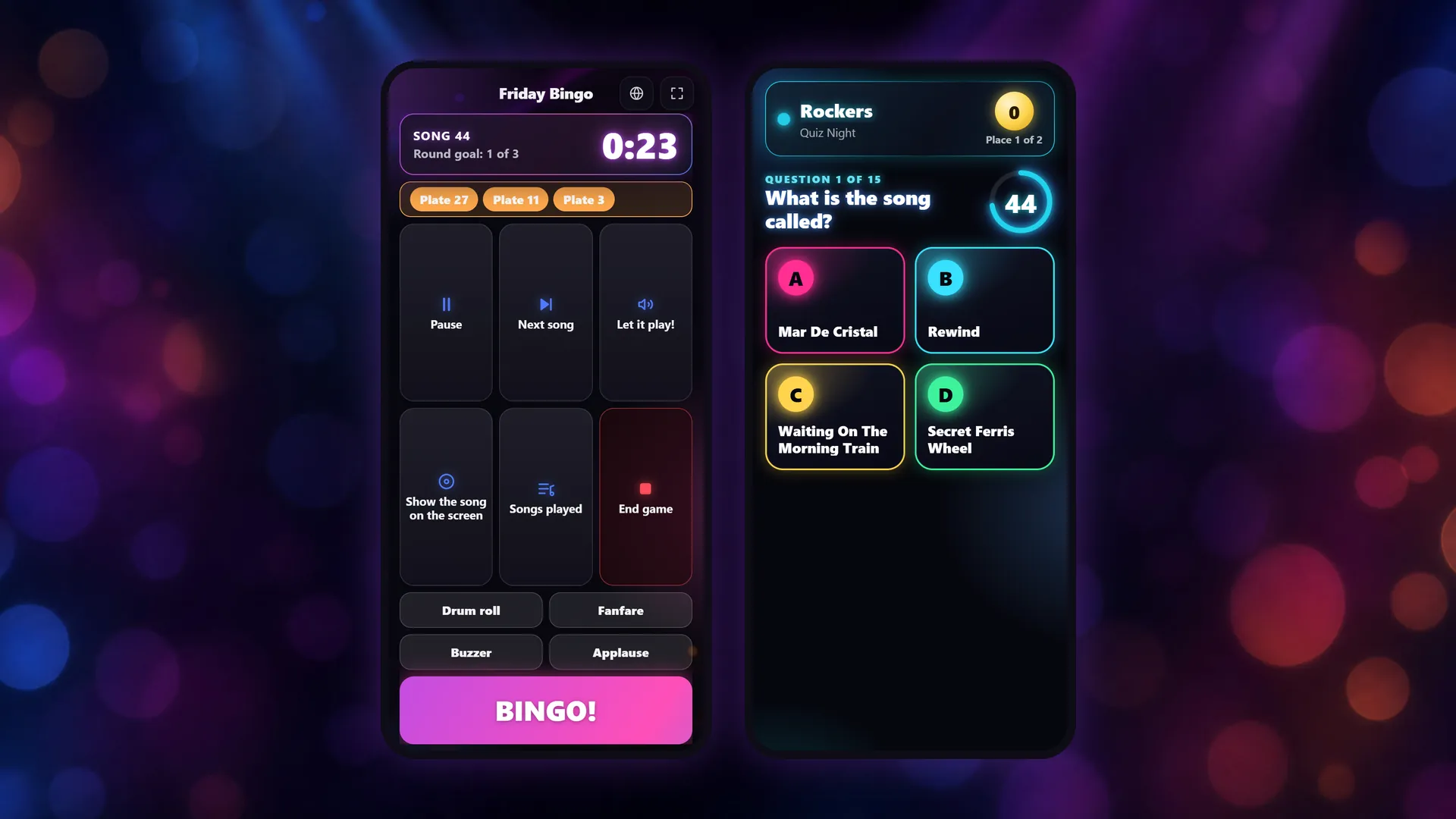
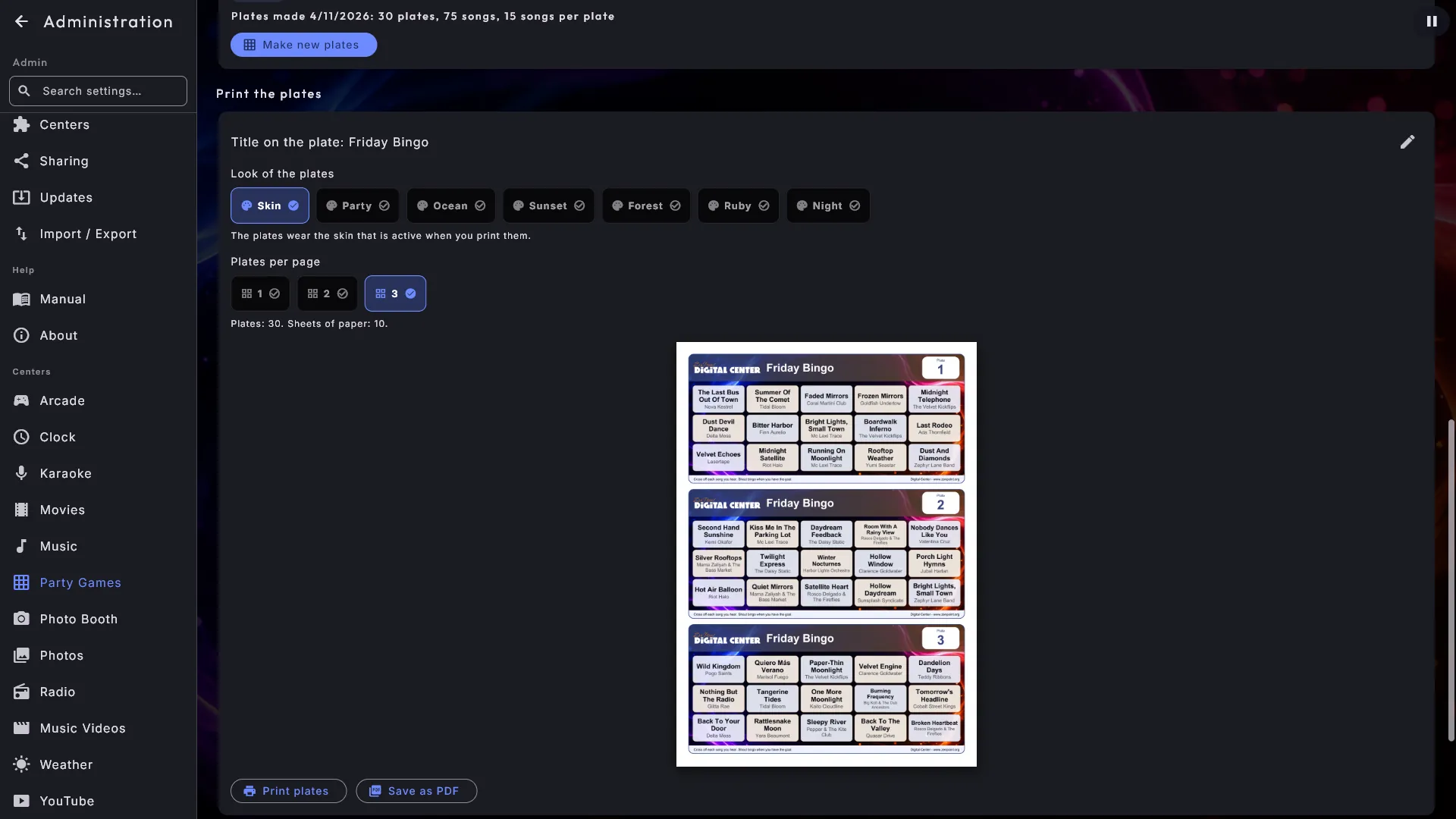
Everyone gets a printed plate full of songs from your own library. The music plays, the guests cross off the songs they recognise, and the screen becomes a bingo stage: each new song rolls in as a glowing bingo ball, a ring around the cover counts down the time, and the round's goal stands in big letters. The song's name is never shown unless you choose to show it. When someone shouts bingo, you type the plate number and the screen tells you if it is right - with a drum roll first, and confetti for a true bingo.
- 9 to 21 songs per plate, always three rows
- Print the plates or save them as a PDF, 1 to 3 per page
- Goals of one row, two rows and a full plate
Guess the Intro
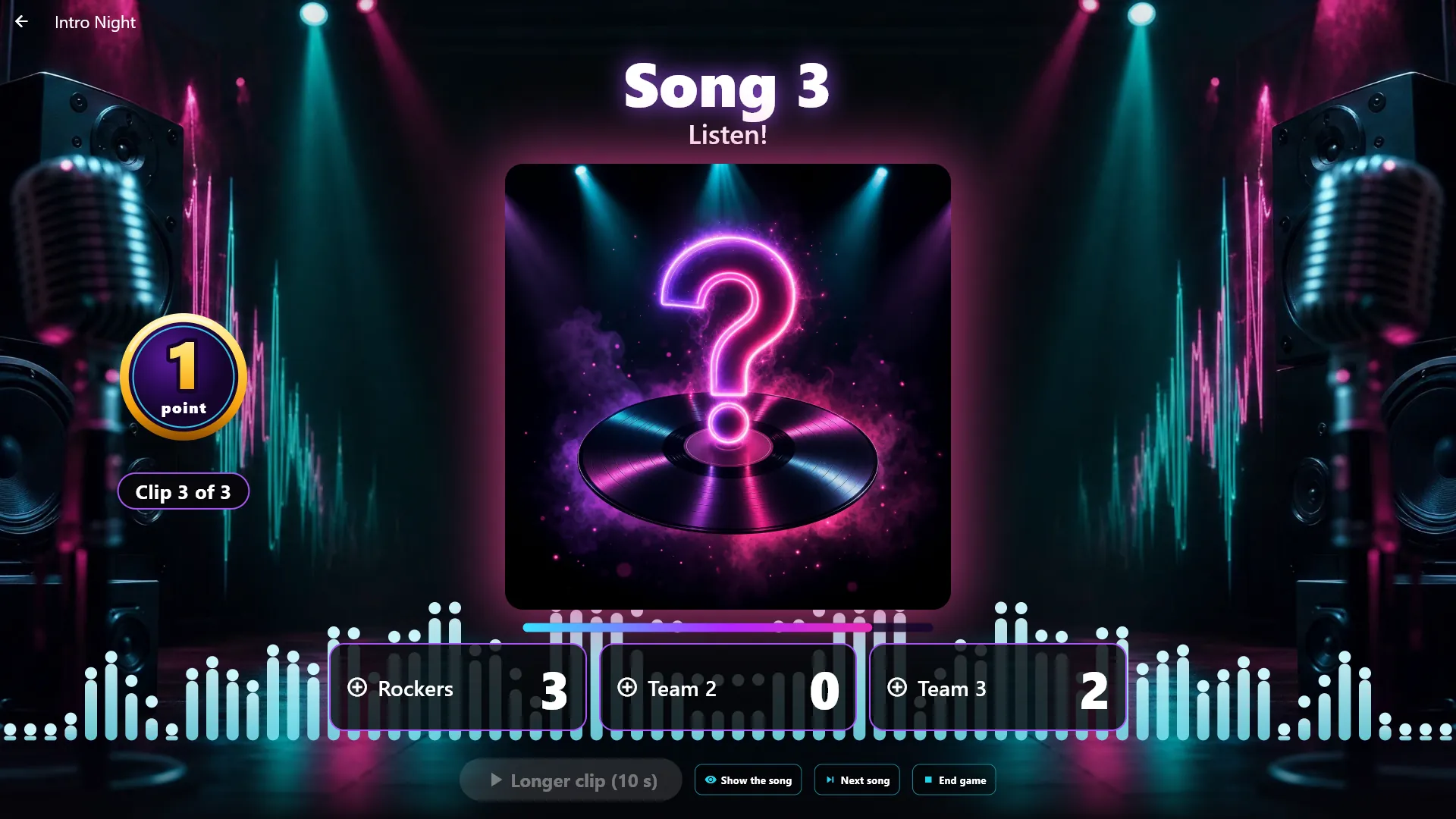
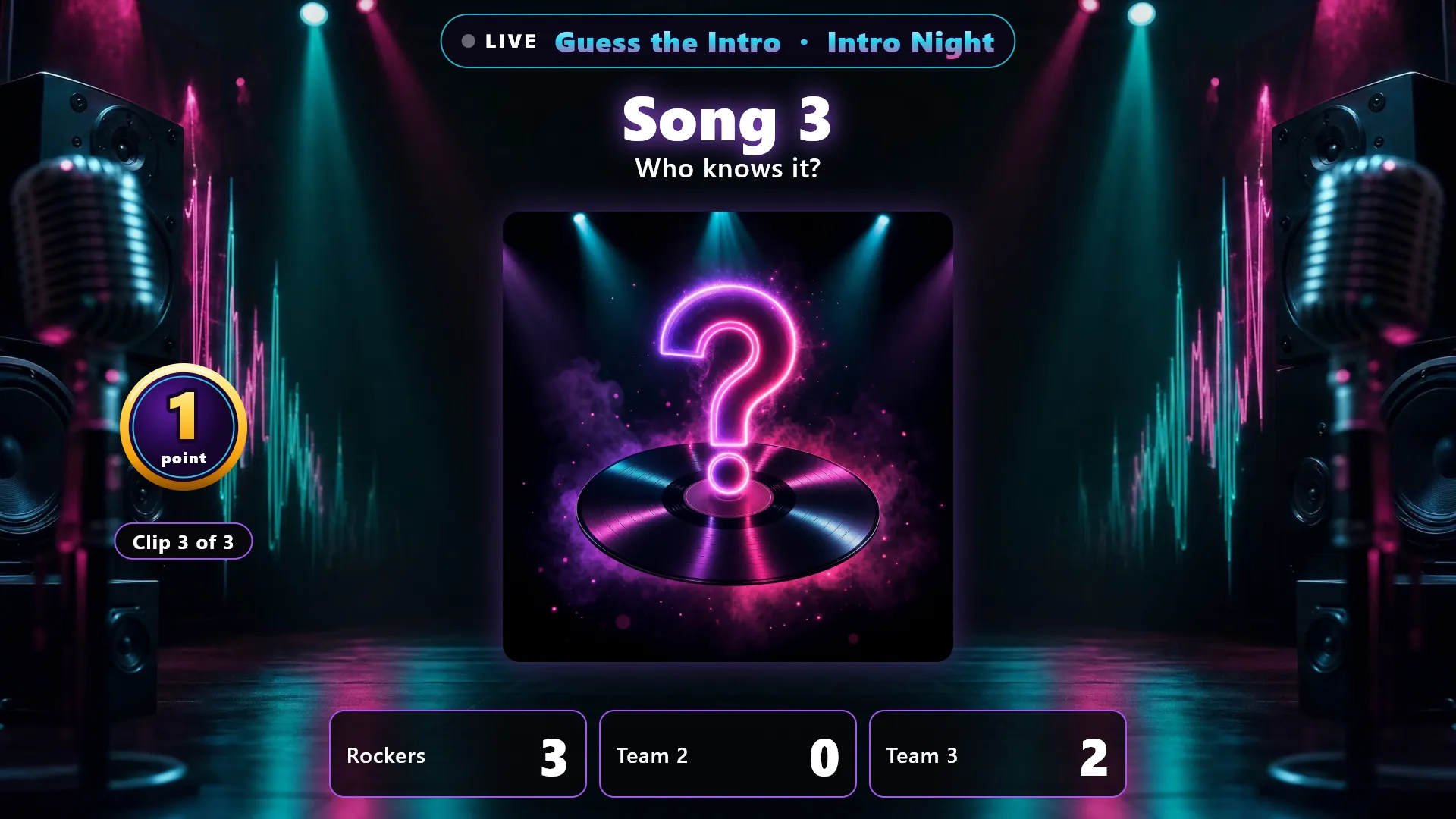
The teams guess a song from its first seconds. Each song plays in three ever longer clips of 2, 5 and 10 seconds, worth 3, 2 and 1 points. A big coin shows what the song is worth right now, and when you tap the team that got it right, the coin flies into the team's panel and the song is revealed.
Guess the Poster
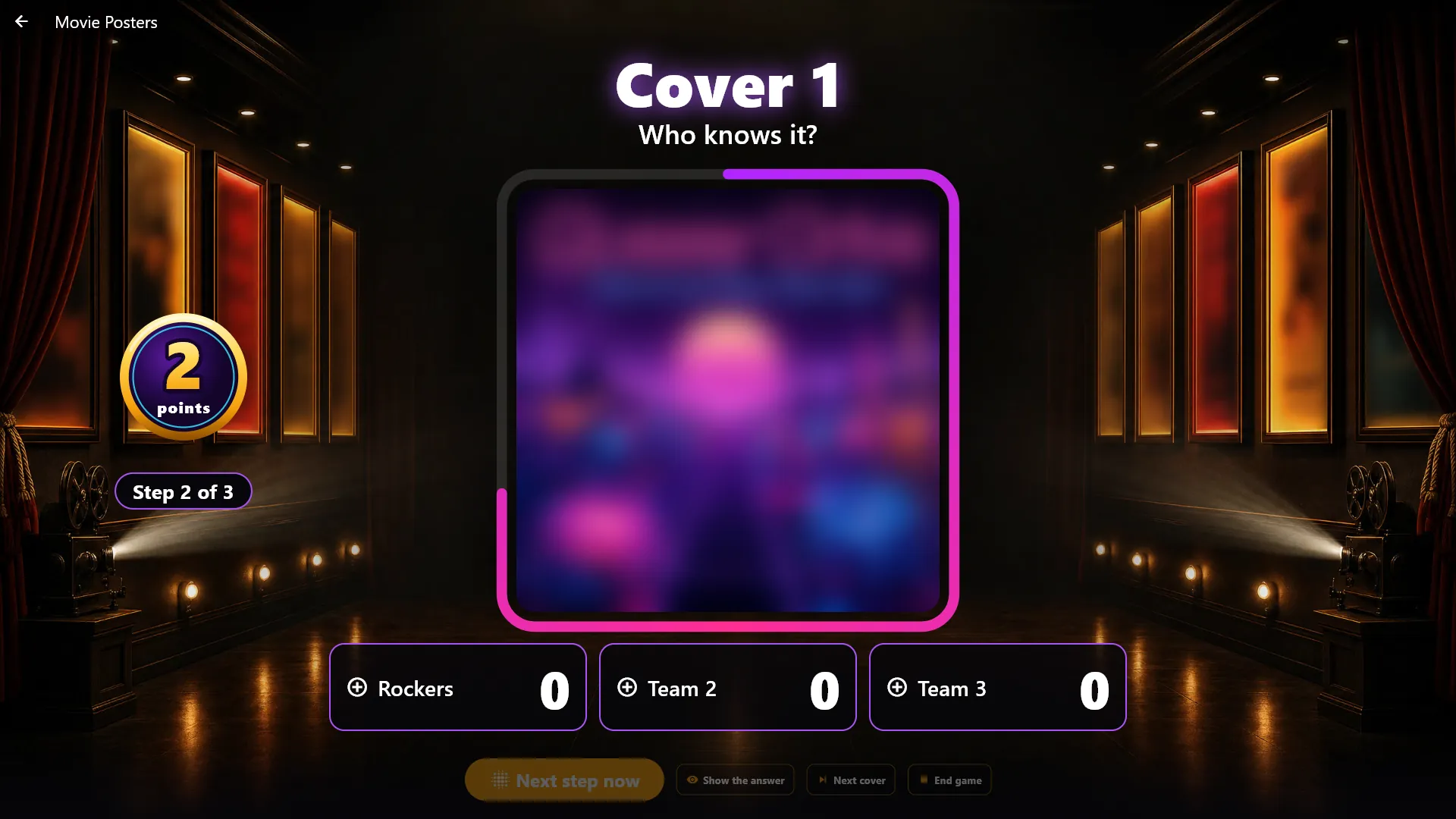
A film poster or an album cover starts completely blurred and gets sharper in three steps. The teams shout the answer, and the sooner they get it, the more points they win. The game uses no sound, so the party music just keeps playing.
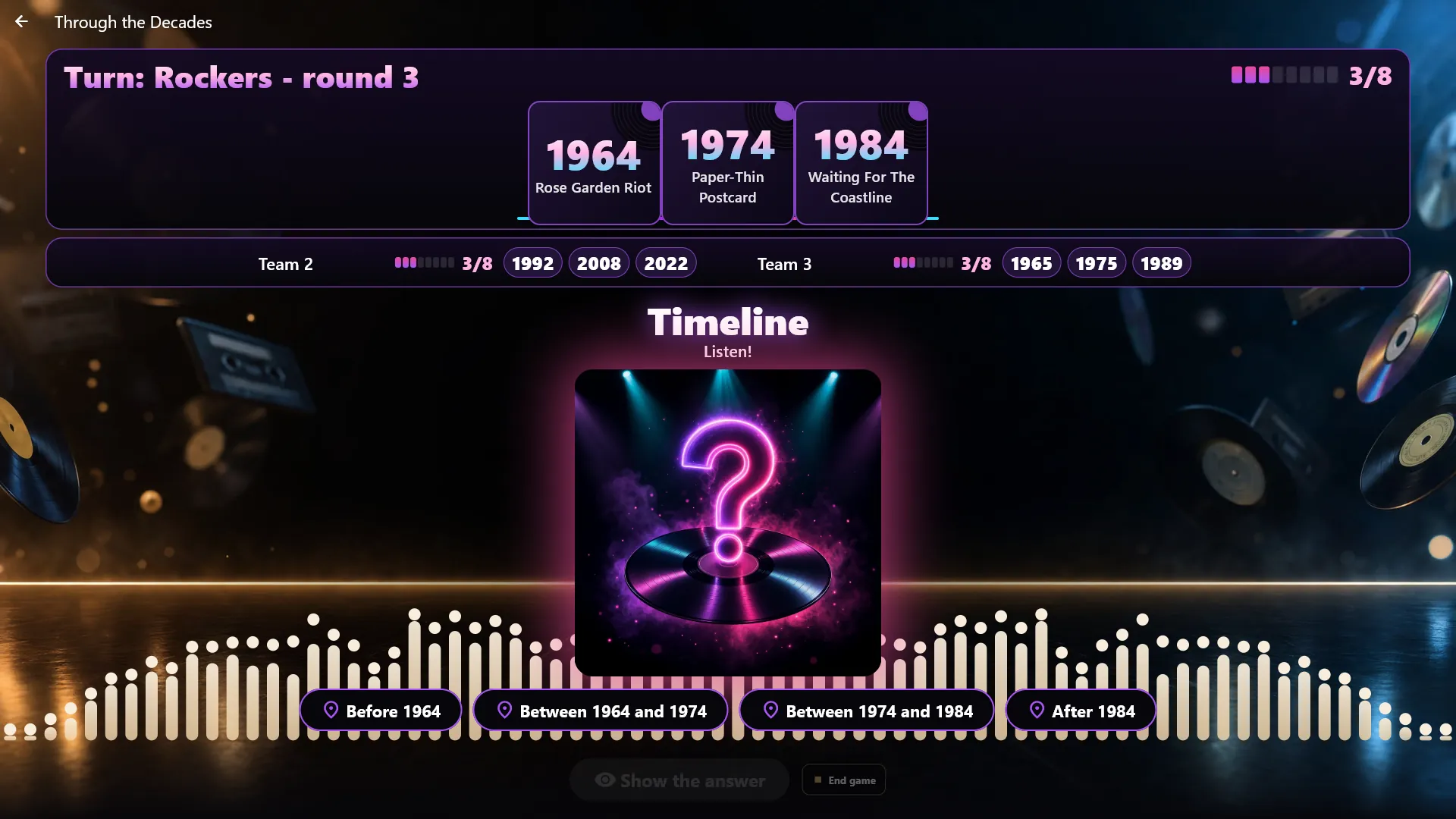
Timeline
Each team builds its own row of songs in order of year. A hidden song plays, and the team says where it belongs - before, between or after the years it already has. Right, and the card stays in the row; wrong, and it is gone. When a team reaches the goal, the round is played to the end, so every team gets as many turns.
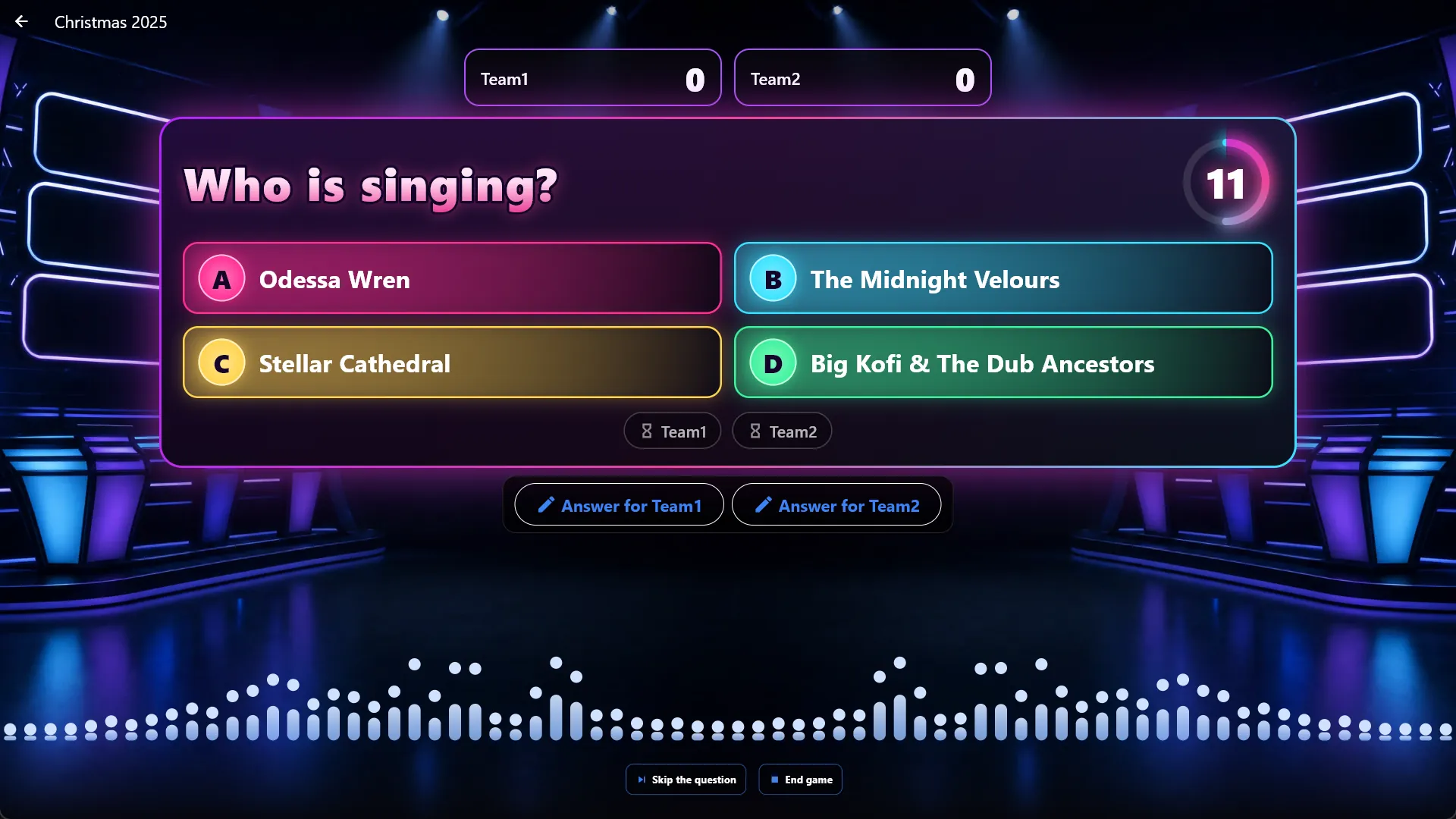
Music Quiz from the teams' phones
A song plays and four answers stand on the screen: who is singing, or what is the song called? Each team scans its own code and answers on its own phone as fast as it can. A right answer gives a point, and the fastest right answer gives one more. A team without a phone? You answer for it on the screen.
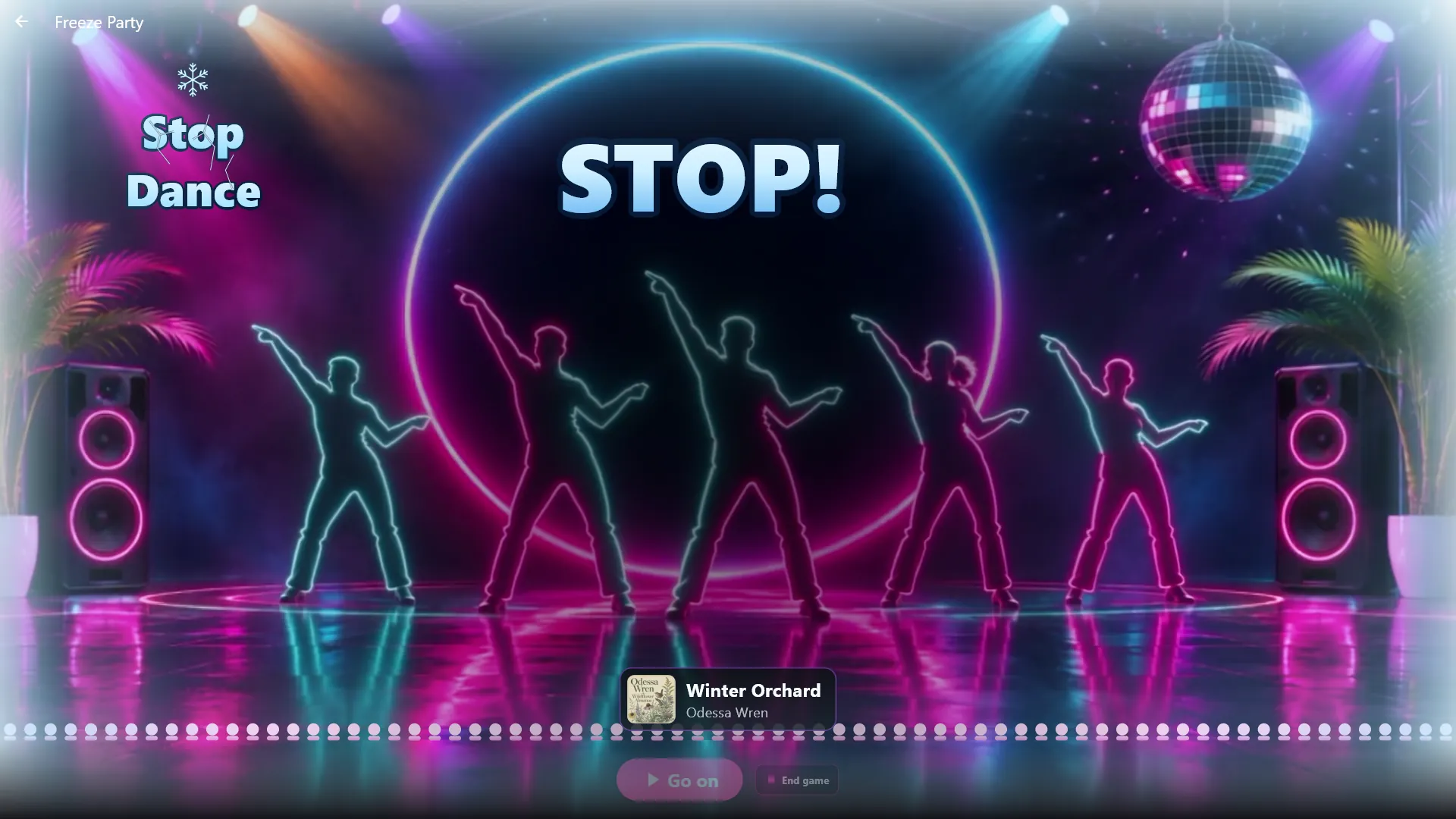
Stop Dance
The music plays, a crowd of neon dancers moves with it, and at a random moment everything stops: a big STOP! turns to ice, and everybody must freeze. You choose how long it plays between the stops and how long each stop lasts. No points, just a dance floor full of statues.
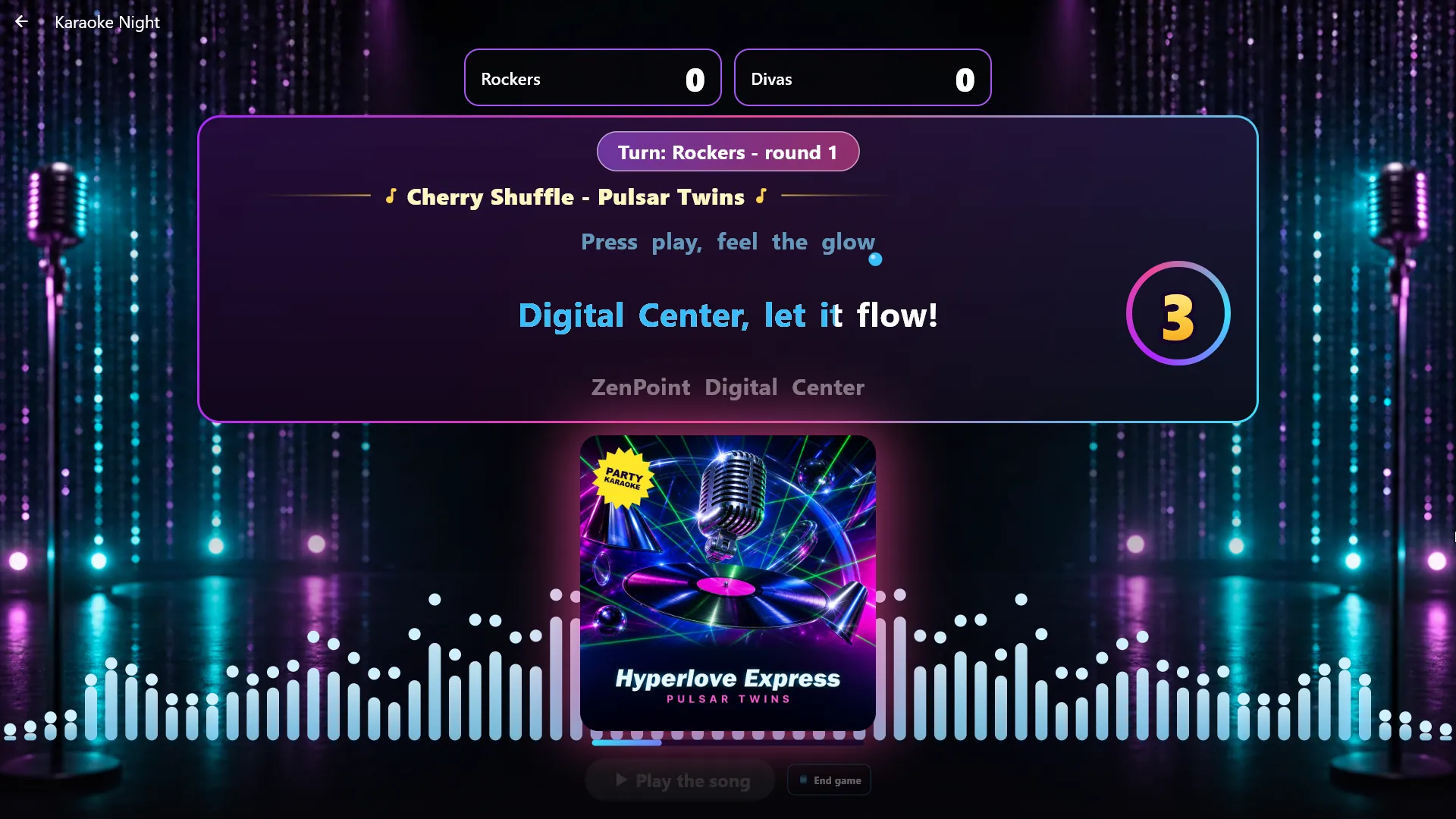
Sing On
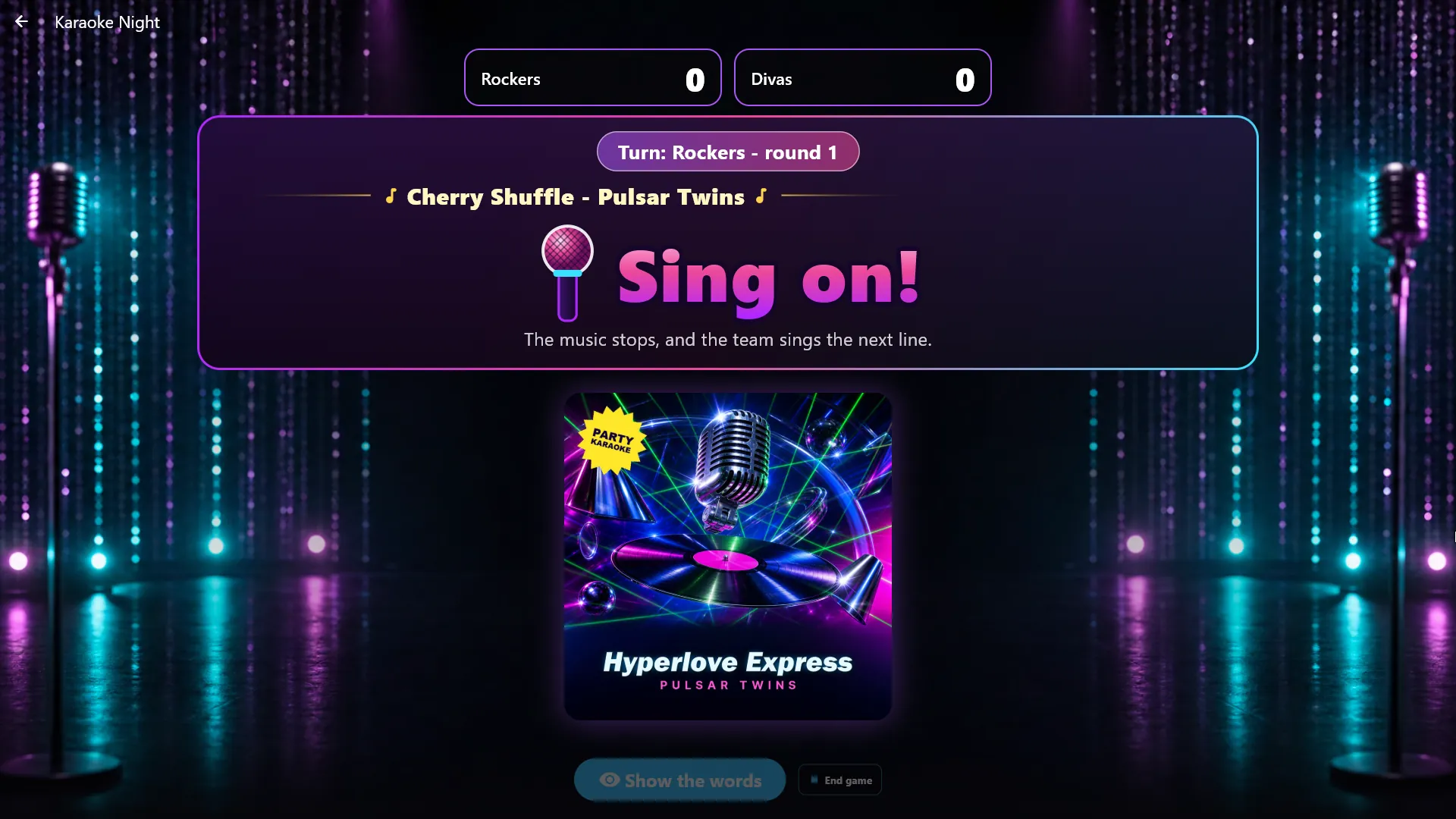
A karaoke song plays with the words on the screen. A countdown runs, and at the chosen spot the music and the words stop - the team must sing on without help. Tap Show the words to reveal the right line, and you decide whether the team earned the point. Nothing listens to the singing; you are the judge.
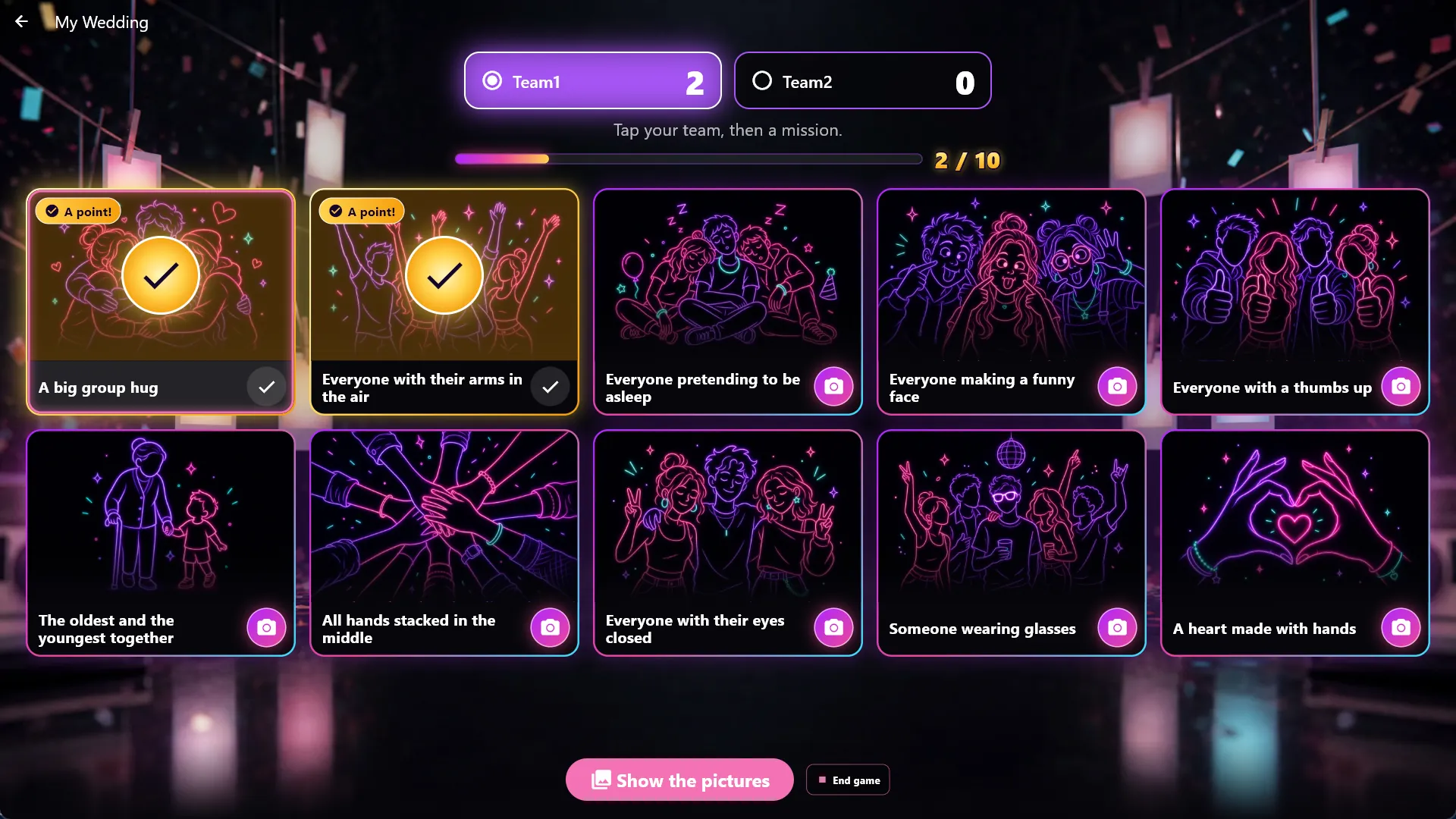
Photo Mission
The teams get a list of missions, such as "Everyone with their arms in the air", and take a picture for each one in the Photo Booth. You approve each picture and give the point, and when you are ready, the pictures run as a slideshow with the team's name and the mission. The game comes with 20 missions, and you can write your own.
The host on the phone, the teams on theirs
Run every game from your phone instead of standing by the screen. One host code opens the host's desk, so you can hand it to a DJ without giving away the admin password. The desk follows whatever game is on the screen and shows what only the host may see. In Music Quiz and Timeline each team plays from its own phone by scanning its team code - there is no app to install.
A finale the whole room can see
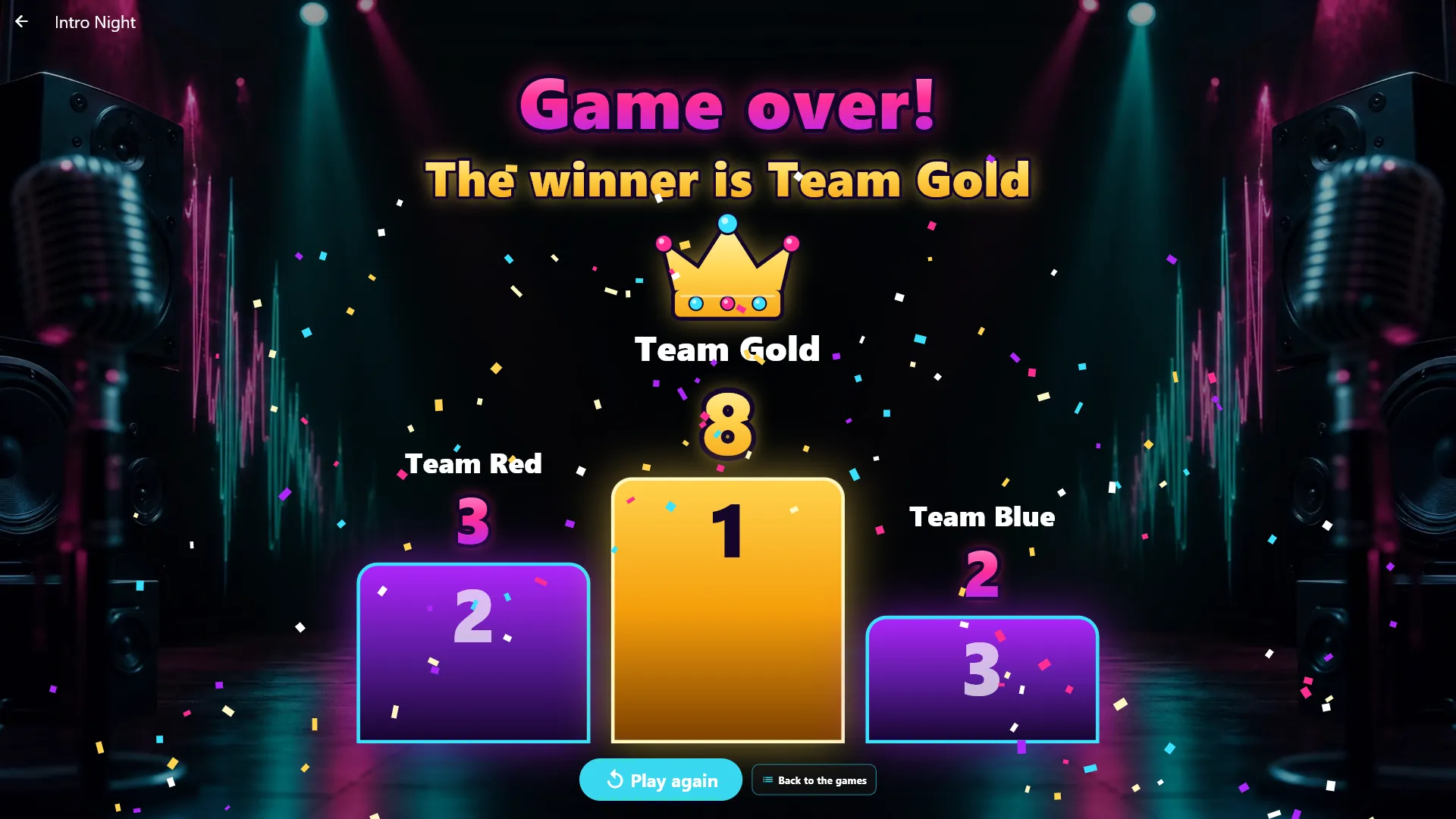
The teams are chosen on the screen when a game starts, and their points count up in glowing panels as the game goes on. At the end, "Game over!" fills the screen, and the teams stand on a podium with the winner under a crown and confetti. While a game runs, extra screens and the screensaver show it too, so everyone can follow along.
Highlights
- Eight party games, all played on your own music and films
- Music Bingo with printed plates and a glowing bingo ball on screen
- A game show stage with team panels, points and sound effects
- Teams answer Music Quiz and Timeline from their own phones
- Run any game from your phone with one host code
- Sing On stops the karaoke, and the team must sing on
- Photo Mission sends the teams to the Photo Booth with a task
- A big finale with a podium, a crown and confetti
- Extra screens and the screensaver show the game while it runs
- Prepare the games beforehand, then start them with one tap
More screenshots
Frequently asked questions
Which games are included?
Eight: Music Bingo, Guess the Intro, Guess the Poster, Timeline, Music Quiz, Stop Dance, Sing On and Photo Mission. All of them are part of the Party Games center, with nothing extra to buy.
Do I need special music for the games?
No. The games use your own music library, and you can limit a game to a playlist or a media theme. Guess the Poster uses your own films and album covers, and Sing On uses your karaoke songs with timed words.
How does Music Bingo work?
You make a game in Administration, choose the songs and how many plates you need, and print the plates or save them as a PDF. During the game the songs play one by one, the guests cross off the songs they recognise, and you check a plate on the screen when someone shouts bingo.
Can I run the games from my phone?
Yes. Scan the host code, and your phone becomes the host's desk for every game. The code never opens Administration, so you can give it to a DJ or a friend, and a new code stops the old one at once.
Do the teams need an app?
No. In Music Quiz and Timeline each team scans its own code on the screen and plays in the phone's browser over your Wi-Fi. A team without a phone can still play - you answer for it on the screen.
How many teams can play?
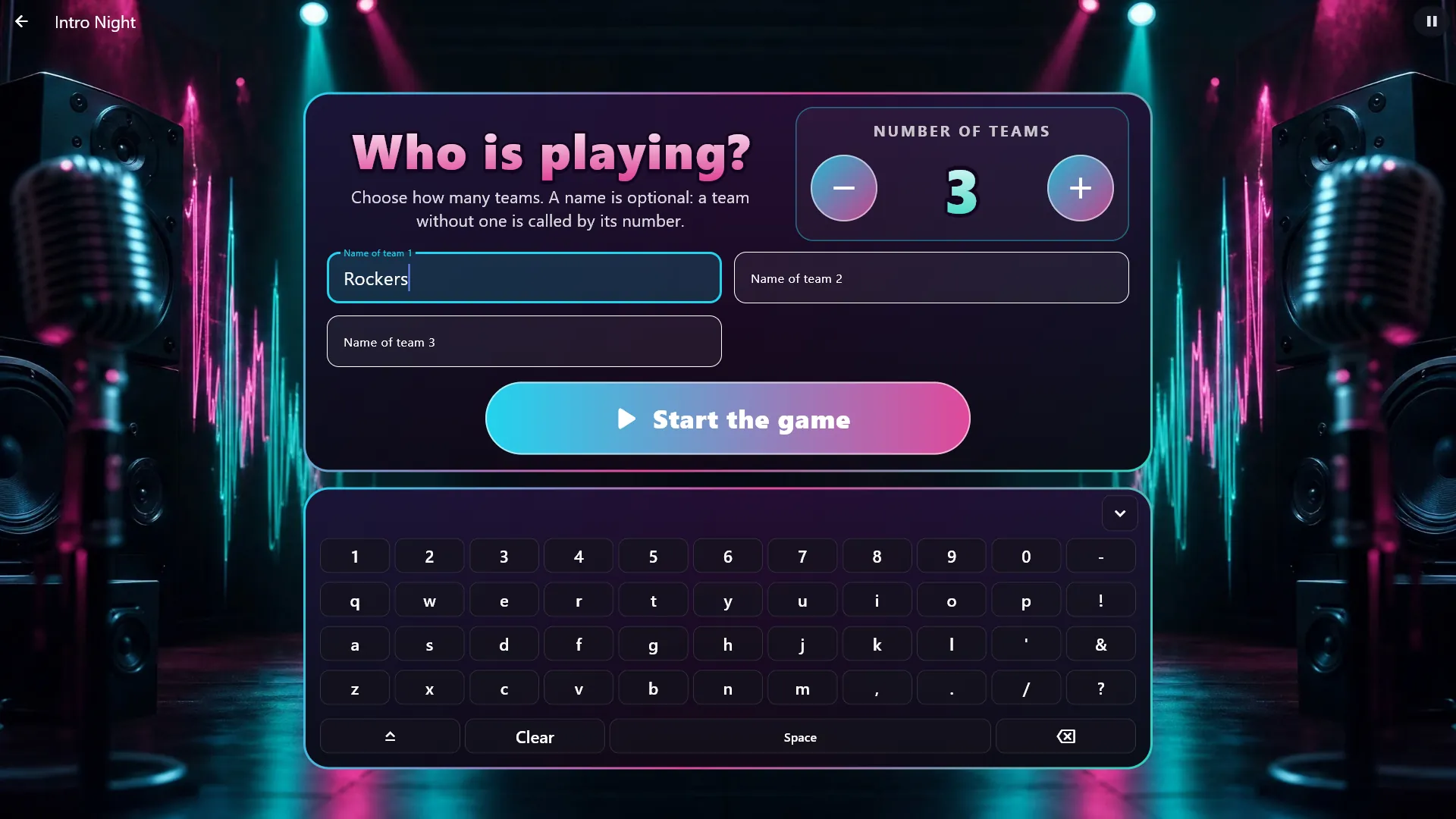
From 2 to 8 teams. You choose the number and the names on the screen when a game starts, and the next game suggests the same teams. Music Bingo and Stop Dance are for everyone at once, without teams.
Can the whole room follow the game?
Yes. While a game runs, extra screens and the screensaver show it with the teams' points and the same effects as the big screen. What only the host may see, such as the song's name in Music Bingo, stays hidden until you choose to show it.
Which edition includes Party Games?
Party Games is included in Digital Center Professional. You can try every game for free in the 7-day trial.
Other centers

Audio
Music
Play your whole music collection - MP3, FLAC and more - with a living audio visualizer and album art.
See details
Audio
Karaoke
Full-screen karaoke with a bouncing ball and word-by-word coloring.
See details
Video
Movies
Movie library as a cover wall with posters and details filled in automatically.
See details
Video
Music Video
Your music videos as a cover gallery, with living thumbnails.
See details