


Karaoke
Karaoke Software for Windows
Word-by-word lyrics with a bouncing ball on your own TV. Turn any MP3 into a sing-along track.
- Free 7-day trial
- Word-by-word lyrics
- Software for Windows 10/11
How it works
Digital Center is a complete home karaoke system for Windows. Play karaoke with word-by-word lyrics on the big screen, turn any MP3 into a sing-along track, and host karaoke parties where guests queue songs from their own phone.
Digital Center is all-in-one karaoke software for Windows that does two things most tools do not combine: it plays karaoke with a word-by-word bouncing ball on your TV or touchscreen, and it lets you create your own karaoke tracks from any song in your library. Use the app in any of 16 languages, keep everything on your own PC, and switch to Party Mode to run a karaoke night where guests pick songs from their own phone.
Play karaoke on the big screen
Make your own karaoke from any MP3
Host a karaoke party
Karaoke
Hand someone the mic.
Lyrics follow the music word by word. The screen calls up each singer by name, and the room does the rest.
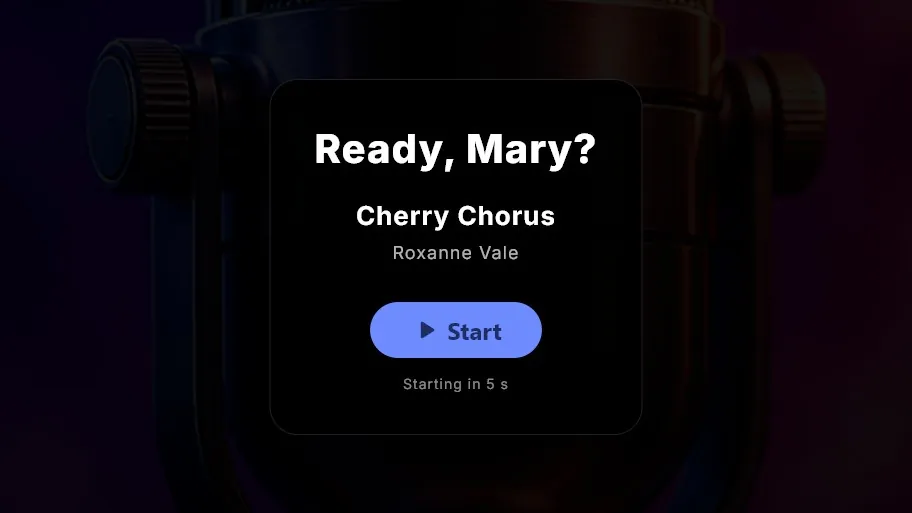
Grab the mic, it's your turn
Change the key or the tempo on the fly. Switch between the original and the backing track with one press.
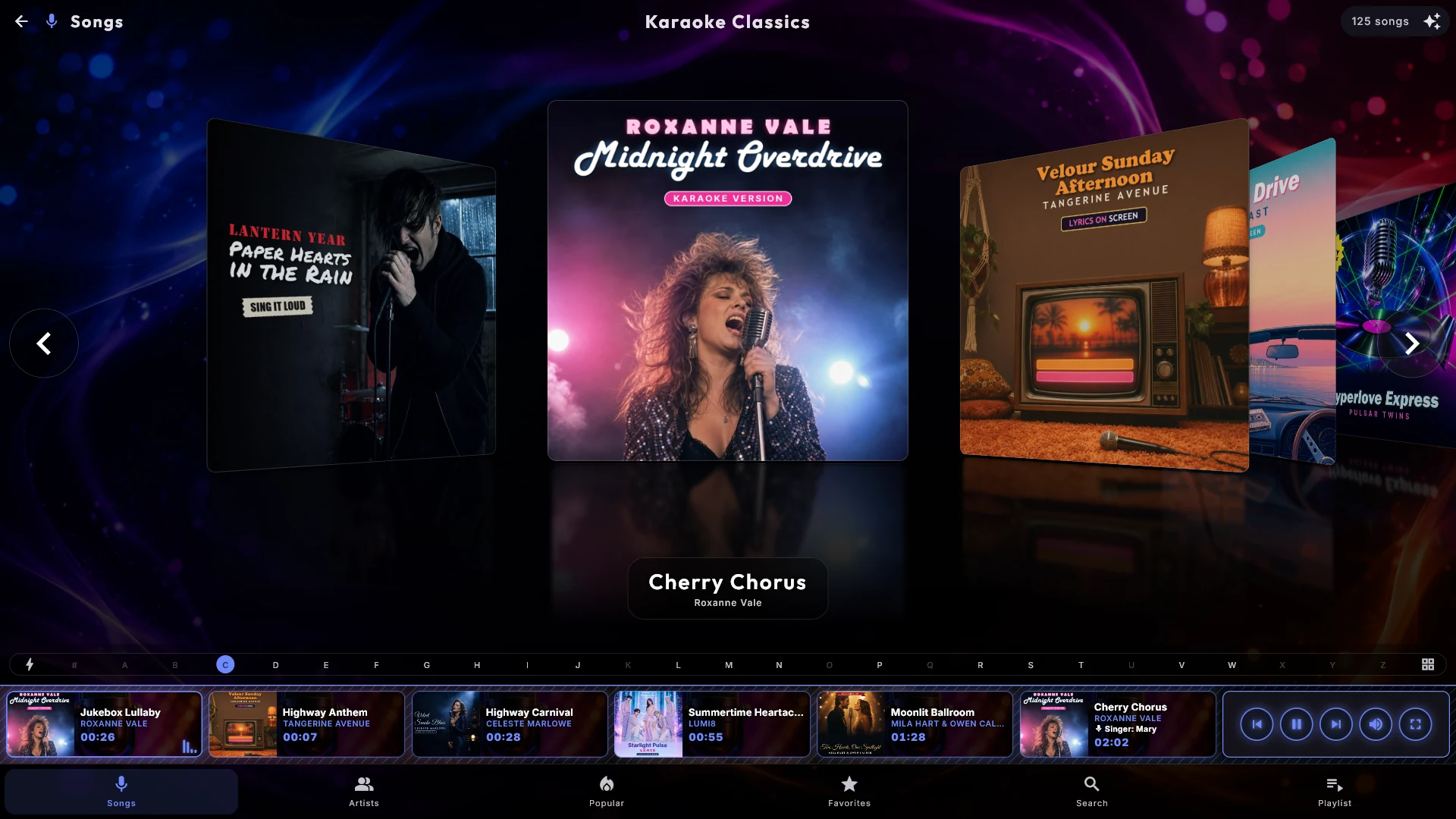
Find the song fast
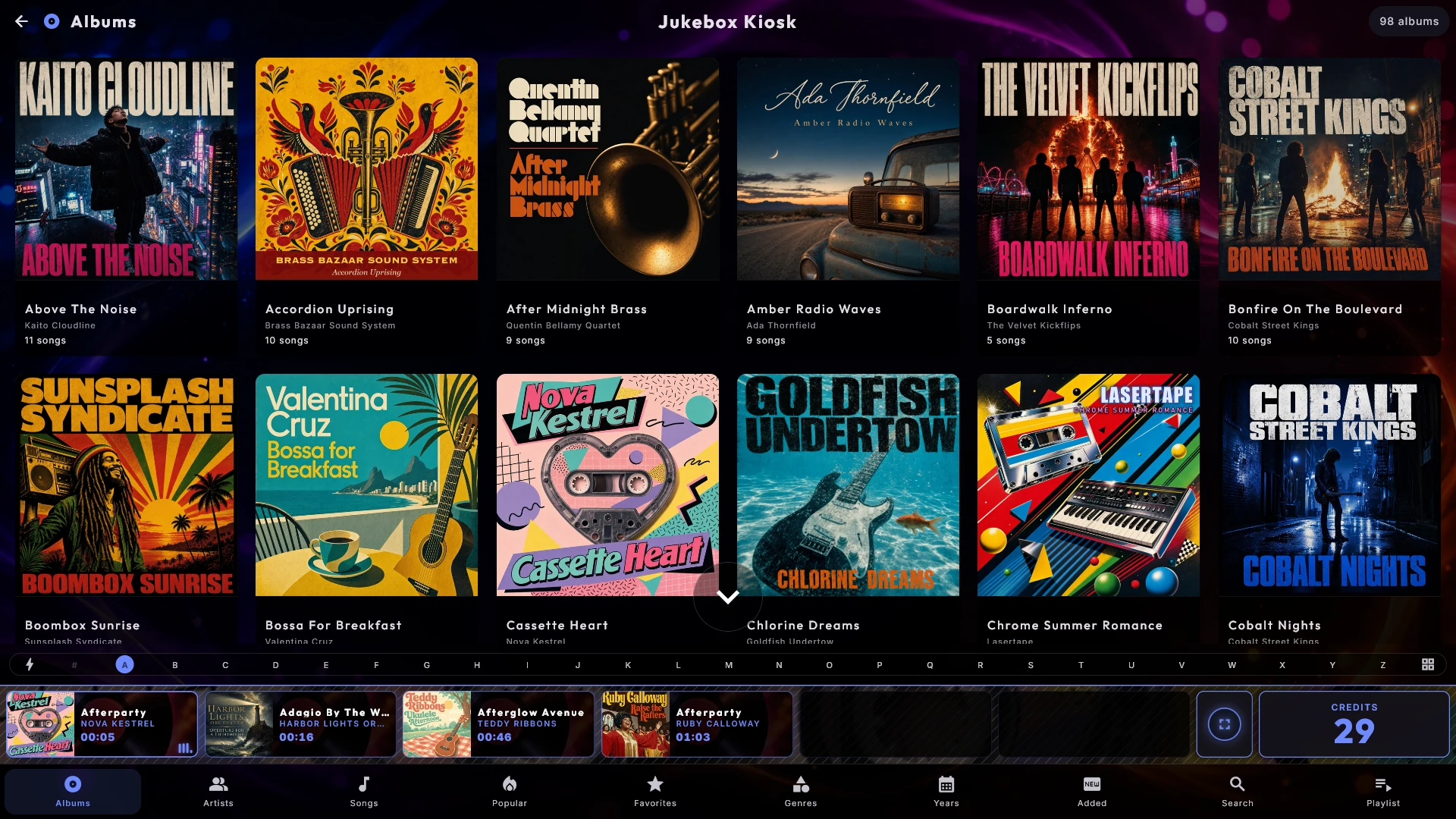
Karaoke opens on Titles - one tile per song - and the bottom menu runs Titles, Artists, Search and Playlist. Tap an artist to see everything they have, or search. Tap the playing card at the bottom for a small pop-up with the song's actions, and press Full screen when it is time to sing.
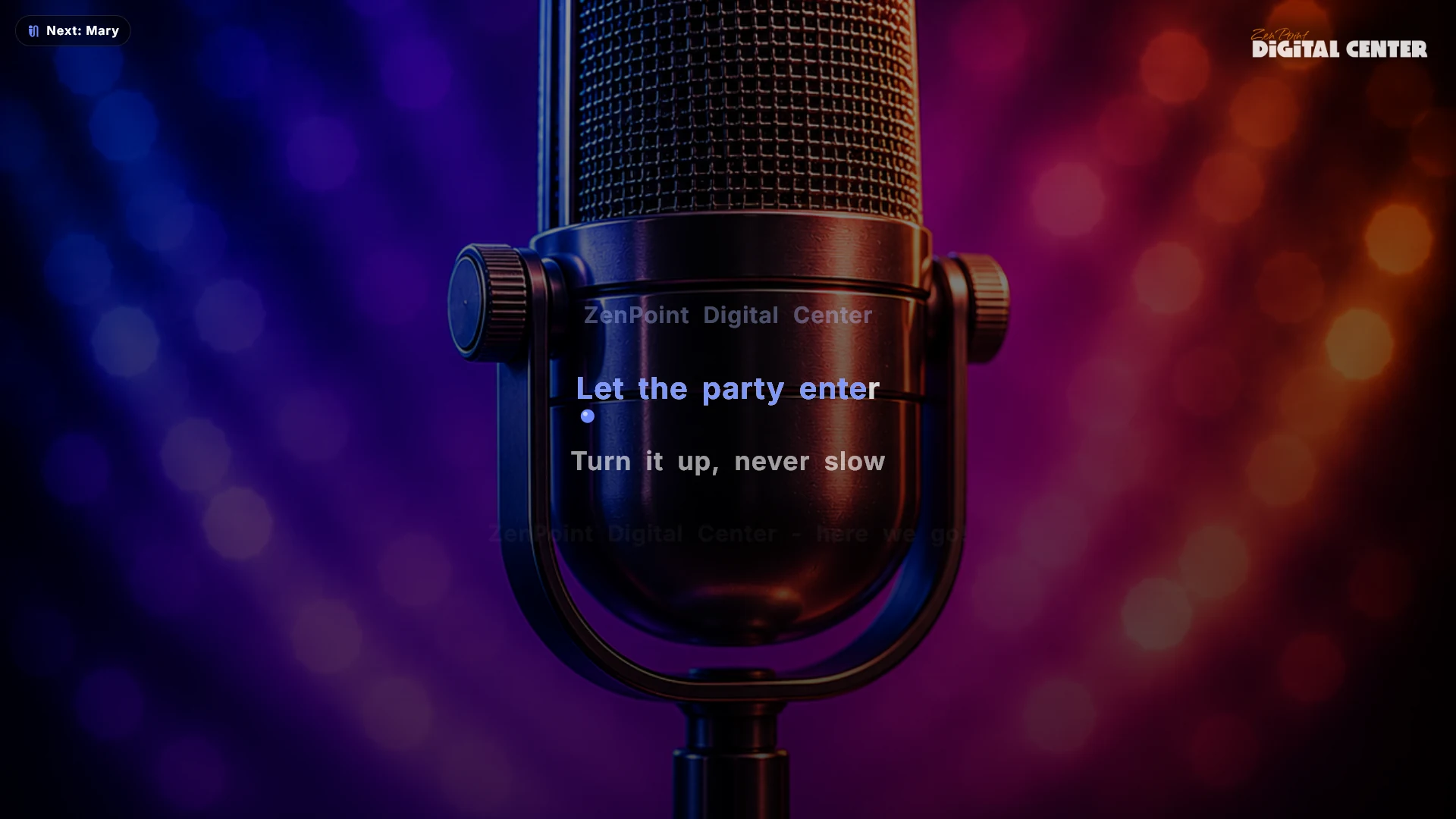
Word-by-word lyrics on the big screen
Songs with detailed word timing get the classic bouncing ball that hops from word to word; the rest simply light up the current line. Press the "o" key or the microphone button during full-screen playback to switch between the original vocal and the instrumental while the song plays. If a song has a pause marker for an instrumental break, the lyrics go blank for the length of the break instead of leaving the last line hanging. CDG graphics are supported too.
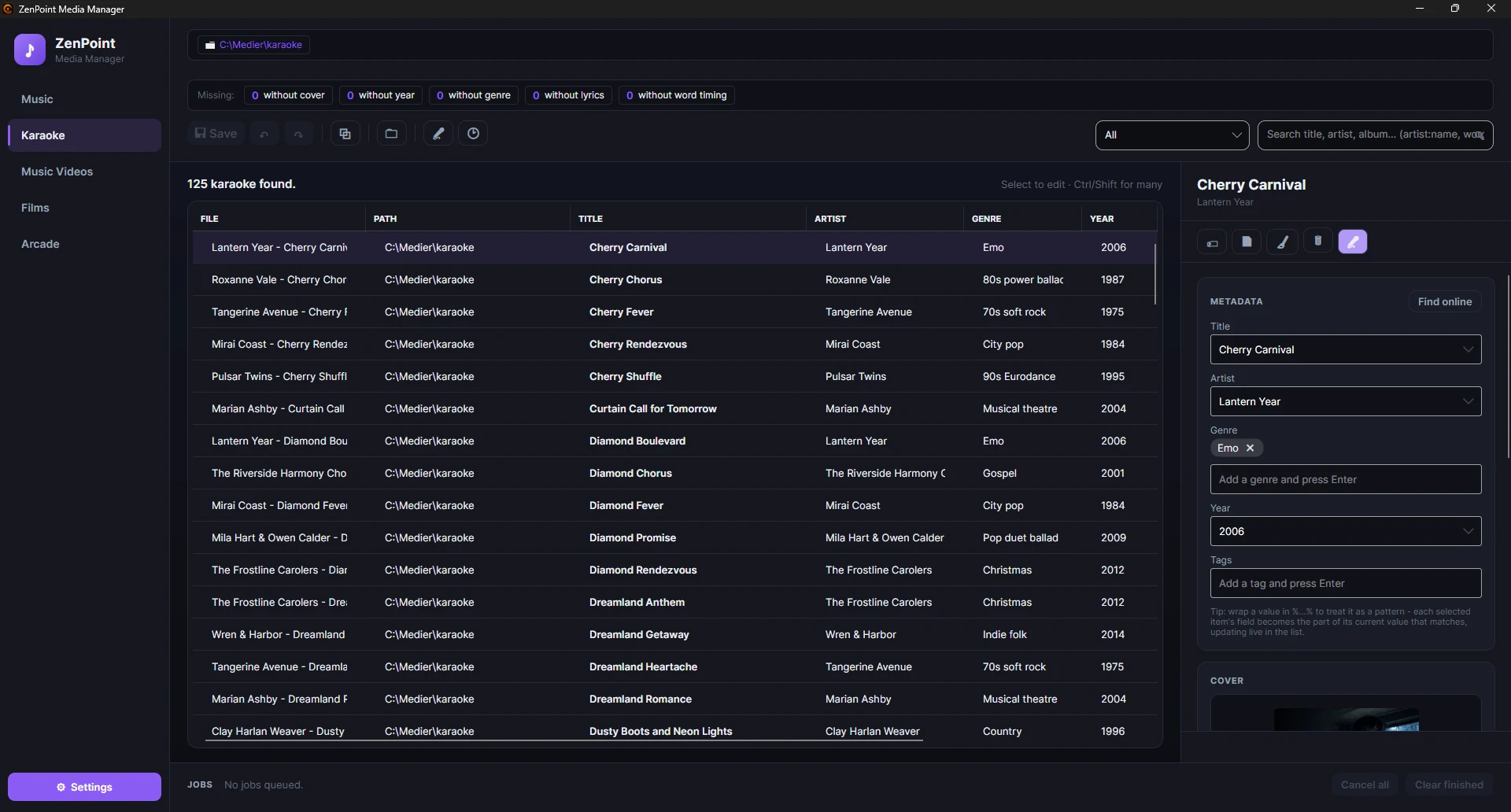
Make karaoke from any song you own
The Karaoke tab of the included ZenPoint Media Manager turns an ordinary MP3 into a proper sing-along track. It removes the vocals into a separate instrumental version - your original file is never touched - and works out exactly when every word is sung, so you get the bouncing ball on the big screen.
- Remove vocals - one song, or every song still missing an instrumental, in one batch
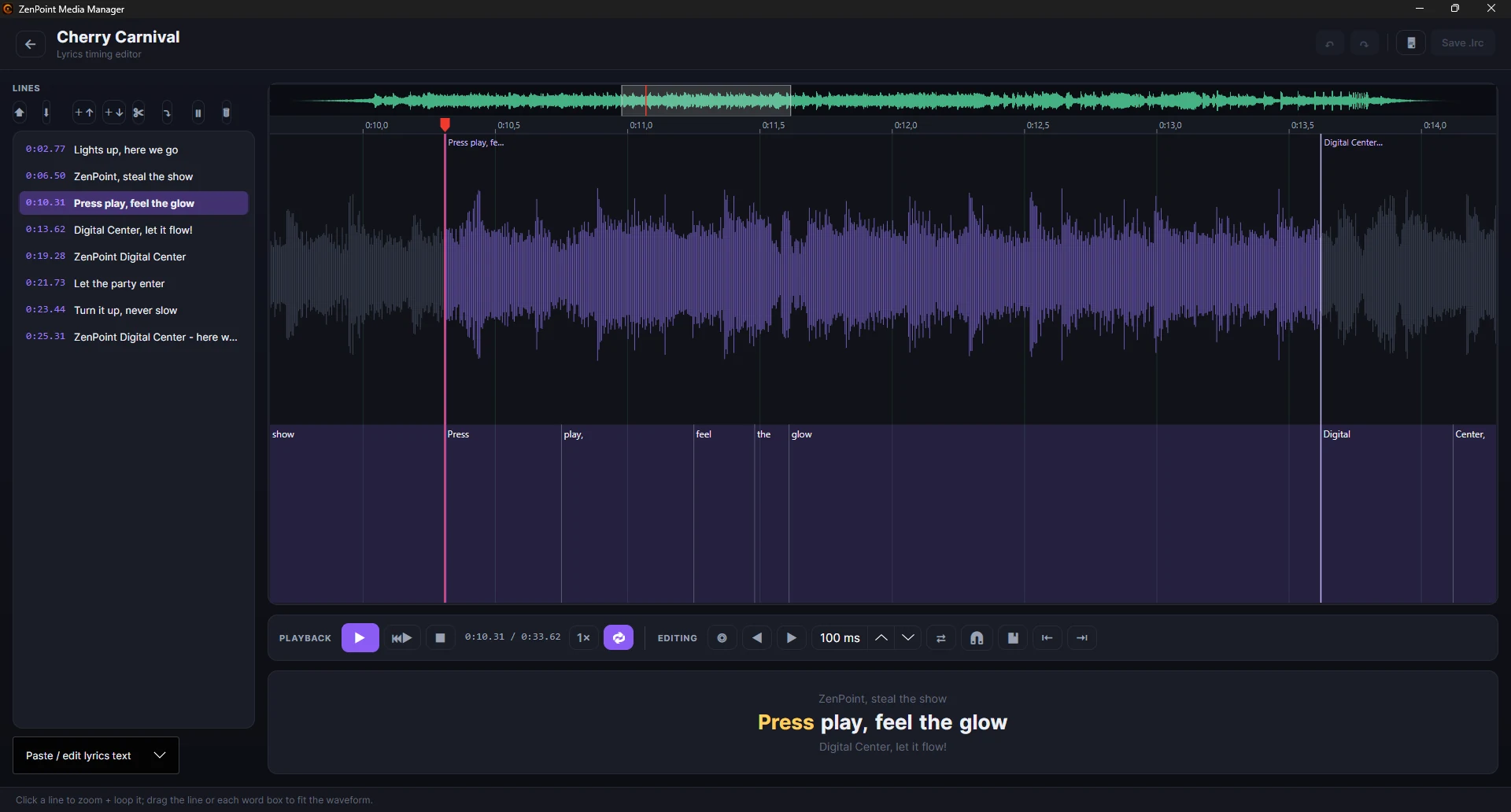
- Create word timing automatically, then fine-tune it in the timing editor
- The timing editor shows the waveform with the words along it: loop a line, drag a word's edges, tap along and split a word
- Insert a pause so the screen goes blank during a long instrumental break
- Give each karaoke artist their own picture for the gallery
Perfect for
Home karaoke nights
House parties
Bars & venues
Karaoke rental
More from the Karaoke center
Frequently asked questions
Do I need special karaoke files?
No. Existing karaoke files work, including CDG and LRC, but you can just as well start from ordinary MP3s and let the included ZenPoint Media Manager prepare them with an instrumental version and word-by-word timing.
Can I switch to the instrumental while a song is playing?
Yes. If the song has an instrumental version, press the "o" key or the microphone button during full-screen playback to switch between the original vocal and the instrumental on the fly.
Can guests pick karaoke songs from their phone?
Yes. In Party Mode guests scan a QR code and queue karaoke songs from their own phone through a web app - nothing to install, and only the rules you allow.
How do I turn an ordinary MP3 into a karaoke song?
In the included ZenPoint Media Manager, open the Karaoke tab, pick the song and let it remove the vocals into a separate instrumental version and work out the word-by-word timing. Your original file is never touched, and the finished song gets the bouncing ball on the big screen.
Which karaoke and audio files does it support?
It plays MP3, WAV, M4A, FLAC and OGG audio, and reads CDG graphics and LRC lyric files that sit next to the song. You can also start from an ordinary MP3 and let ZenPoint Media Manager add the instrumental and word-by-word timing.
Ready to sing?
Download the free 7-day trial and turn your first song into karaoke today.